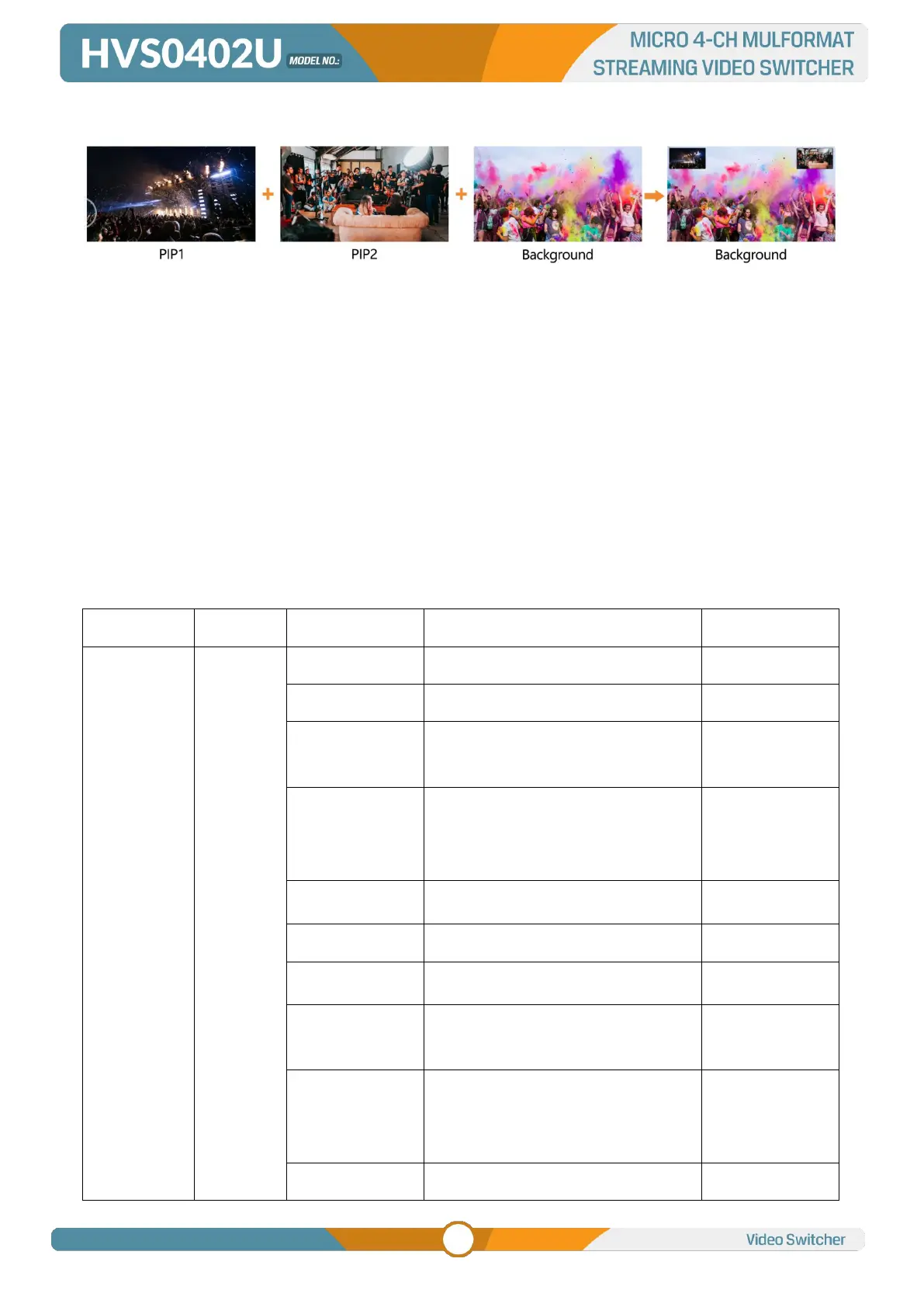
9.3. PIP & POP
The video switcher supports two groups PIP or one POP. When press PIP1 or PIP2 button, there will be a
small image display on the top left corner of PVW window. Press the Menu knob and choose the PIP
setting interface, user can set parameters including position, size, border etc. Press ON AIR button next
to PIP1 and PIP2 to put the PIP into effect on PGM.
PIP1/ PIP2 button ON: PIP1 or PIP2 shows on PVW.
ON AIR button ON: PIP1 or PIP2 Key available on PGM.
PIP1/ PIP2 and ON AIR button both ON: PIP1 or PIP2 available on both PVW and PGM. Corresponding
status in menu is <KEY & ON AIR>
Set the POP same on menu, when POP are working, PIP is inoperative.
PIP & POP detailed parameters as below:
OFF/ KEY (PVW)/ ON AIR (PGM)/
KEY & ON AIR
Black/ Color Bar/ Color 1/ Color 2/
HDMI 1/ HDMI 2/ HDMI 3 /HDMI 4/
Image
OFF/ KEY (PVW)/ ON AIR (PGM)/
KEY & ON AIR
Black/ Color Bar/ Color 1/ Color 2/
HDMI 1/ HDMI 2/ HDMI 3 /HDMI 4/
Image



 To Next Page