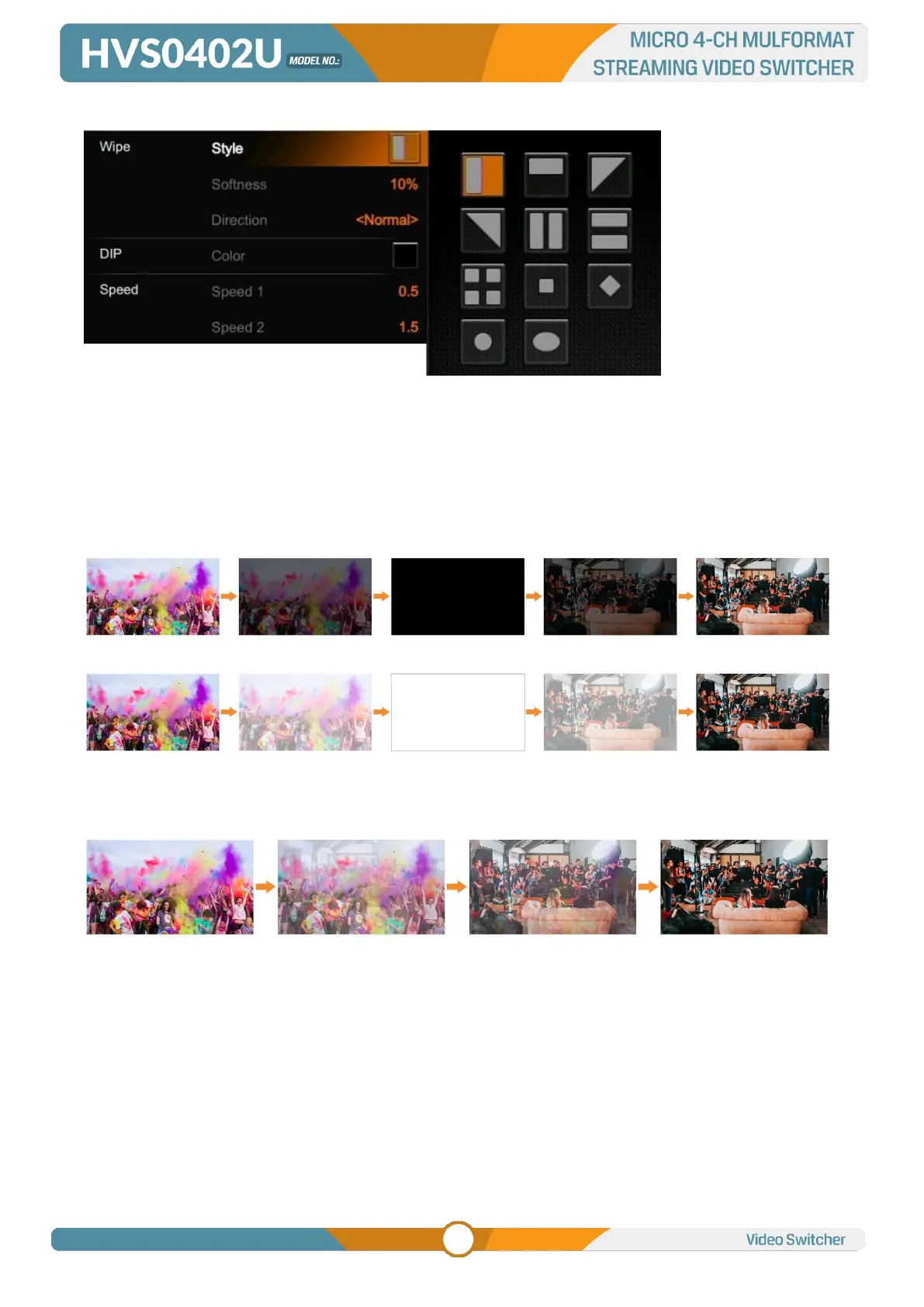
Press the INV button to invert the selected wipe so it acts in the opposite direction.
8.2. DIP
Press the DIP button to perform the DIP transition effect. User can select the various color for DIP from
the palette on menu. The default color is black.
8.3. MIX
Press the MIX button to perform the MIX transition effect.
8.4. Transition Speed Setting
User can set two speed of transition on menu, and the defined speed value will be saved and
corresponds to Speed 1 and Speed 2 button. The higher value, the slower the transition speed, total
0.1s-8.0s for choice.



 To Next Page