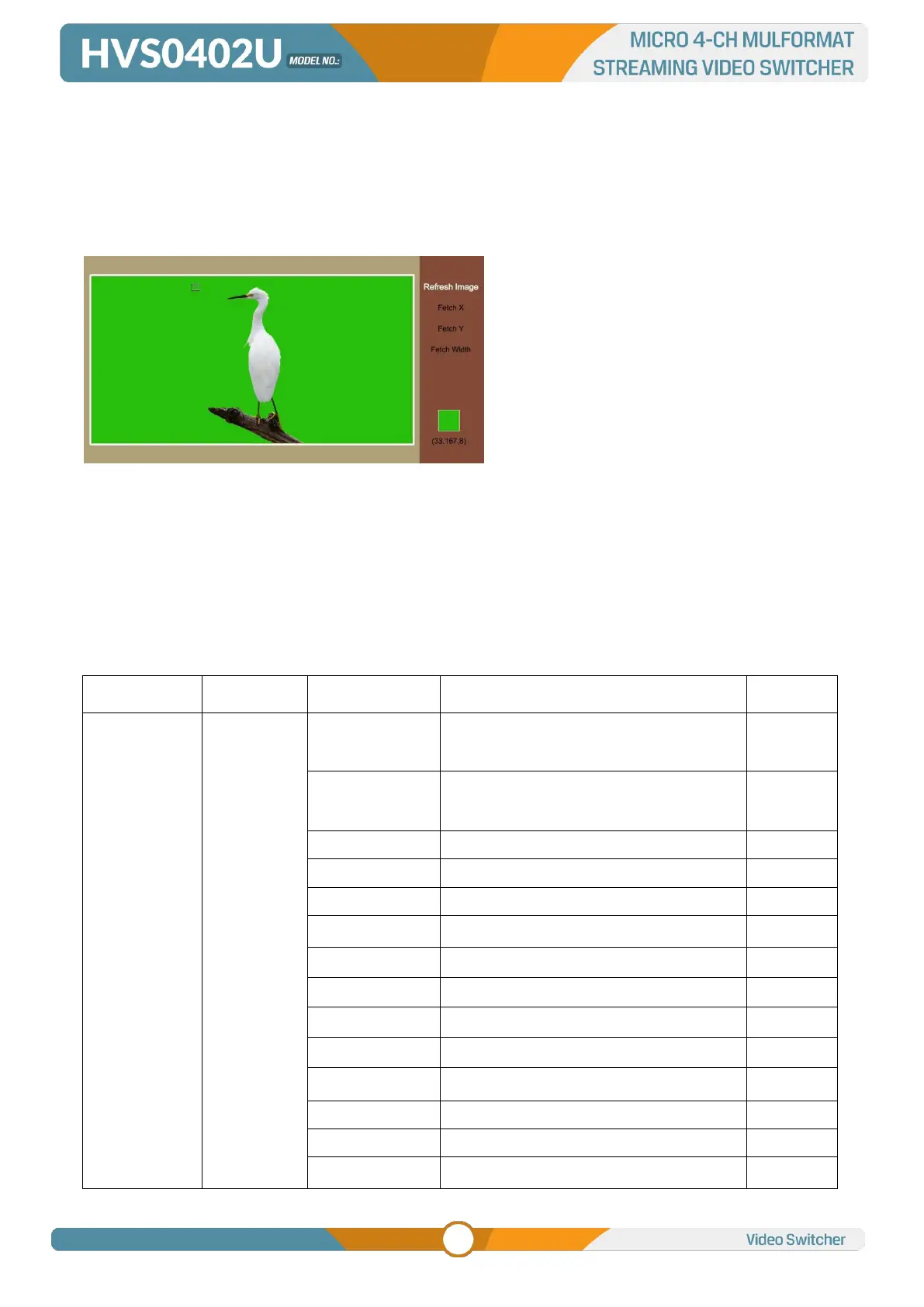
two images or video streams together based on color hues (chroma range). The technique has been
used in many fields to remove a background from the subject of a photo or video, particularly
the newscasting, motion picture, and video game industries.
User can configure the effect of Chroma Key, including the key source, Key color, Clip, Gain, key Fetch
and mask, etc. in the menu page.
Press the ON AIR button next to the CHROMA button to enable the KEY on PGM.
CHROMA button ON: Chroma key shows on PVW.
ON AIR button ON: Chroma Key available on PGM
CHROMA and ON AIR button both ON: Chroma Key available on both PVW and PGM. Corresponding
status in menu is <KEY & ON AIR>
Chroma Key detailed parameters setting as below table:
OFF/ KEY (PVW)/ ON AIR (PGM)/ KEY
& ON AIR
Black/ Color Bar/ Color 1/ Color 2/ HDMI
1/ HDMI 2/ HDMI 3/ HDMI 4/ Image



 To Next Page