29
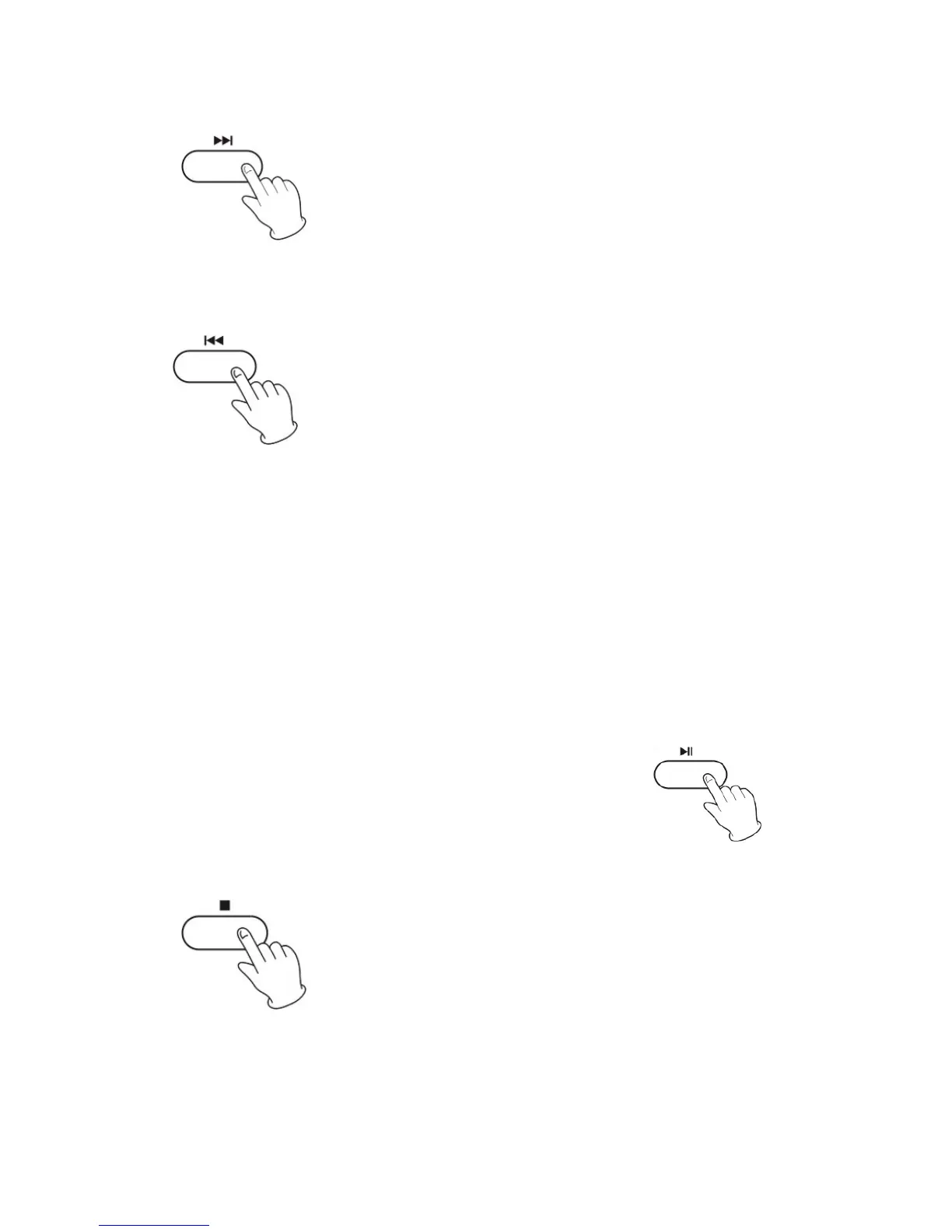
6.Presstheforwardbuttononcetogothestartofthenexttrack.
7.Pressthebackwardbuttononcetogobacktothestartofthecurrent
track. Press the backward button twice to go back to the start of the
previoustrack.
Fastbackward
andFastForward
You can reverse or forward to any point in a selected track by pushing
andholdingthefastbackwardorfastforwardbutton.
NOTE:Donotpushbothbuttonstogetherasthismaydamagetheunit.
Astheunit istrackingquickly,forwardor backward,youwill
hear
your selection playing at a distorted speed. Simply release the
depressed button to continue playing at normal speed at the
desiredpositionintheselectedtrack.
8.TopausetheCDplaying.
PressingthePLAY/PAUSEbuttonwillrestarttheCD
whereitwaspaused.
Donotswitchtheunitoff
whileplayingaCDasthis
willdamagetheunit.
9.TostoptheCDplaying.



 To Next Page