42
ERASEandthenumberofthelasttrackrecordedonthedisc
Selectthistoerasethelas ttrackonthedisc.
ERASEALL
Selectthistoeraseallthetracks.
(1)PressandholdtheErasebuttontillthedisplayshow“ERASEALL”.
Ifyouwanttocanceltheerasingorunfinalizingprocessatthispoint,
presstheST OPbutton().
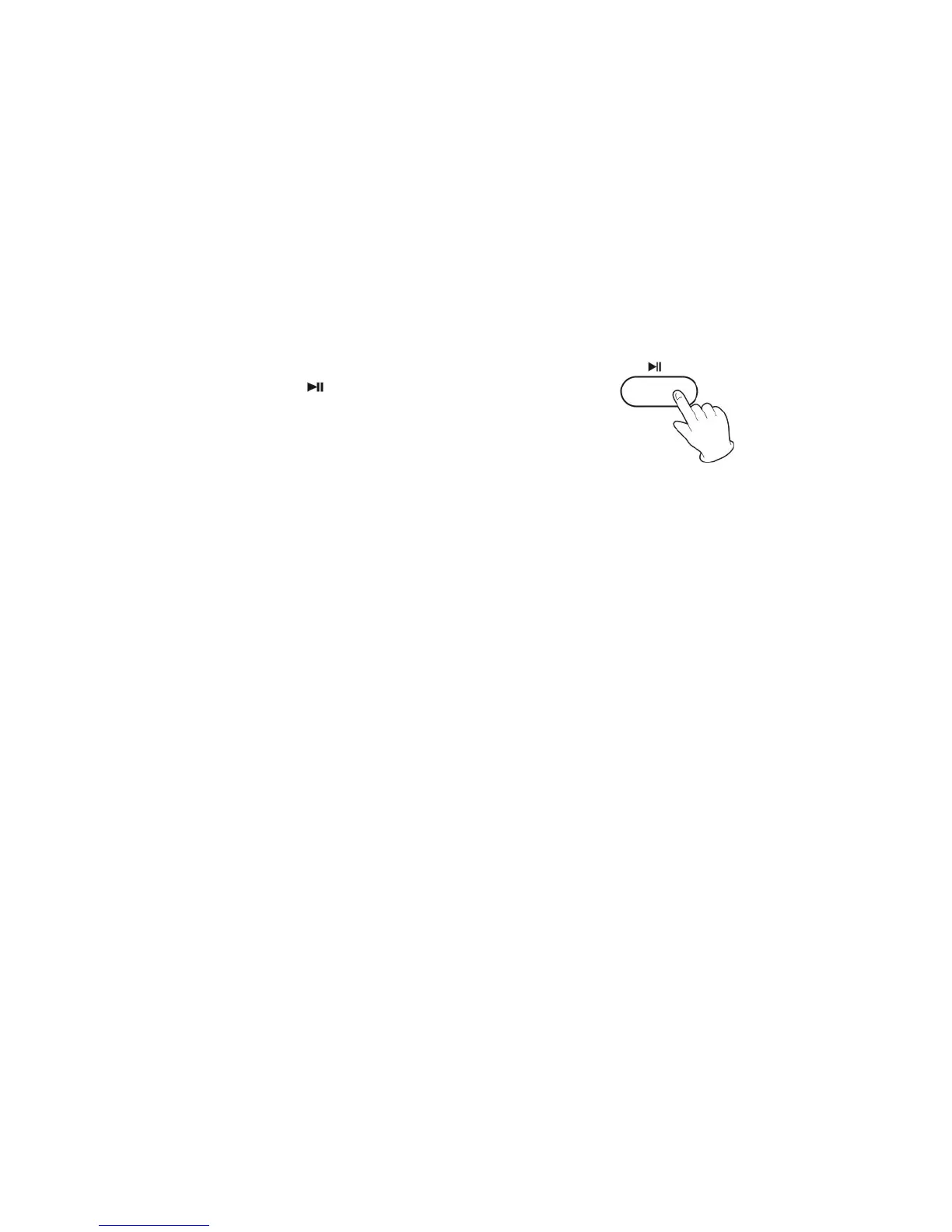
(2)Pressplay(
)buttontobegintheerase.
(3)Displaywillshow0000000toconfirmthedisc
isclear.
The remaining time for the operation appears in the display. When
theoperationhasbeenfinished,thedisplayreturnstothetrack/time
display.
Duringerasing/unfinalizing,nobuttonswillwork.
Neverturnthepower
offnorunplugthepowercord.
Thisoperationcannotbeundone.Ifyouaregoingtoerasea trackor
tracks, make sure that they are recordings that you really want to
erase.
The copy CD‐RW disc fromother unit can't be erased one by one in
this
unit,butcanbeeraseall.



 To Next Page