50
AUDACITYPREFERENCES
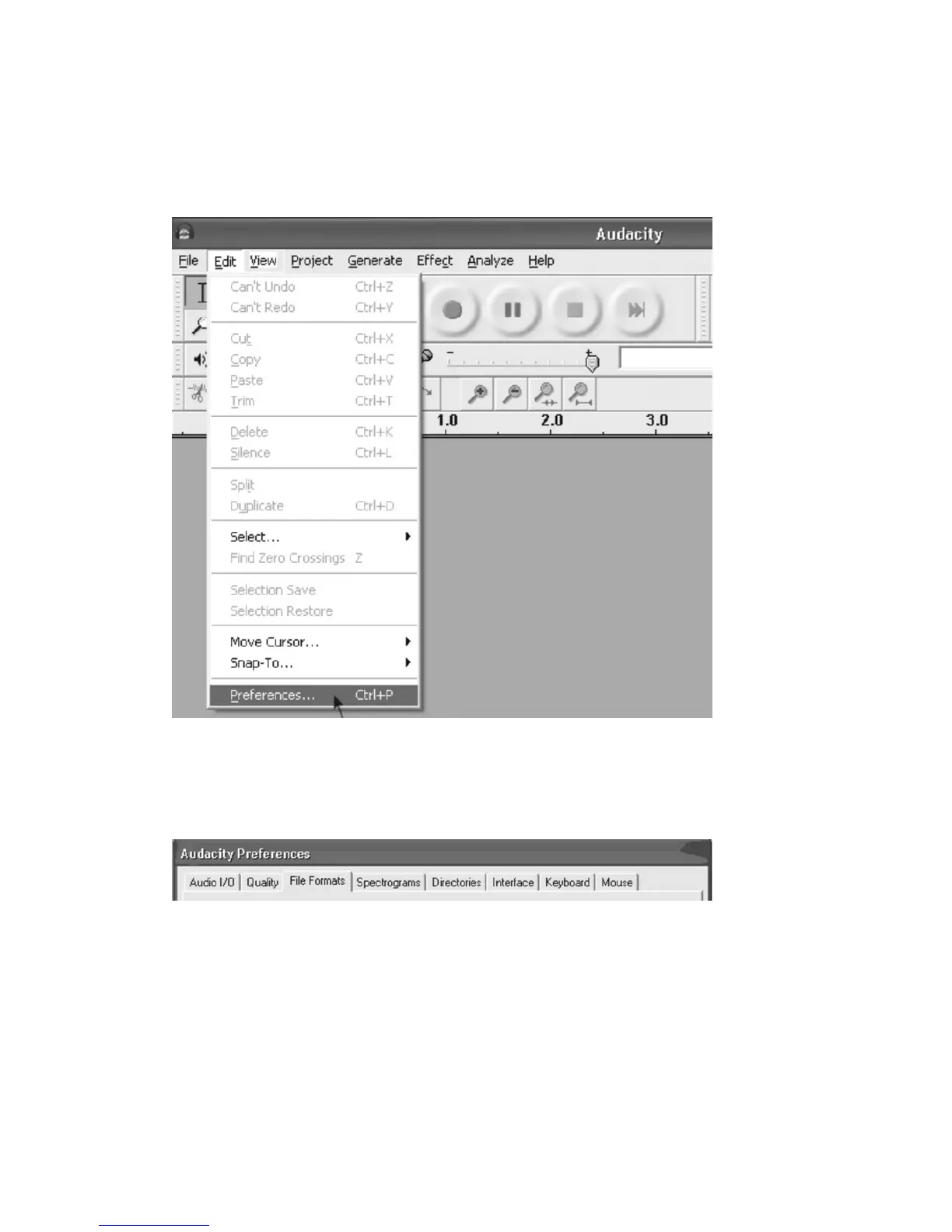
1.Clickthe“Edit”ontheAudacityinterface,select“Preferences”.
z ThescreenwillopenupAudacityPreferences.YoucanseetheAudio
I/O,Quality,FileFormats,Spectrograms,Directories,Interface,
KeyboardandMouseintheAudacitypreferenceinterface.
2.Selecttherecording
device:microphone(USBAudioCODEC)
z Clickthe“AudioI/O”attheAudacityPreferencesinterface.
z Clickthe“Device”andselect“microphone(USBAudioCODEC)”.
z Clickthe“Channels”andselect2(stereo).
z Clickthe“OK”.
z Note:Ifyoucouldn'tfindthe"microphone(USBAudio CODEC)"from
the
Devicelist,closetheAudacitySoftwareandre‐openthentry
again.



 To Next Page