73
AUDACITYFORMACUSERS
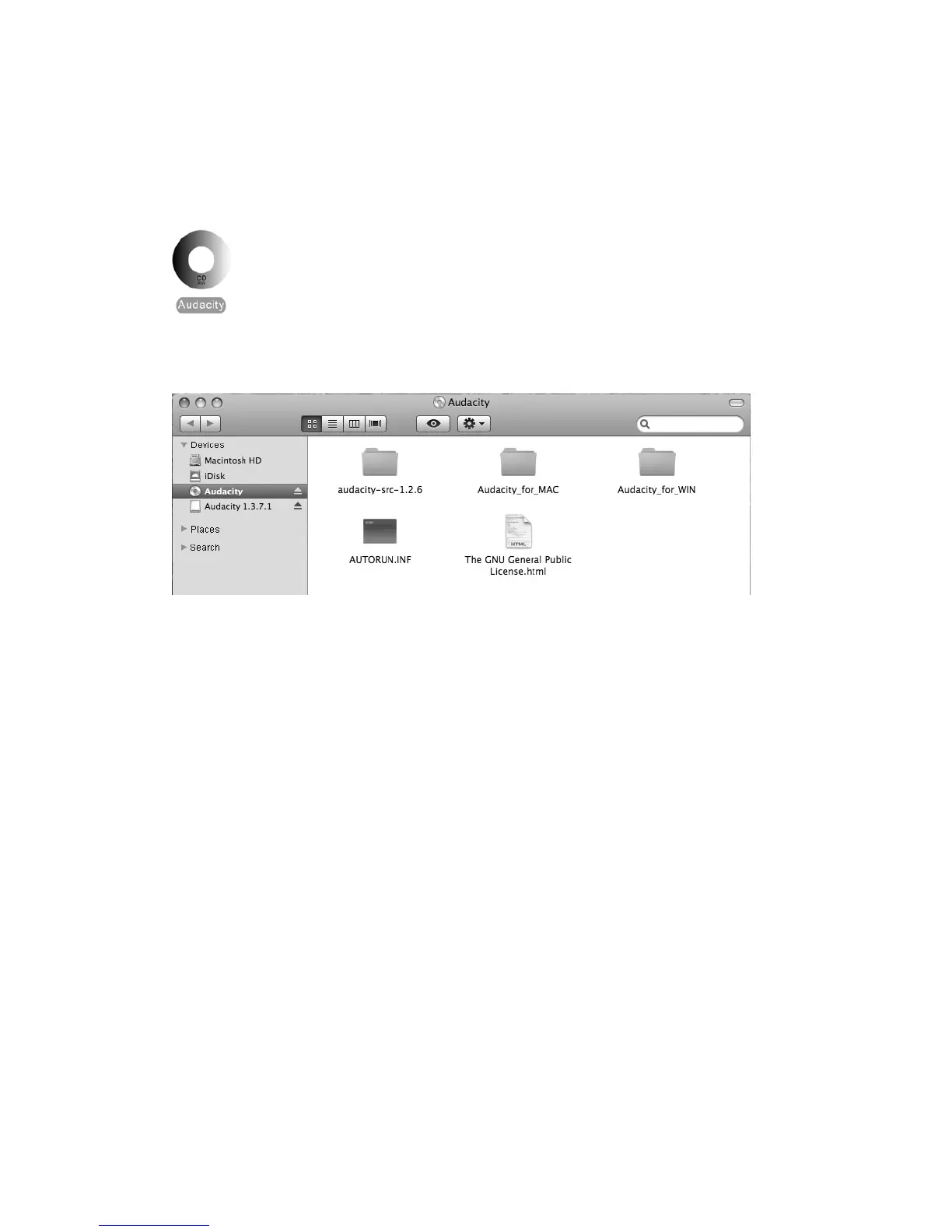
1. Please insert the software disk that comes with your unit. Click the
softwarediskonthedesktop.
2. Double click Audacity folder. There are five folders in the Audacity
folder. Select Audacity_for_MAC for Macintosh system, and select
Audacity_for_WINforWindowssystem.
z If your computer is Mac OS X system (Intel CPU), please enter the
Intelfoldertoinstalltheaudacitysoftware;
z If your computer is Mac OS 9 system, please enter the Mac OS 9
foldertoinstalltheaudacitysoftware;
z If your computer is Mac OS X
system (Power PC CPU), please enter
thePPCfoldertoinstalltheaudacitysoftware.
3.Doubleclickonthesetupfi leaccordingtoyoursystemsupported,for
instance,“audacity.dmg”iconthesoftwarefileswillnowopeninafolder.
Selectallthefilesinthefolderanddrag themintoa
suitablelocationon
theharddrive(Applications,etc.).
4. Double click on the Audacity icon to start the software running,
alternatively,dragthe“orangeballwearingheadphones”icondownonto
thedesktoptoolbar.ClickonthisicontorunAudacity.
Note:AudacitydoesnotsupportthelatestupgradedMACOS9.



 To Next Page