36
RECORDING
AboutCD‐RandCD‐RWdiscs
•RECORDANDERASEFEATURES:
OnlyCD‐RWdiscscanberecordedanderasedformanytimes.
A CD‐R disc can be recorded only once. As soon as they have been
recordedorfinalized,theycannotbeerasedorre‐recorded.However,
if space is available on the disc before finalized, additional material
canstillberecorded.
•COMPATIBILITY
ACD‐RdisccanbeplayedonmostaudioCDplayers.
However, certainCD‐RWdiscsmay not compatible with someaudio
CD‐players.
Audio from the PHONO, TAPE or AUX sources
can be recorded on
theCDrecorder.
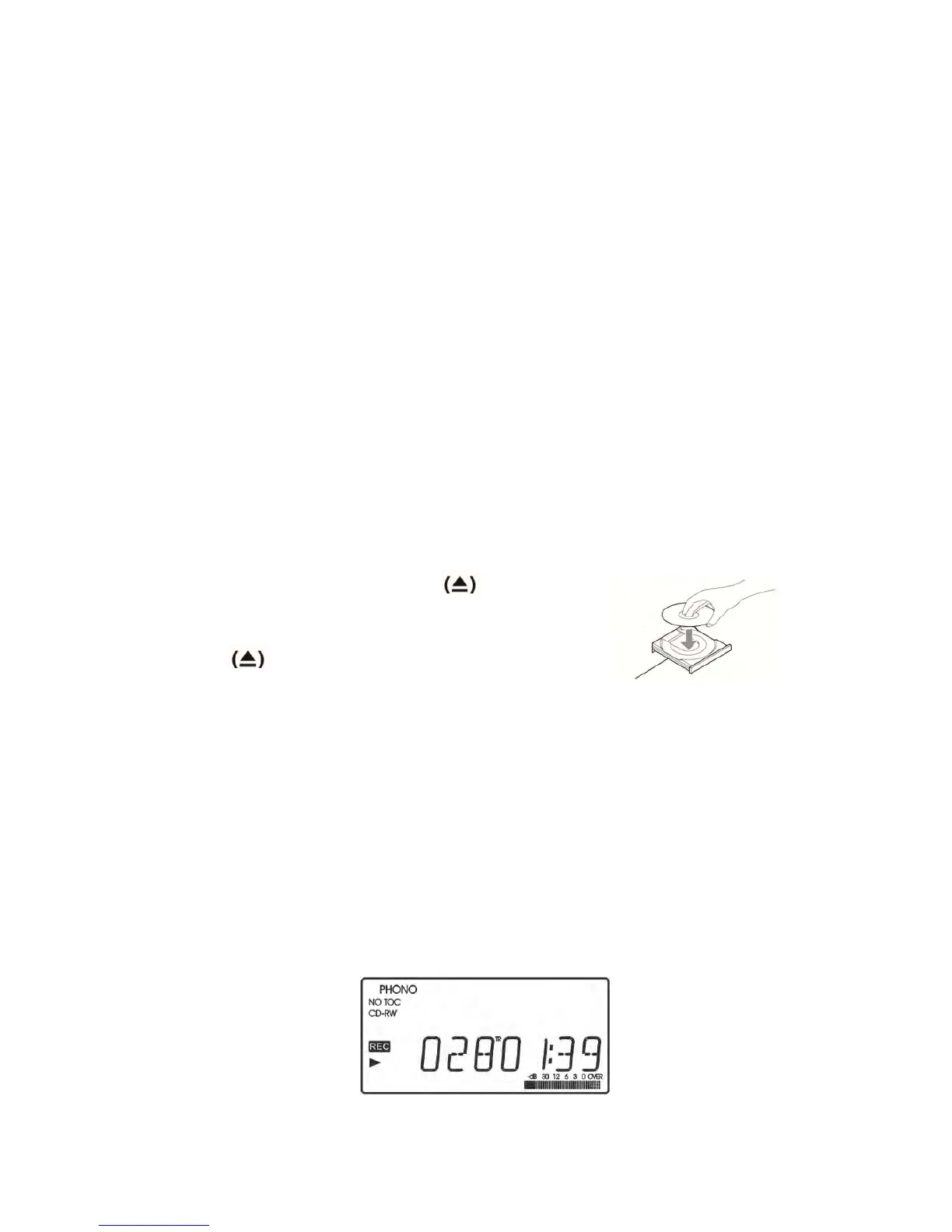
1.PresstheOPEN/CLOSE button
,placea
recordabledisconthedisctraywiththeprinted
labelfacingupside,andthenpresstheOPEN/CLOSE
button
toclosethedisctray.
Thedisplaywillshow“BusyCD”andthediscisreading,waitinguntil
thereadingiscompletebeforegoingtonextstep.
NOTE: Make sure “NO TOC” and “CD‐R” (or “CD‐RW”) indicators
lightsonthedisplay.OtherwisetheRECORDfunctionwillnotwork.
2.Selectthemodeoftracknumberassignment.
A.TRACKINCREMENT
The unit will end the current recording and record onto the next
track when you press the TRACK INCREMENT button even the
currenttrackhasnotbeenfinishedrecording.



 To Next Page