37
B.Auto/Manualmode
AUT O : The sequence of record tracks and sound source is identical,
i.e.,recordorAUX.
Ifyouarebusy,selectAUT OdivisionassignmentmodewithAUT O
MANUALbutton.
MANUAL: The sequence of record tracks and sound source is
inconsistent.Alltrackswill be recorded intoone
track. You can only
dividetracksbyTRACKINCREMENTbutton.
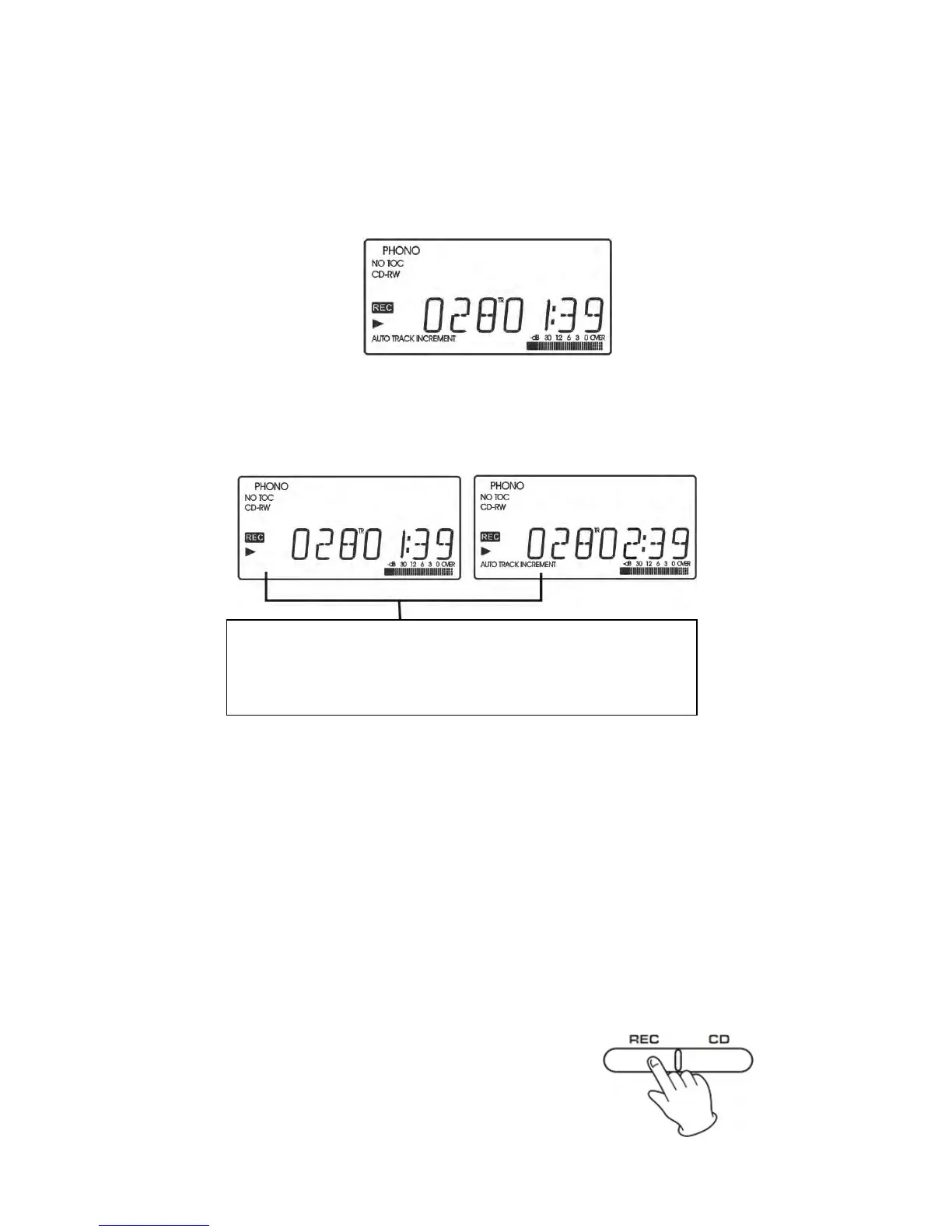
Please note: Be sure “AU TO TRACK” shows on the
display when Auto Manual is selected (as in
illustrationontheright).
*For best sound eff ects, use MANUAL mode for cassette tapes,
classical music, or any other style of music where
the division of
songsmaynotbedefinite.
3.Selectrecordingsource.
z Torecordarecord,selectPHONO
z To record from an external source, press the AUX button and
connectthecabletotheAUXINjack.
z Torecordthecassettetape
Press the TAPE button, load
a Cassette Tape partially into the unit
(located on side of the unit), the tape will begin playing when fully
inserted.
4.PresstheRECORDbutton,RECand()will
appearonthedisplay.
z Nobuttonwillworkwhile“busy”isdisplayed.



 To Next Page