40
FINALIZING
Inorderfora disctobecome astandard CD, itmusthaveaTable of
Contents(TOC)writtentoit.Thisprocessisknownasfinalizing.
THECDMUSTBEFINALIZED.
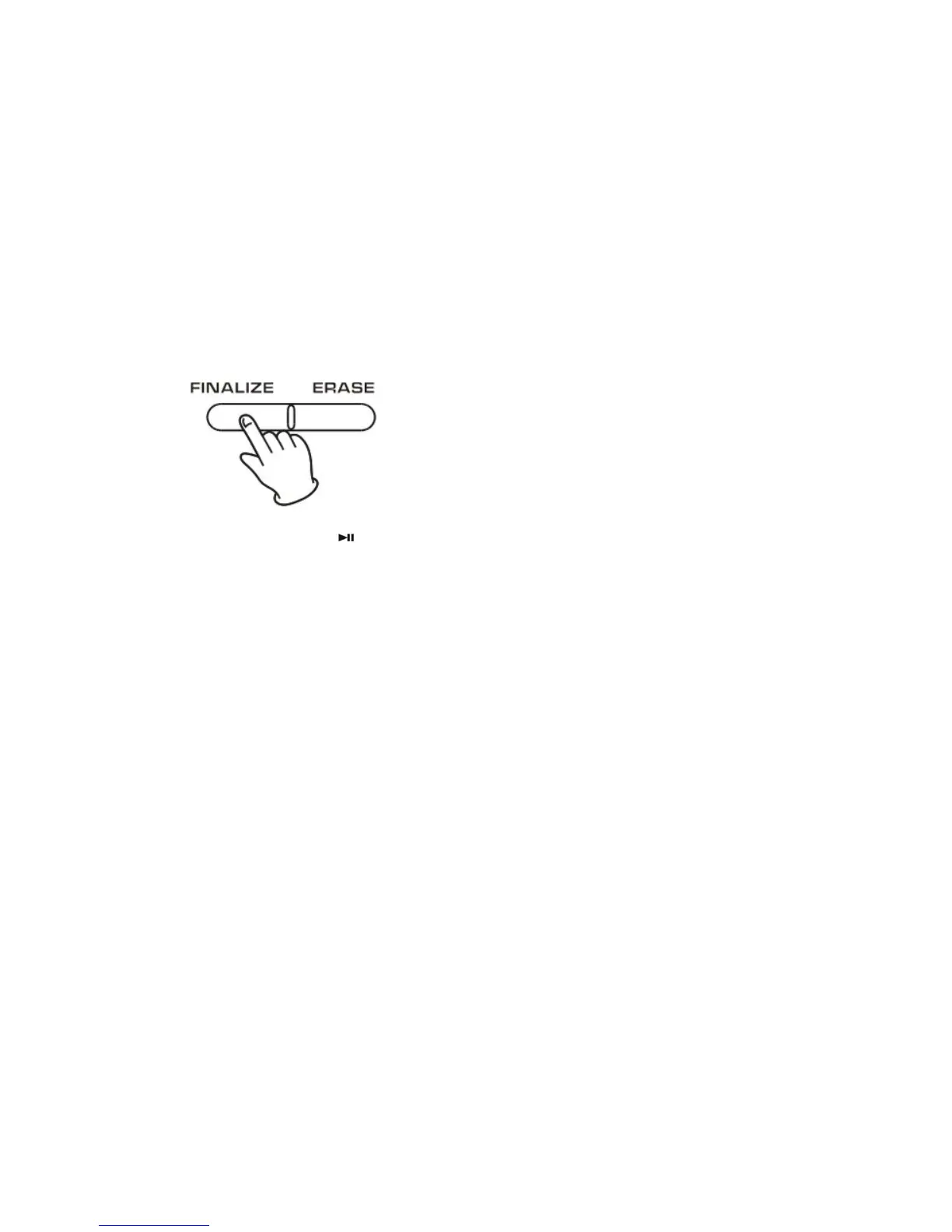
1.PresstheFINALIZEbuttoninthestopmode.
“FINALIZE”appearsonthedisplay.
z Tocancelthefinalizingprocess,presstheSTOPbutton().
2.PressthePLAY(
)buttontostartfinalizing.
Thedisplaywillshow“‐‐‐Busy”duringfinalize,waituntilthebusy
disappeartocompletethefinalizing.
The finalizing time is subject to the contents of record, it may
takefewminutesinsomecase.
When the operation has been finished, the NO TOC indicator
turnsoffandthedisplayreturnstothetrack/timedisplay.
Duringfinalizing,nobuttonworks.
Neverturnthepoweroffnorunplugthepowercord.
z Although finalized CD‐R discs may be played on ordinary CD
players, remember that finalized CD‐RW disc may not play on
ordinaryCD
players.
z FinalizationofdiskinCD/TAPE/PHONO/AUXmodes
z Diskpoppingoutafterfinalizationisdone.



 To Next Page