38
Waitafewsecondsunti l“busy”disappearfromthedisplay.
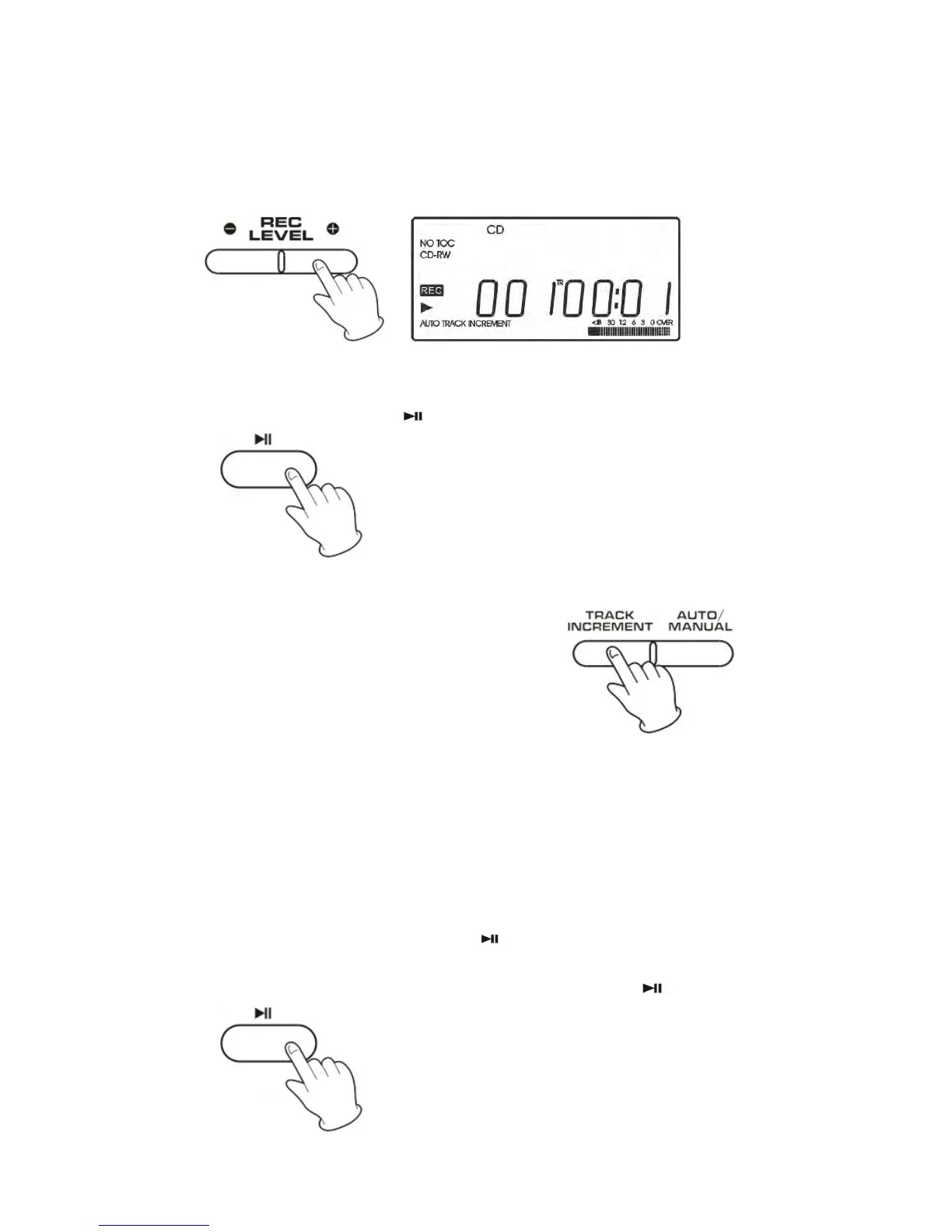
5.Ifnecessary,adjusttherecordinglevelusingtheRECLEVELbuttons,
thedisplaywillshowfrom‐70to00to+7.
6.PressthePLAY/PAUSE(
)buttontostartrecording.
7.Manualtrackdivision
Itispossibletodividetherecordinginto
trackswhilerecording.
Whilerecordingistakingplace,pressthe
TRACKINCREMENTbutton.Thecurrenttrack
Numberwillbeincrementedbyone.
The TRACK INCREMENT button works regardless of the
MANUAL/AUTORECsetting.
8. To suspend recording temporarily (pause mode) (necessary when
turningtherecordortapeover)
z Press the PLAY/PAUSE button (
). “busy” briefly appears on
thedisplay,andtherecordingispaused.
z Torestartrecording,pressthePLAY/PAUSEbutton(
).



 To Next Page