34
Thetrackisprogrammed,and“P‐02”isdisplay.
Repeatstep2and3toprogrammoretracks.
z Youcanprogramupto32tracks.
z Tocanceltheprogrammode,presstheSTOPbutton().
4. When the selection of track numbers has been finished,
press the
PLAYbutton( )tostartprogramplayback.
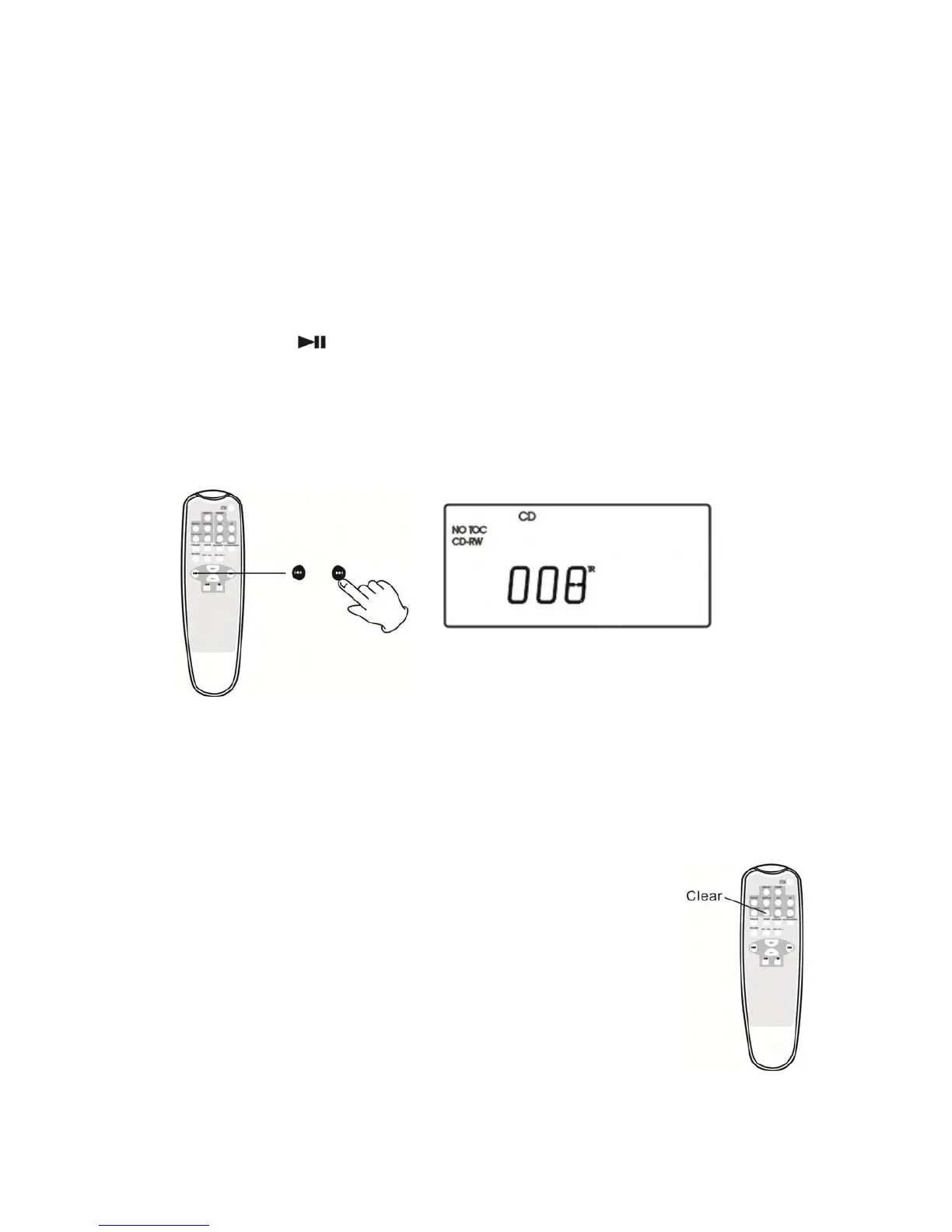
Tochecktheprogrammedorder
In the stop mode, pressthe MUSIC SKIPbutton repeatedly to show the
tracknumbersthathavebeenstoredinmemory.
Toaddatracktotheendoftheprogram
Inthestopmode,press
thePROGRAMbutton.
SelectatracknumberbypressingtheMUSICSKIPbutton,andthenpress
thePROGRAMbutton.
Thetrackisaddedtotheendoftheprogram.
Todeletethelasttrackfromtheprogram
Inthestopmode,presstheCLEARbuttontodeletethe
lasttrackfrom
theprogram.
Tocleartheprogram
Ifoneofthefollowingbuttonsispressed,theprogrammed
contentswillbecleared:
OPEN/CLOSE,FM/AM,PHONO,AUX,STOPinthestopmode



 To Next Page