54
TodownloadmusicfromAUXtocomputer:
1.PressthePOWERswitchtoturntheuniton.
2.PlugoneendoftheAUXcable(included)intotheAUXINsocketon
thefrontoftheunit.
3.PlugtheotherendofthecableintotheheadphoneorLineOut
socket
oftheexternalsource.
4.Turnontheexternaldevice,adjustthevolumelevelandpressPLAYto
startplayingthemusic.
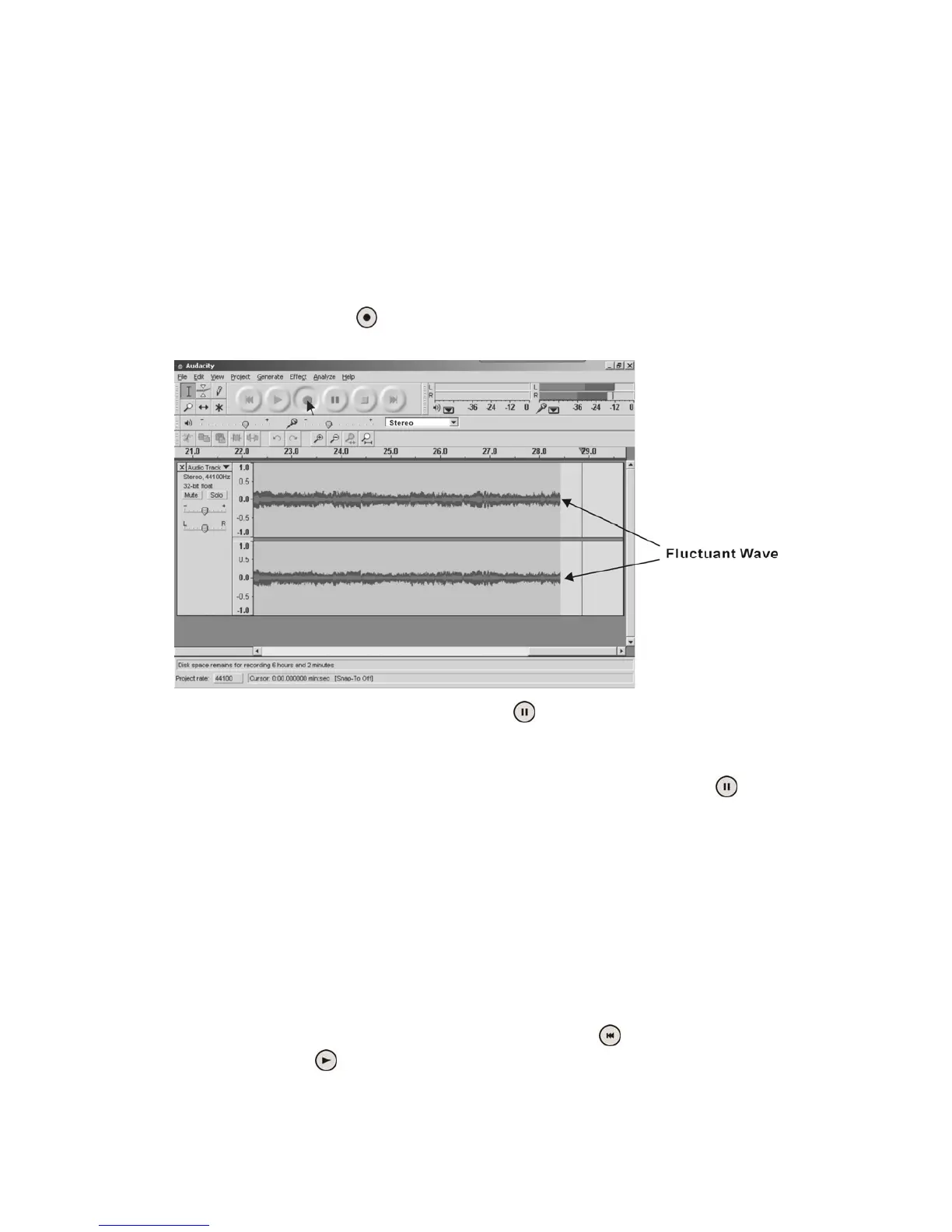
5.ClicktheRecord()buttontostartrecording.
Thewaves(leftandrighttracks)willshowontheinterface.
6.
Toskiptoanothersong,click“pause”( )buttononcomputerand
pressSTOPbuttononexternaldevice.Pressskipbuttononexternal
devicetoselectanotherdesire dsong.PressPLAYbuttononexternal
devicetostartplayingthenextsong.Immediatelypress“pause”(
)
buttononcomputeranddownloadingwillcontinue.
7.Repeatsteps5and6untilyouhavefinisheddownloading.
NOTE:Donotclickstopbuttononcomputerwhilecontinuously
downloadingsongs.Remembertoclickpausebuttoninbetweenyour
desiredsongs.Pressstopbuttononcomputeronlywhenallyour
desired
songshavebeendownloaded.
Afteryourhavefinisheddownloading,youmayplaybackthesongs
throughyourcomputer.Instopmode,simplyclick(
)SKIPTOSTART
buttonthenthe(
)PLAYbutton.



 To Next Page