89
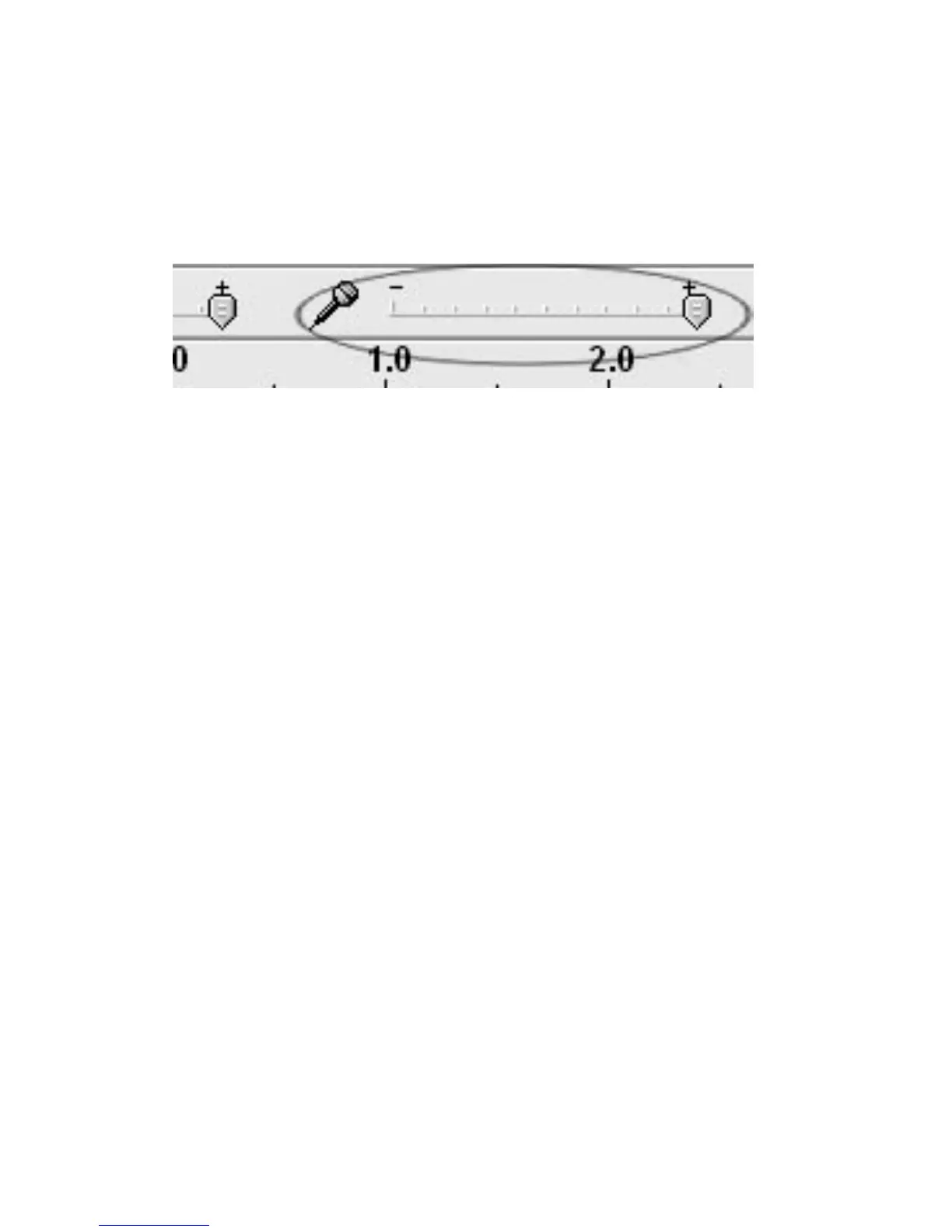
•Checkthemicrophoneslidertomakesurethatitisatfullvolume,all
thewaytotherightasshowninbelow.Ifyouarenotseeingthe
microphoneslider,pleasegotothePreferencesmenuinAudacity,click
ontheInterfacetabandmakesurethattheEnable
MixerToolbarand
EnableMeterToolbaroptionsarechecked.Iftheyarenot,please
checkthemandthenpressOK.
POORSOUNDQuality:
•Checkyourstylus(needle)tomakesureitissecuredtothetonearm.
Thestylusmustbeconnectedtothetonearmwhenever
usingthe
turntable.
•MakesurethatyourRCAplugsarepluggedintoasourceandarenot
touchingbaremetal.IfyouareexperiencingnoisethroughtheUSB,
youmayhaveinterferencefromtheRCAplugs.BesurethattheUSB
cableisnottouchingornearanyother
cables.
•Ifyouexperienceanyoddsoundscomingfromtherecording,try
closingallapplications,restartingthecomputer,andonlyrunAudacity
whilerecording.
•Makesurethatyouhav eproperlyinstalledandcalibratedthetonearm
oftheturntable.



 To Next Page