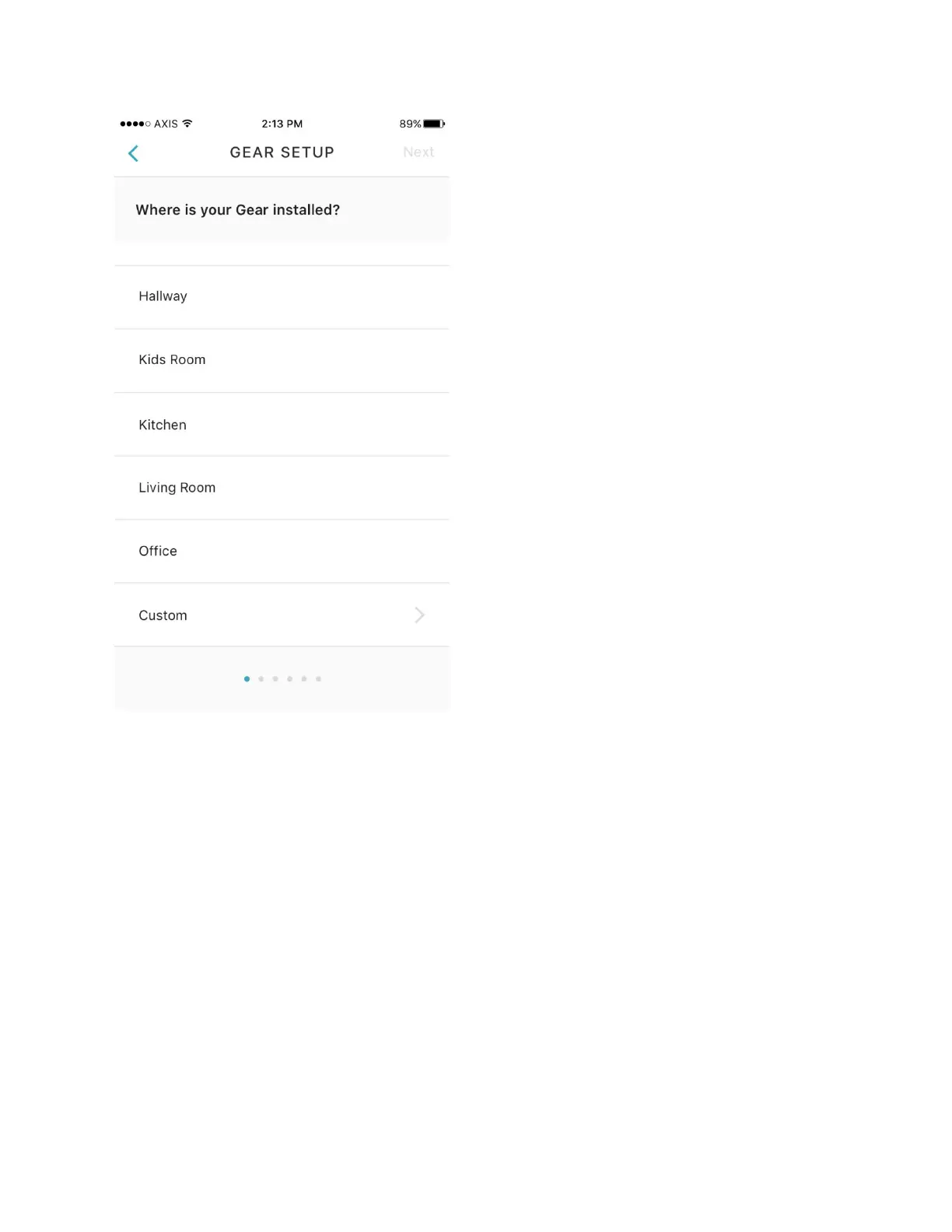
Figure 20 Room Identification
3. Select your window covering, mount type and power source. If the name of the exact window
covering isn’t available, select the option that is closest to the desired choice. Additionally, let
Gear know the type of mounting position by selecting the closest available mount type. Finally,
select the power source when the option is presented. This selection determines how the
battery level readout function works.


 To Next Page