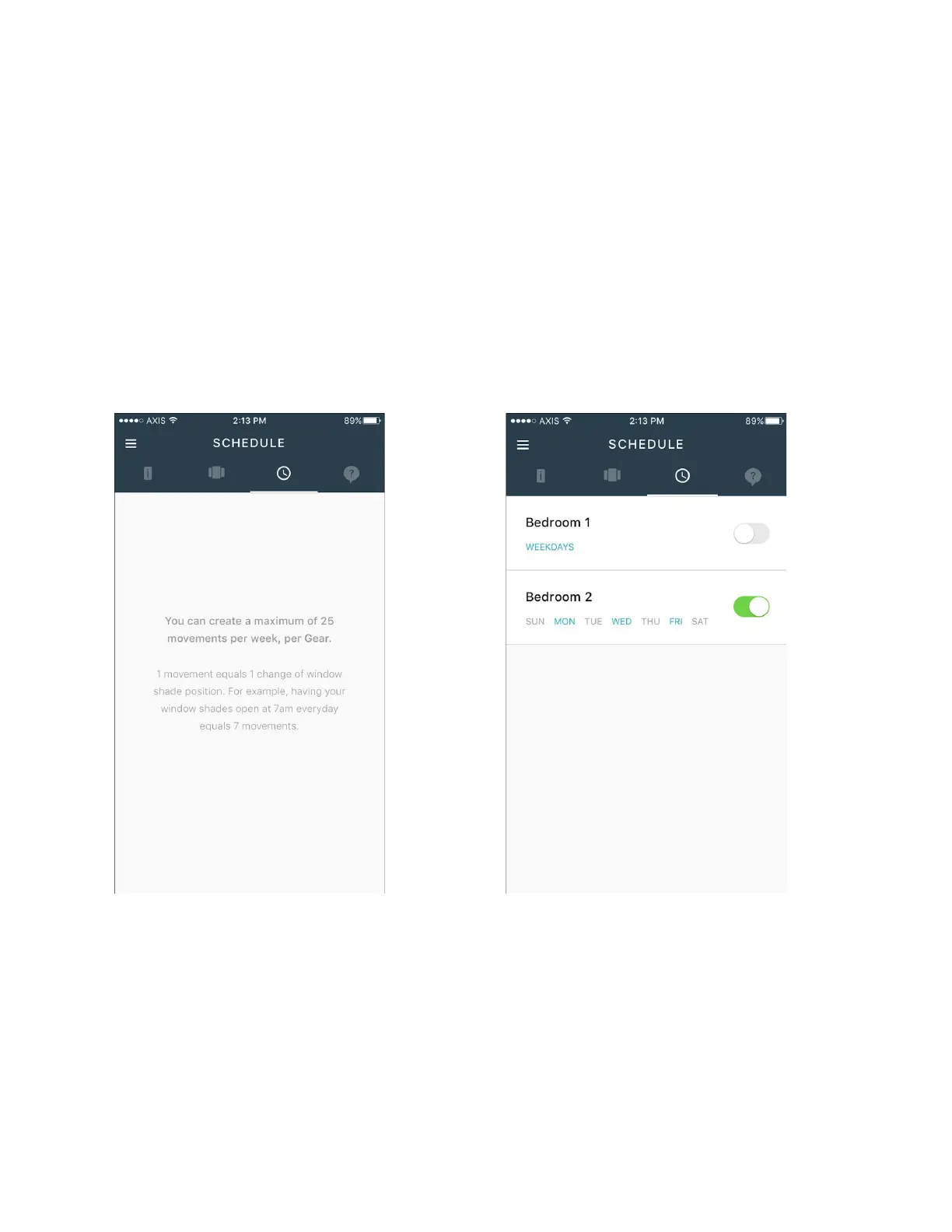
Schedule Entry
To create a schedule, navigate to the Schedule tab by tapping on the clock icon from the main
Gears dashboard, or swipe over to it from your current screen. From here you can review, edit
and remove all the schedules you have created for your Gear.
CREATE A SCHEDULE
To begin, tap on the plus button at the bottom right corner of the screen to create a new
schedule. Note that the images below do not show this button.
Figure 28 Empty Schedule Screen (left), Populated Schedules Screen (right)
Select the Gear you would like to set a schedule for.


 To Next Page