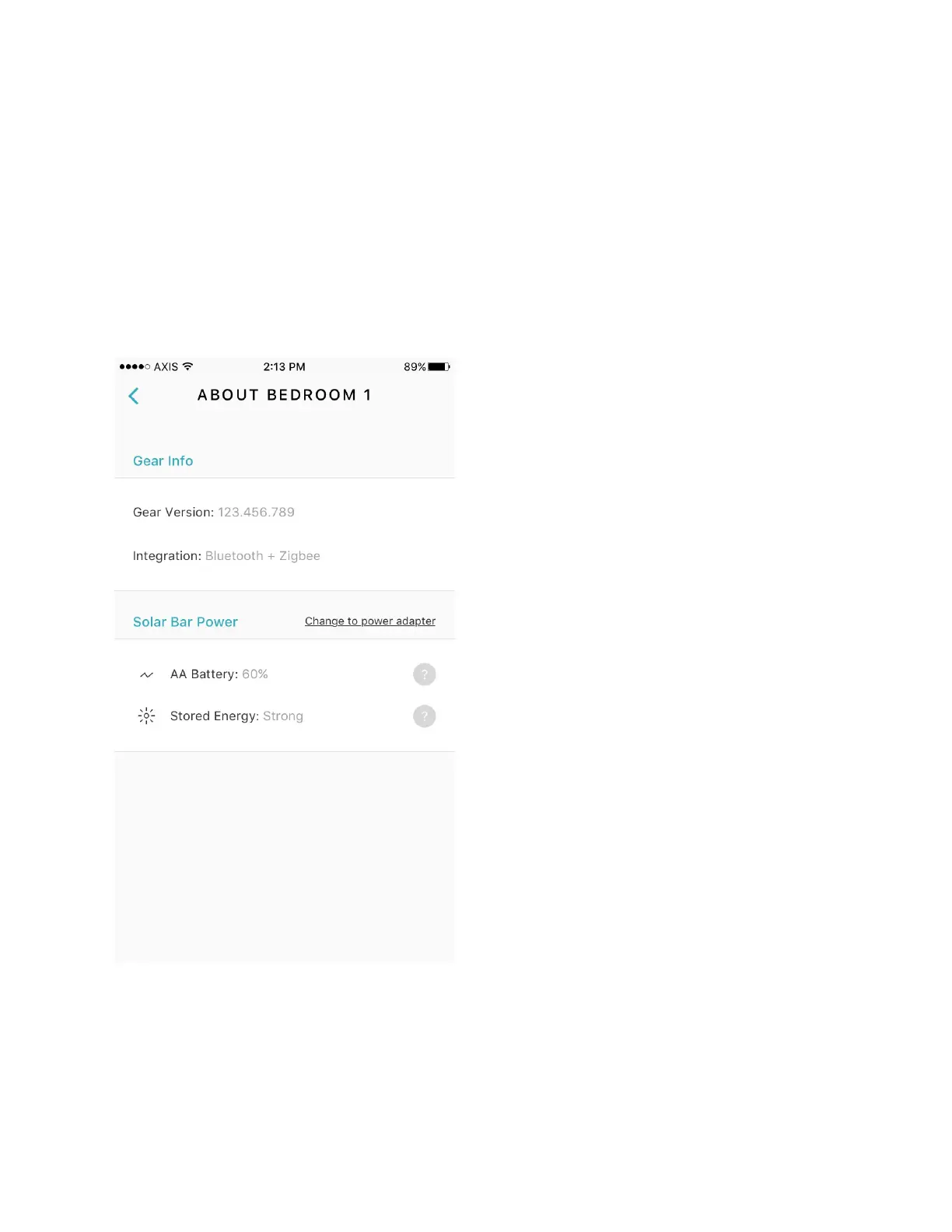
Gear Details Readout
Gear details are accessed from the Gear Info screen. To access this screen, connect to Gear,
navigate to Settings, then select "About This Gear."
This screen holds information regarding the Firmware version, the types of integration which the
selected Gear supports, and the battery levels of the device and AA batteries. This information
may be useful during troubleshooting.
Figure 27 Gear Details
Firmware
This field displays the current firmware installed on Gear. If there is new firmware available, then


 To Next Page