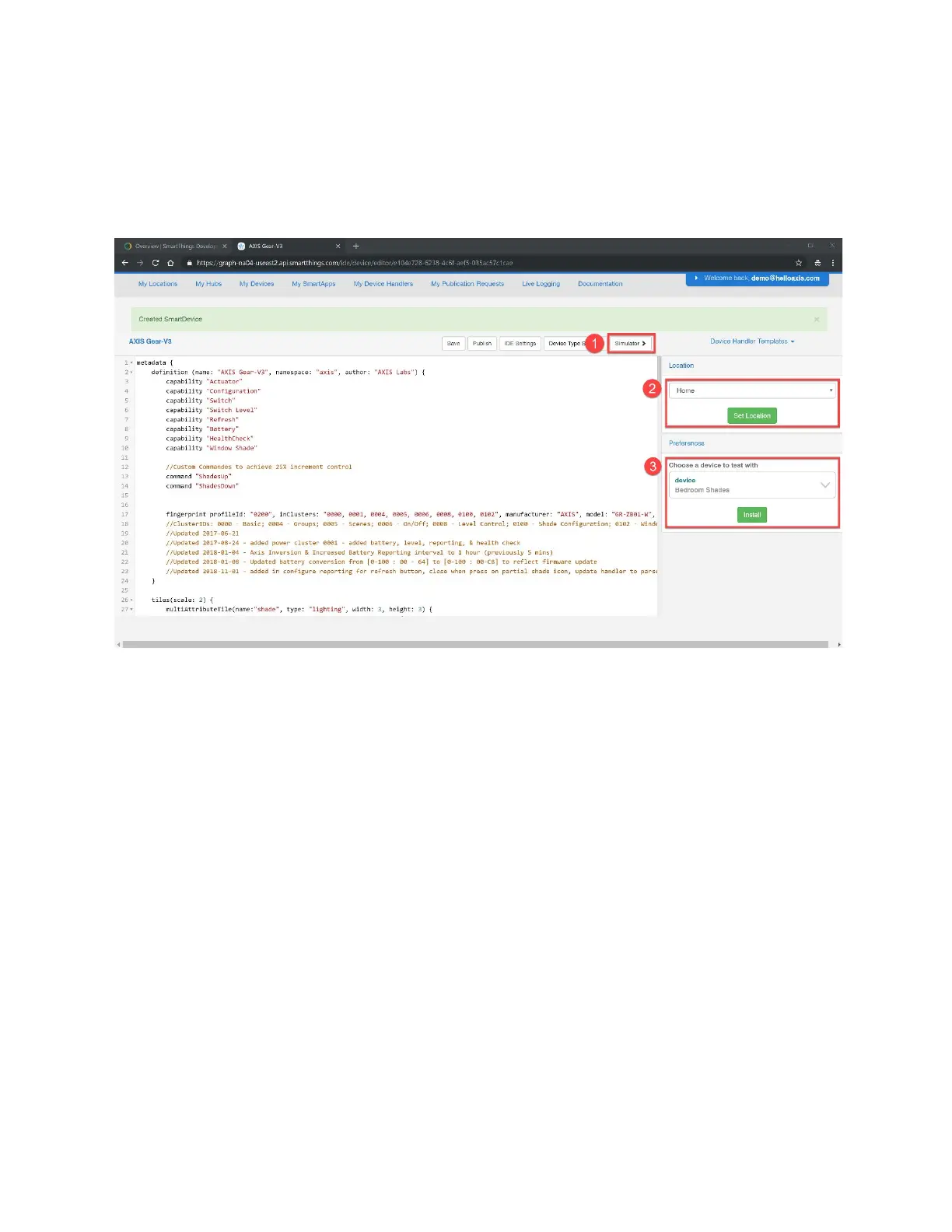
On the Things screen in the SmartThings Classic app, the Gear will now show a shade icon
beside the Gear name, and a badge stating "Open" instead of "Please Wait."
If you have additional Gears that have been added to the SmartThings Classic app which you
would like to enable, click on Preferences to reveal the additional Gears, select the next one to
enable, and click Update.
You are now able to control all of your Gears through the SmartThings Classic app.


 To Next Page