AXIS M32 Series Installation Guide Page 11
ENGLISH
Access the video stream
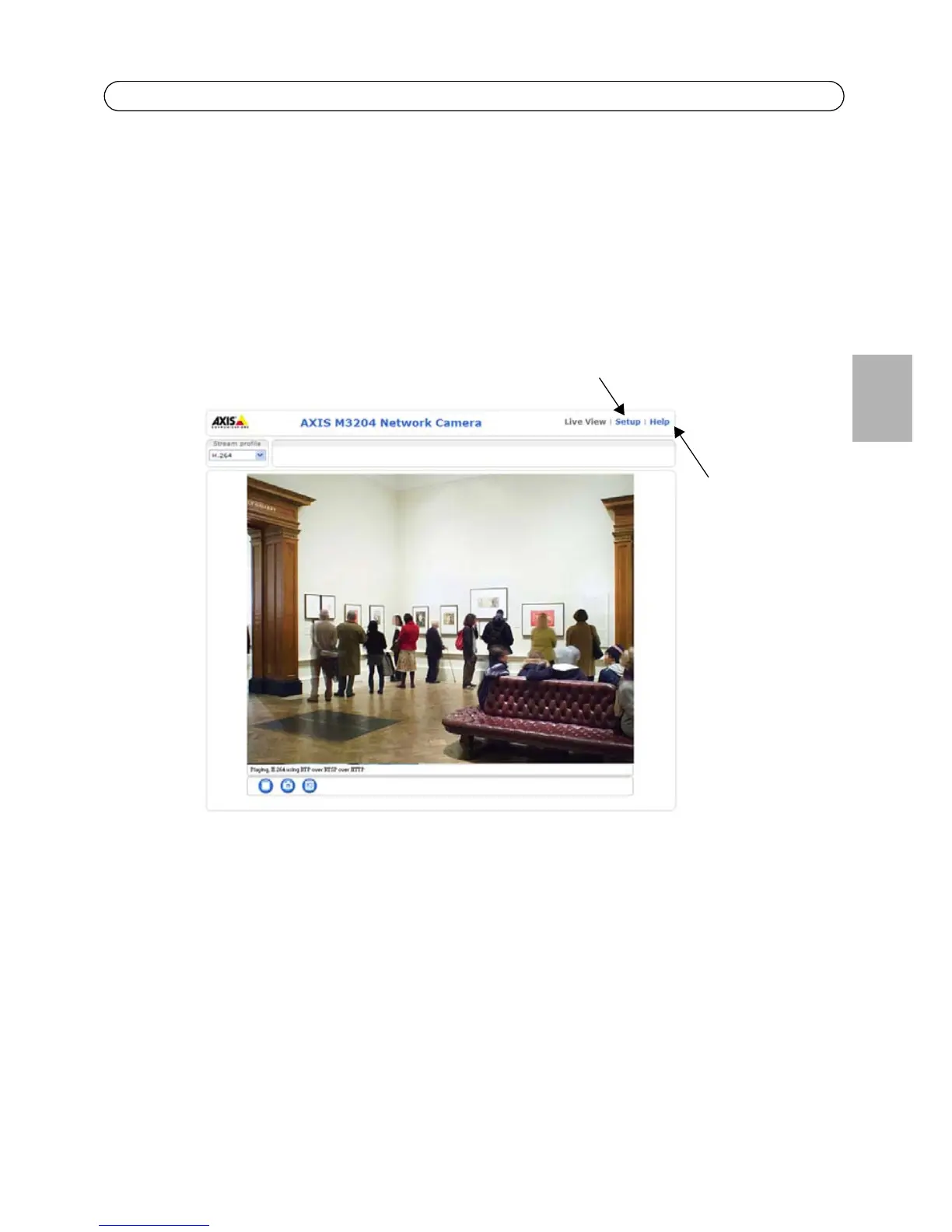
The Live View page of the AXIS M32 Series is displayed, with links to the Setup link menus, which
allow you to customize the camera.
If required, click Yes to install AMC (AXIS Media Control), which allows viewing of the video stream
in Internet Explorer. You will need administrator rights on the computer to do this.
Notes:
• HTTPS (Hypertext Transfer Protocol over Secure Socket Layer) is a protocol used to encrypt the traffic
between web browsers and servers. The HTTPS certificate controls the encrypted exchange of
information.
• The default administrator user root cannot be deleted.
• If the password for root is lost or forgotten, the AXIS M32 Series must be reset to the factory default
settings. See Resetting to the Factory Default Settings, on page 14.



 To Next Page