AXISM32DomeCameraSeries
Configureyourdevice
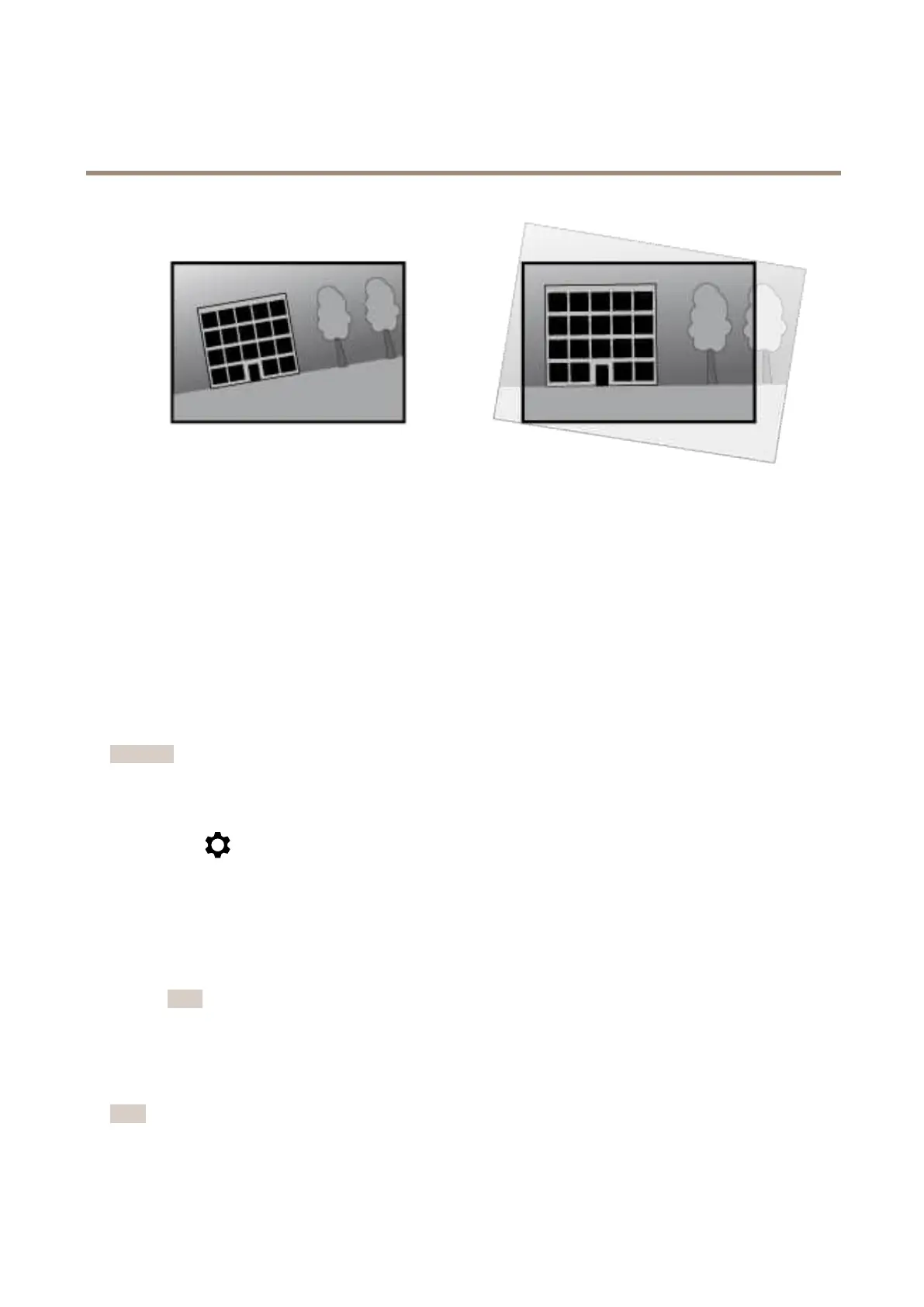
Theillustrationshowsbeforeandafteranimagehasbeenstraightened.
1.GotoVideo>Installation>Imagecorrection.
2.TurnonStraightenimage.
3.Usethecontrolstoadjusttheimage.
Viewandrecordvideo
Thissectionincludesinstructionsaboutconguringyourdevice.Tolearnmoreabouthowstreamingandstorageworks,goto
Streamingandstorageonpage54.
Reducebandwidthandstorage
Important
Reducingthebandwidthcanresultinlossofdetailsintheimage.
1.GotoVideo>Stream.
2.Click
intheliveview.
3.SelectVideoformatH.264.
4.GotoVideo>Stream>GeneralandincreaseCompression.
5.GotoVideo>Stream>H.264andH.265encodinganddooneormoreofthefollowing:
-SelecttheZipstreamlevelthatyouwanttouse.
Note
TheZipstreamsettingsareusedforbothH.264andH.265.
-TurnonDynamicFPS.
-TurnonDynamicGOPandsetahighUpperlimitGOPlengthvalue.
Note
Mostwebbrowsersdon’tsupportH.265decodingandbecauseofthisthedevicedoesn’tsupportitinitswebinterface.
InsteadyoucanuseavideomanagementsystemorapplicationthatsupportsH.265decoding.
11



 To Next Page