AXISM32DomeCameraSeries
Specifications
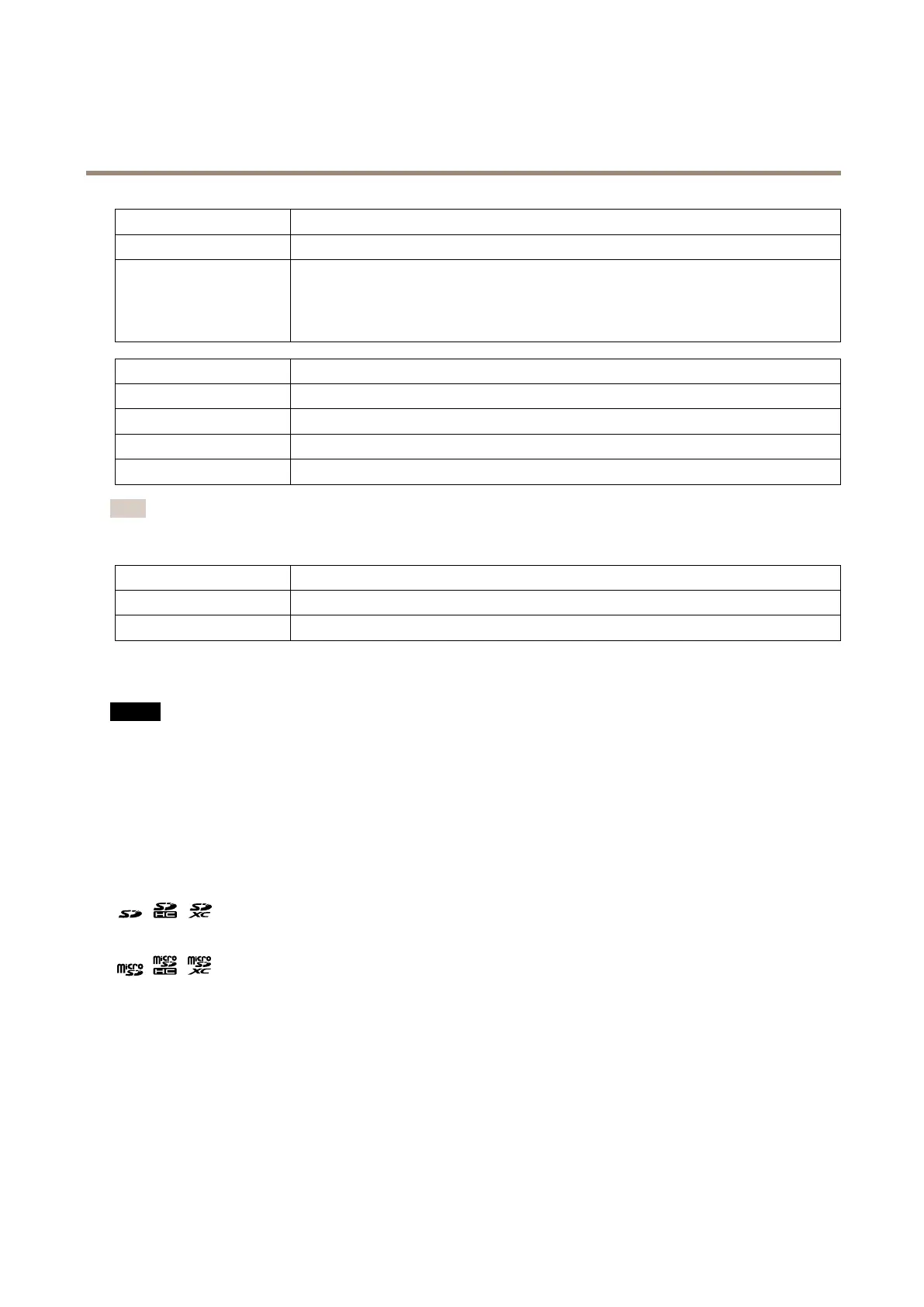
MicrophonepowerLEDIndication
UnlitPhantompoweroff.
BluePhantompoweron.
Steadywhenthephantompowerisonandthemicrophoneisconnected.
Flasheswhenthephantompowerisonandthemicrophoneisdisconnected.
WirelessLEDIndication
UnlitWiredmode.
GreenSteadyforconnectiontoawirelessnetwork.Flashesfornetworkactivity.
Red
Steadyfornowirelessnetworkconnection.Flasheswhilescanningforwirelessnetworks.
Amber
Steadyorashingduringwirelessnetworkpairing.
Note
•ThetallyLED(indicationLED)onlyindicatesnetworktransmission.IfvideooraudioisonlytransmittedthroughHDMI
orSDIthetallyLEDwillbeunlit.
TallyLEDIndication
Unlit
Cameraidle.
RedActivenetworktransmissionorrecording.
SDcardslot
NO NO
NO
TICE TICE
TICE
•RiskofdamagetoSDcard.Donotusesharptools,metalobjects,orexcessiveforcewheninsertingorremovingthe
SDcard.Useyourngerstoinsertandremovethecard.
•Riskofdatalossandcorruptedrecordings.UnmounttheSDcardfromtheproduct’swebpagebeforeremoval.Donot
removetheSDcardwhiletheproductisrunning.
ThisproductsupportsSD/SDHC/SDXCcards.
ThisproductsupportsmicroSD/microSDHC/microSDXCcards.
ForSDcardrecommendations,seeaxis.com.
SD,SDHC,andSDXCLogosaretrademarksofSD-3CLLC.SD,SDHCandSDXCaretrademarksorregistered
trademarksofSD-3C,LLCintheUnitedStates,othercountriesorboth.
microSD,microSDHC,andmicroSDXCLogosaretrademarksofSD-3CLLC.microSD,microSDHC,microSDXCare
trademarksorregisteredtrademarksofSD-3C,LLCintheUnitedStates,othercountriesorboth.
Buttons
Controlbutton
Thecontrolbuttonisusedfor:
•EnablingtheFocusAssistant.PressandveryquicklyreleasetheControlbutton.
•Resettingtheproducttofactorydefaultsettings.SeeResettofactorydefaultsettingsonpage69.
62



 To Next Page
 Loading...












