AXISM32DomeCameraSeries
Configureyourdevice
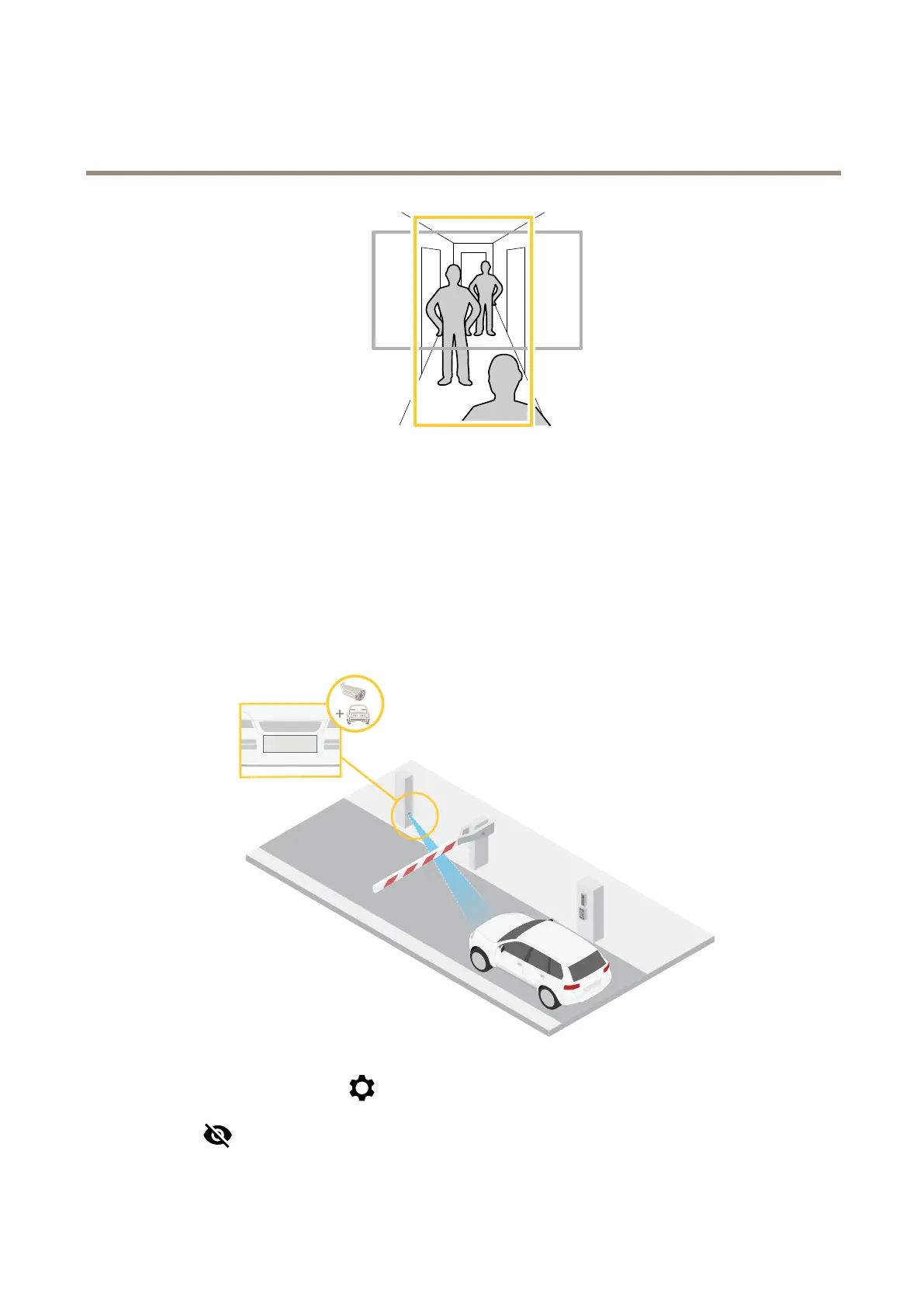
1.Dependingonyourdevice,turnthecameraorthe3-axislensinthecamera90°or270°.
2.Ifthedevicedoesn’thaveautomaticrotationoftheview,gotoVideo>Installation.
3.Rotatetheview90°or270°.
Findoutmoreataxis.com/axis-corridor-format.
Verifythepixelresolution
Toverifythatadenedpartoftheimagecontainsenoughpixelsto,forexample,recognizelicenseplates,youcanusethepixel
counter.
1.GotoVideo>Imageandclick.
2.Click
forPixelcounter.
9



 To Next Page