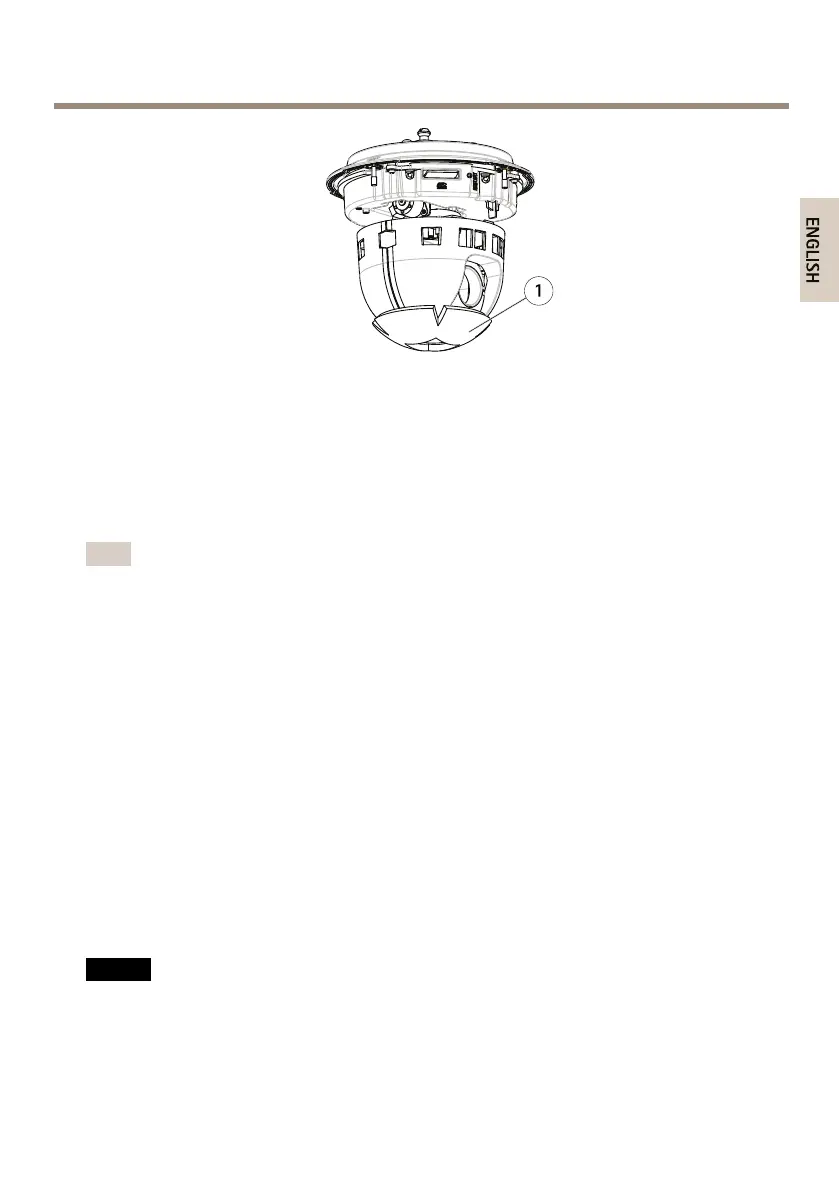
AXISP55NetworkCameraSeries
1
Protectivepackaging
3.Toreplacetheclear/smokeddomecover,seepage17.ToinstallanSDcardseepage17.
4.Putthetopcoverbackinitsoriginalpositionandfastentwodiagonallyoppositescrews
rst(torque<0.7Nm),andthenthetwootherscrews.
ReplacetheDomeCover
Note
Becarefulnottoscratchordamagethedomecover.Ifpossible,keeptheprotectiveplastic
onthedomecoveruntiltheinstallationiscomplete.
Replacingthedomecoverisonlynecessaryifyouwanttousethesmokeddomecoverorifthe
domecoverisscratchedordamaged.SparedomecoverscanbepurchasedfromyourAxisreseller.
SeeHardwareOverviewonpage9forlocationofcomponents.
1.Loosenthetopcoverscrewsandremovethetopcover.
2.Removethe8domeringscrewsandremovethedomeringfromthetopcover.
3.Attachthedomeringandthereplacementdomecovertothetopcoverandsecureby
tighteningthescrews(torque0.4to0.6Nm).
4.ToinstallanSDcard(notincluded),seepage17.
5.Putthetopcoverbackinitsoriginalpositionandfastendiagonallytwooppositescrews
(torque<0.7Nm),andthentheotherscrews.
InstallanSDCard
NO NO
NO
TICE TICE
TICE
Topreventcorruptionofrecordings,theSDcardshouldbeunmountedbeforeitisejected.
Tounmount,gotoSetup>SystemOptions>Storage>SDCardandclickUnmount.
17



 To Next Page