AXIS P5534 PTZ Dome Network Camera
Video and Audio
Video and Audio
The video and audio settings can be used to optimize video and audio quality. You can configure the following:
• Video stream settings. See page 16.
•Streamprofiles . See page 17.
• Camera settings. See page 17.
• Overlay image. See page 19.
•Privacymask.Seepage 19.
• Audio settings. See pag e 19.
• Audio clips. See page 21.
Video Stream
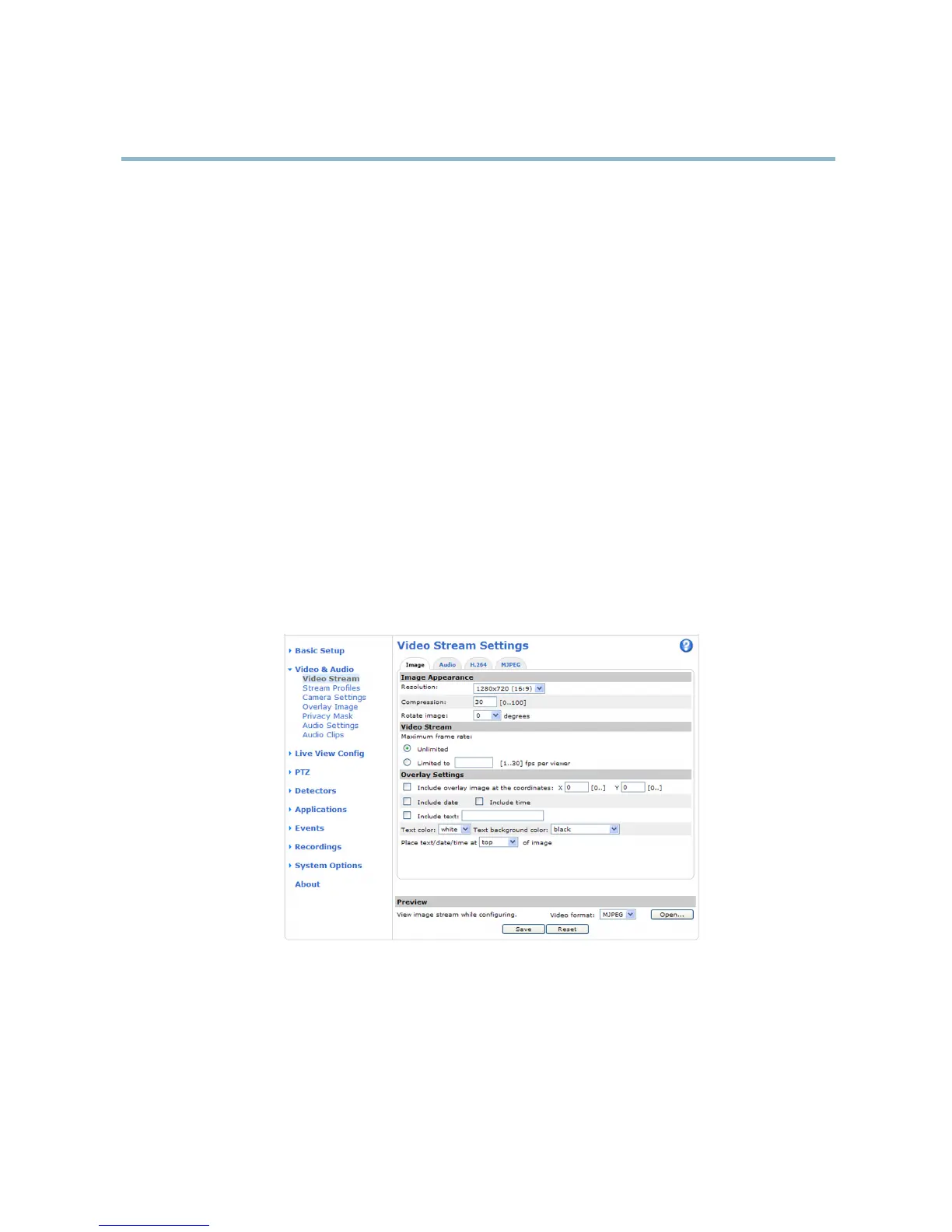
You can define the following video stream settings from Video & Audio > Video Stream:
•Image.Seepage 17.
• H.264. See page 17.
•MJPEG.Seepage 17.
Pixel C
ounter
The p
ixel counter shows the number of pixels in an area of the im age. The pixel counter is useful in situations where there is a
requirement that the image is a certain size, for example in face recognition.
The pixel counter can be accessed from:
• Video & Audio > Video Stream.UnderPreview, click Open and select the Show pixel counter option to enable the
rectangle in the image. Use the mouse to move and resize the rectangle, or enter the number of pixels in the Width
and Height fields and click Apply.
16



 To Next Page