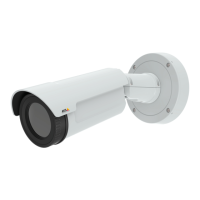
AXISQ1604-ENetworkCamera
HardwareOverview
StatusLEDBehaviorforFocusAssistant
Color
Indication
Green
FocusAssistantisenabled
Thelensisoptimallyadjusted
AmberThecamerahasbeenmoved,oranobjecthasbeeninsertedinfrontofthelens.Exitandrestartthe
FocusAssistant.
Thelensislessoptimallyadjusted.
RedThecamerahasbeenmoved,oranobjecthasbeeninsertedinfrontofthelens.Exitandrestartthe
FocusAssistant.
Thelensispoorlyadjusted.
Replacingthelens
ItispossibletouseoptionallensesfortheAxisproduct.
Toreplacethelens:
1.Disconnecttheiriscable.
2.Unscrewthestandardlens.
3.Attachandscrewonthenewlens.
Note
ThereisnoneedtorestarttheAxisproductafterchangingthelens.However,theproductmustberestartedifyouare
interchangingbetweenaP-iris,DC-Irisorxed/manualirislens.Inordertosetthefocusandpositionthelens,theAxis
productmustbeconnectedtothenetwork.
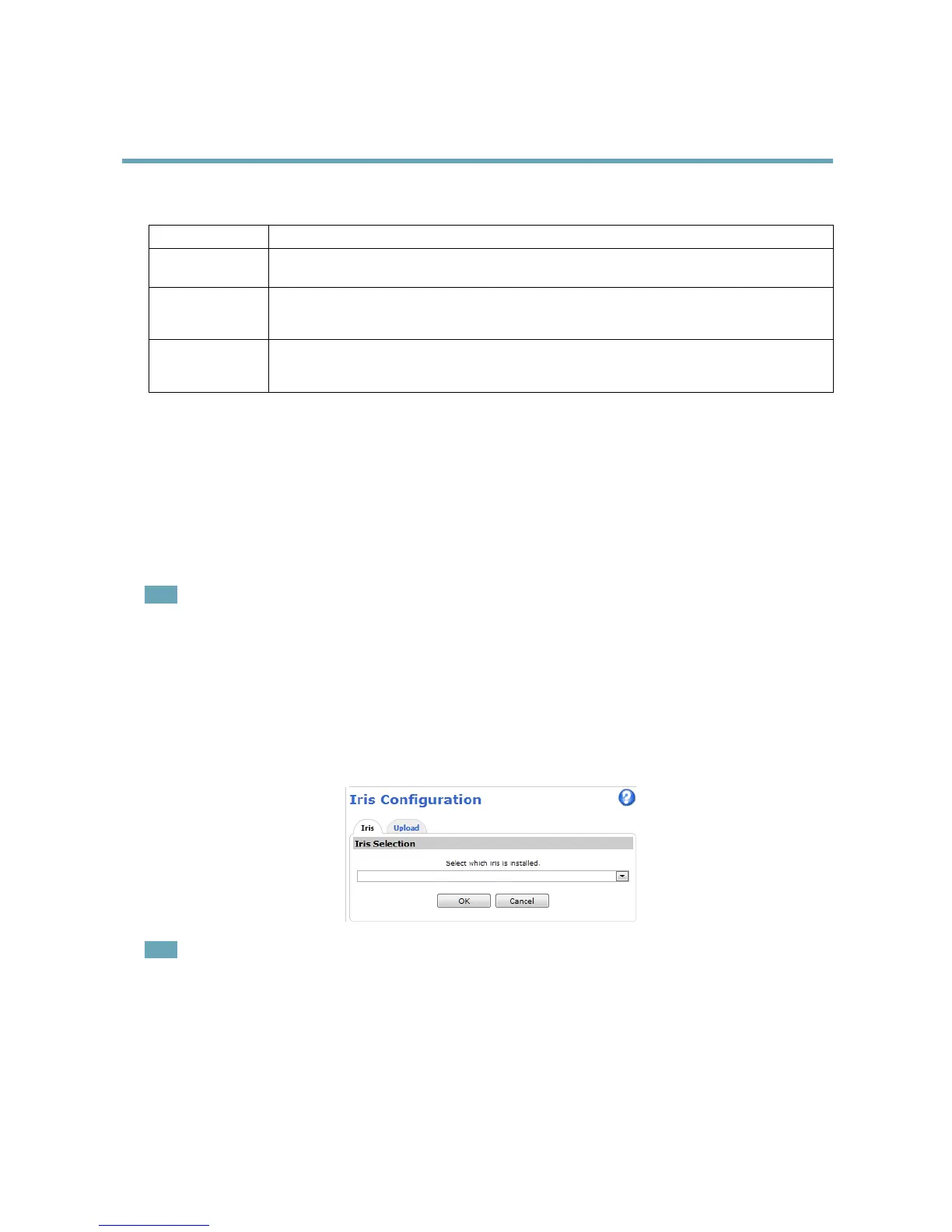
Tochangetheirisconguration:
1.GotoSetup>VideoandAudio>CameraSettings.Iriscongurationshowsthecurrentcongurediristype.
2.ClickEdit.
3.Selecttheinstalledirislensfromthedrop-downlistandclickOK.
Note
ForP-irislensesnotlistedinthedrop-downlist,downloadtheiriscongurationlefromwww.axis.com
Touploadandusethedownloadedcongurationle,clicktheUploadtab.ClickBrowseandselectthecongurationle.
ClickUpload.TheinstalledirislensshouldnowbeincludedintheIrisSelectiondrop-downlist,selectitandpressOK.If
youselectaDCiriscongurationleforaP-irislens,anerrormessagewillappearbelowtheiriscongurationtypeinthe
CameraSettingspage.ForcustomDCIrislenses,selectGenericDCIrisoption.
11



 To Next Page