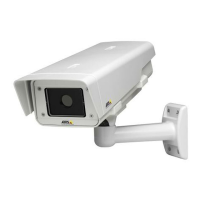
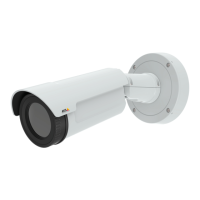
AXISQ1932–EThermalNetworkCamera
Aboutapplications
Thedirectionisrepresentedbyabluearrow.Objectscrossingtheline,inthedirectionofthearrow,willtriggerthealarm
orevent.Ifbotharrowsarepresent,bothdirectionsaremonitored.
Note
Thelinewillnottriggerproperlyifpositionedtooclosetotheedgeoftheimage.
6.ChecktheVisualConrmationboxtoverifythatthelinewasconguredcorrectly.Thelinewillashredwhentouched.
ToedittheCrossLineDetectionconguration,followtheaboveprocedures.ClickSavetoretainthechanges.
Note
AXISCrossLineDetectionmusteitherhaveastatusofIdleorRunningfortheCrossLineDetectionoptiontoappearin
thedrop-downlistunderEvents.
7.Tocongureanactionruleifthelinehasbeentouchedandformoreinformationaboutconguringactionrules,see
Aboutevents.
28



 To Next Page