3
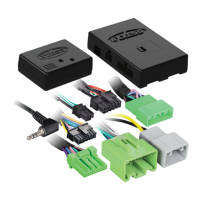
REV. 9/28/2018 INSTAX-VL90032
With the key in the off position:
•
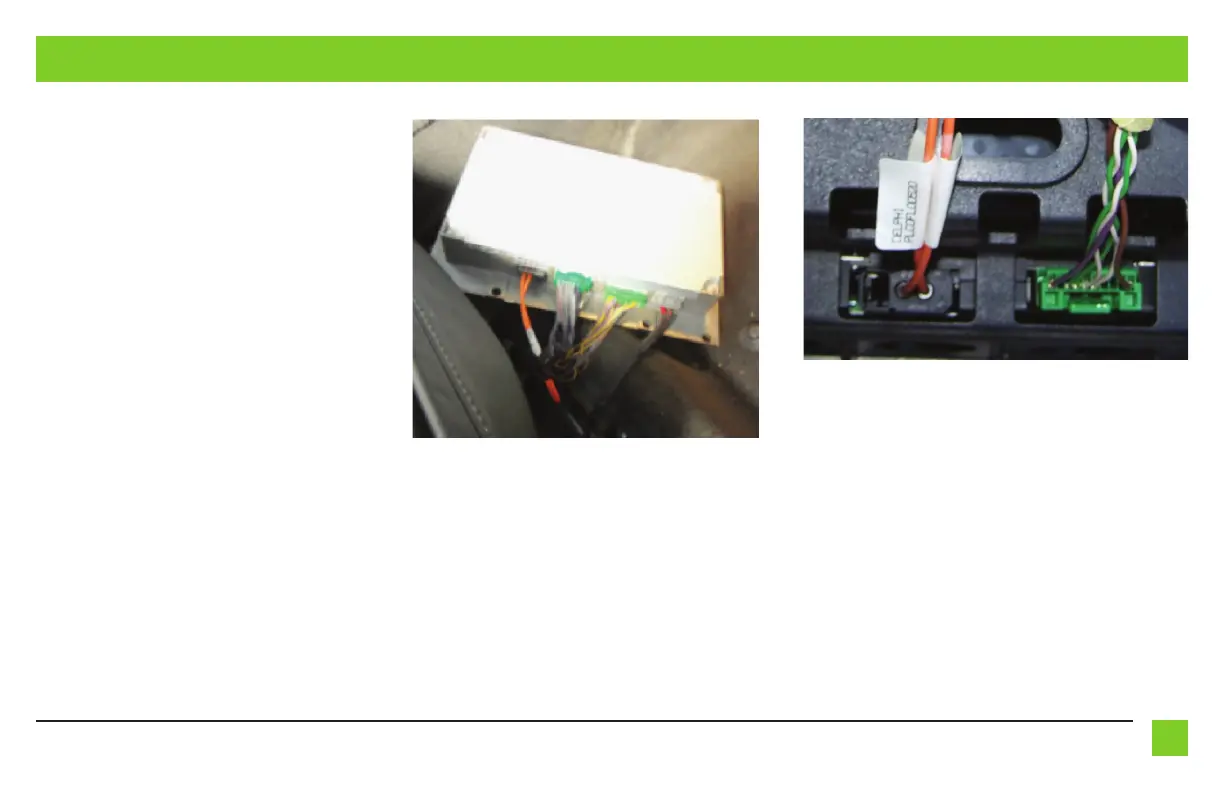
Locate the factory amplifier under the passenger seat
.
• Extend the wire harness with the Gray and Green
connectors to this point.
• Unplug the connectors from the amplifier, then
connect the Gray and Green connectors to the
harnesses unplugged from the amplifier. (Figure A)
Note: The factory Green connector in the middle
will not be used in this application. It can left
plugged in or unplugged.
• Locate the Green 10-pin connector behind the radio
display. (Figure B)
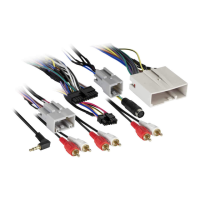
• Unplug the connector, then plug in the Green
male
10-pin connector from the AX-VL90032 harness into
the radio display.
• Connect the factory
male
10-pin connector, into the
Green
female
10-pin connector from the AX-VL90032
harness.
Continued on the next page
INSTALLING THE AX-VL90032 INTERFACE
(Figure A)
(Figure B)


 To Next Page
 Loading...