Selecting Destinations
Selecting a destination by tapping the map
2008 SmartMirror User’s Guide 31
Revision 2.0 AZENTEK, LLC
Selecting a destination by tapping the map
On the MAIN WINDOW:
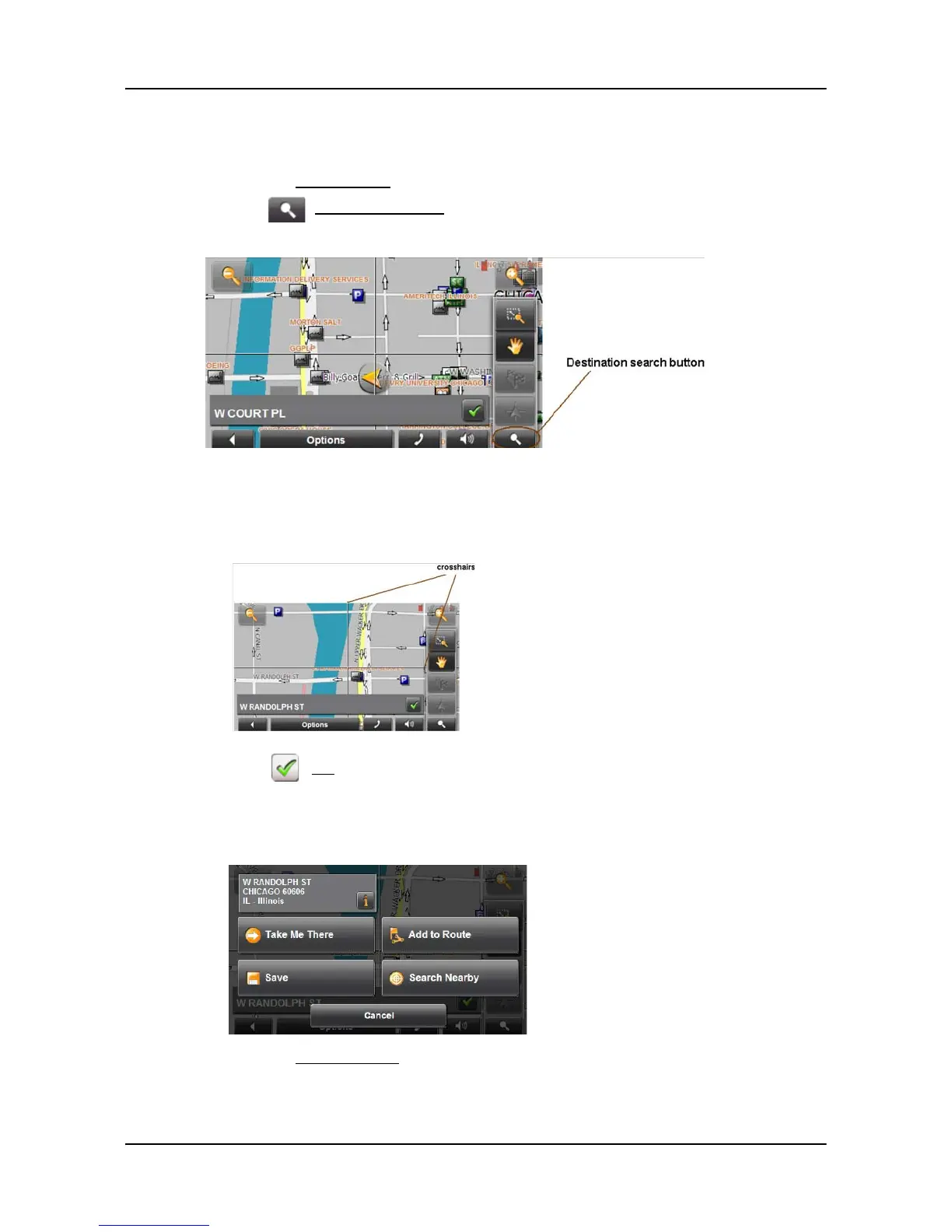
1. Tap the Show on Map button.
2. Tap (
Destination search).
The map opens in
Destination search mode.
3. Tap on the point to which you wish to navigate.
The destination that you have selected appears under the cross hairs.
4. Tap (
OK).
The D
ESTINATION ON MAP WINDOW opens. Detailed address information for the
selected destination displays in the upper left-hand corner.
5. Tap the
Take Me There button.



 To Next Page