Selecting Destinations
Selecting a Point of Interest (POI) destination
30 SmartMirror User’s Guide 2008
AZENTEK, LLC Revision 2.0
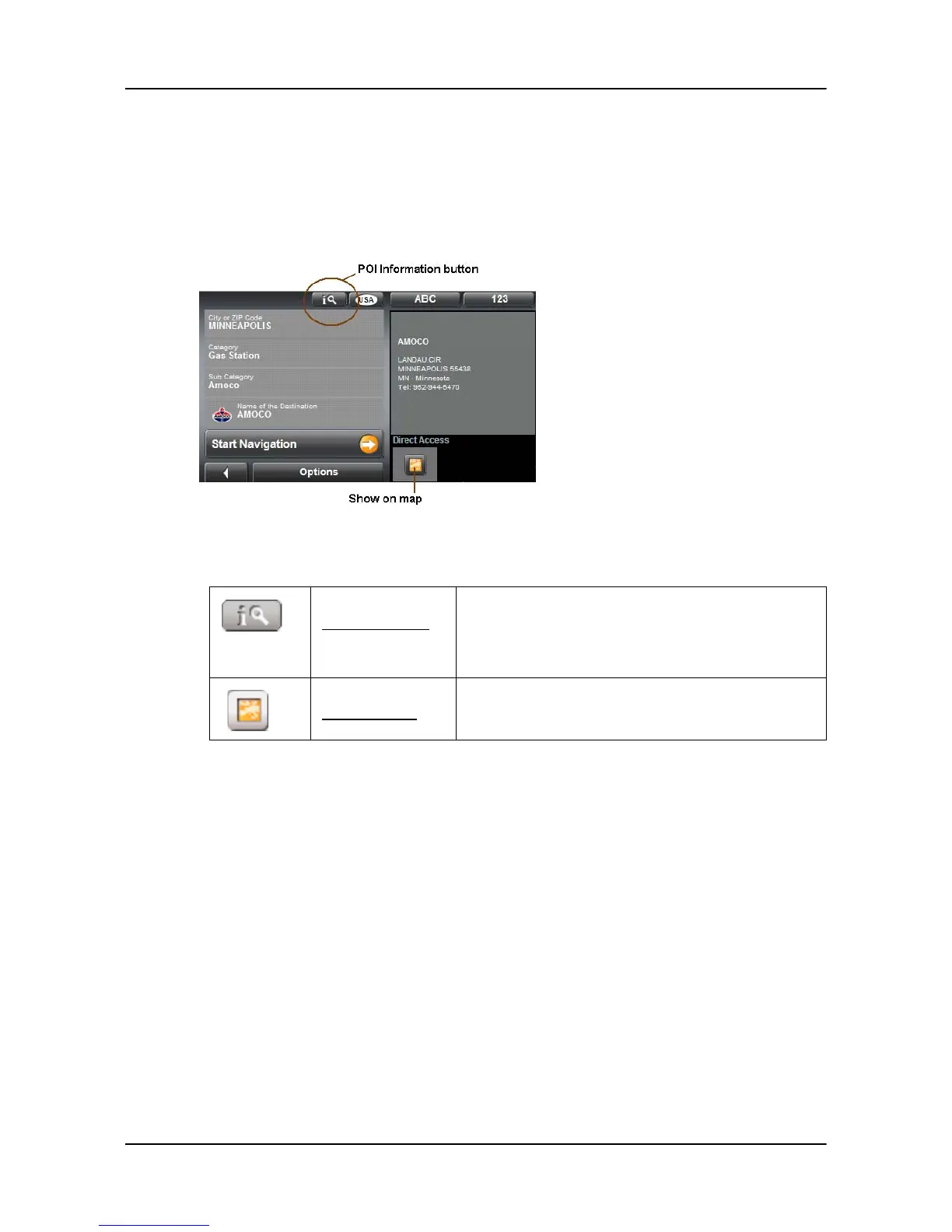
Information about the POI
For many destinations that you specify, there will be additional information available,
stored in the navigation system's database.
For example, for many restaurants there is a telephone number available. You can call the
restaurant in order to reserve a table, for example.
On the
DESTINATION SELECTION WINDOW, the following buttons are available:
Destination Info
Opens the DESTINATION INFO WINDOW. It contains
basic information about the POI including address
and phone number.
Show on Map
Show the POI on a map relative to your current
location.



 To Next Page