Selecting Destinations
Selecting a Point of Interest (POI) destination
2008 SmartMirror User’s Guide 29
Revision 2.0 AZENTEK, LLC
The map opens in Preview mode.
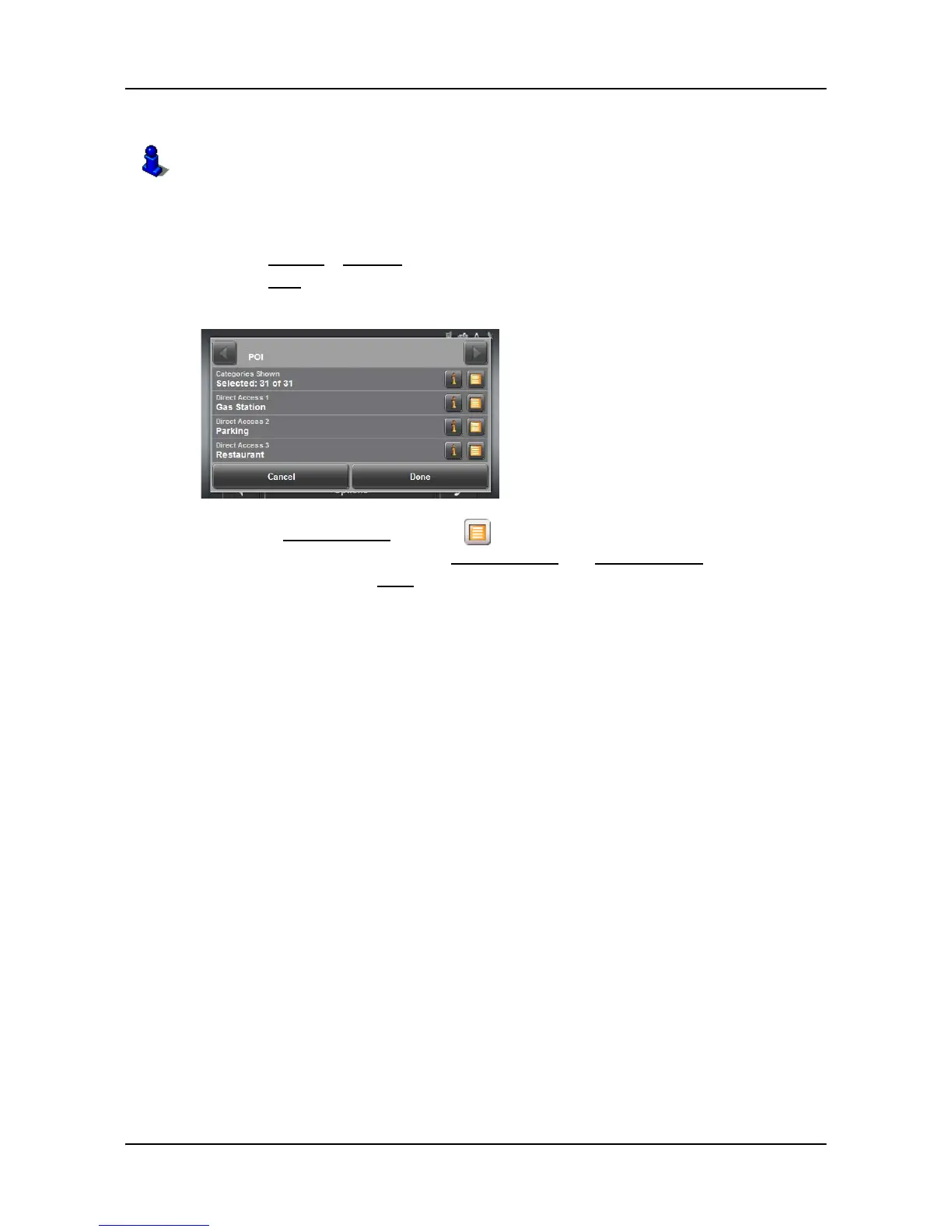
Specify direct access POI categories
In the MAIN WINDOW:
1. Tap Options > Settings
2. Tap POI.
3. In the Direct Access 1 field, tap (List) and select a POI category.
4. Repeat the above step in the
Direct Access 2 and Direct Access 3 fields.
5. When finished, tap
Done to save the changes.
For more information, see “Starting navigation” on page 33.



 To Next Page