4ª 10103 (GB) 6 - 2008
66
Function 450
<<KEYBOARDS>> Number of selection buttons
2
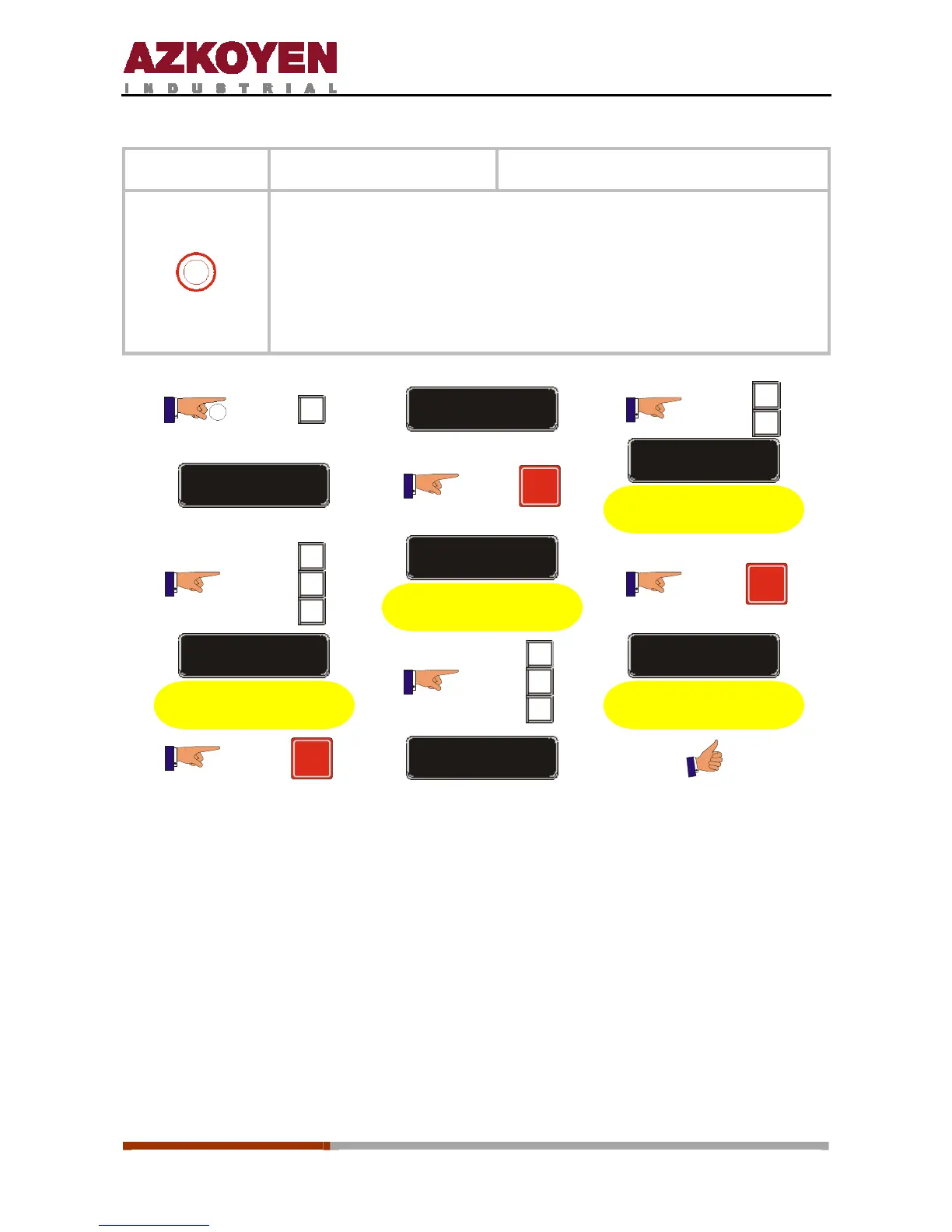
This function allows you to programme the number of product selection
buttons on each keyboard. The machine can have one keyboard, the
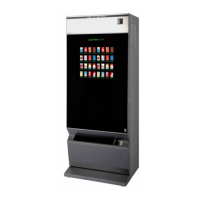
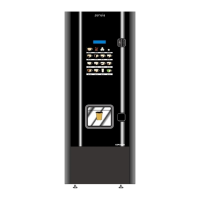
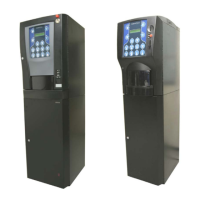
upper one, keyboard 0, or two (0 upper and 1 lower) with their
respective buttons depending on the version of the machine.
If the lower keyboard is not installed on the machine, programme 255.
The keyboards have 6, 10, 13, 16, or 19 product selection buttons.
2”
C
FUNCTION = 000
B
C
FUNCTION = 450
R
KEYBOARD 0 = 016
Upper keyboard
A
B
C
KEYBOARD 0 = 013
Upper keyboard
R
KEYBOARD 1 = 016
Lower keyboard
A
B
C
KEYBOARD 1 = 013
Lower keyboard
R
SAVE - CONFIG



 To Next Page