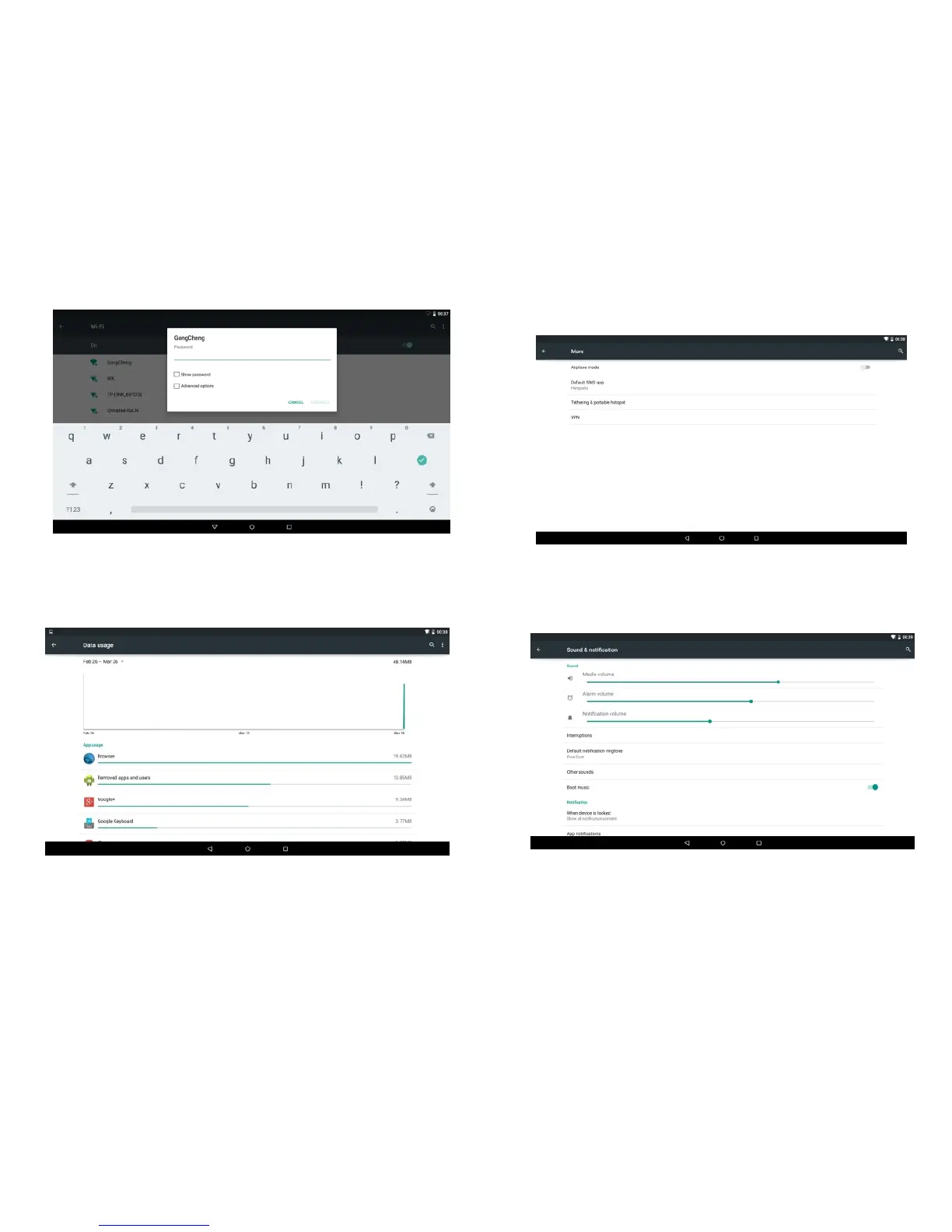
On the drop-down list, select the network and type your
router password.
4.2 Data usage
Check data usage.
4.3 More
For more information on Airplane mode,default SMS app
etc.
4.4 Sound & notification
Click on Sound & notification to go to sound setting.
Volume: To adjust Music ,Video games,& other media
Notifications,Alarms Volumes
Default notificatiom sounds:Select default notificatiom sounds.
-19-
-20-



 To Next Page