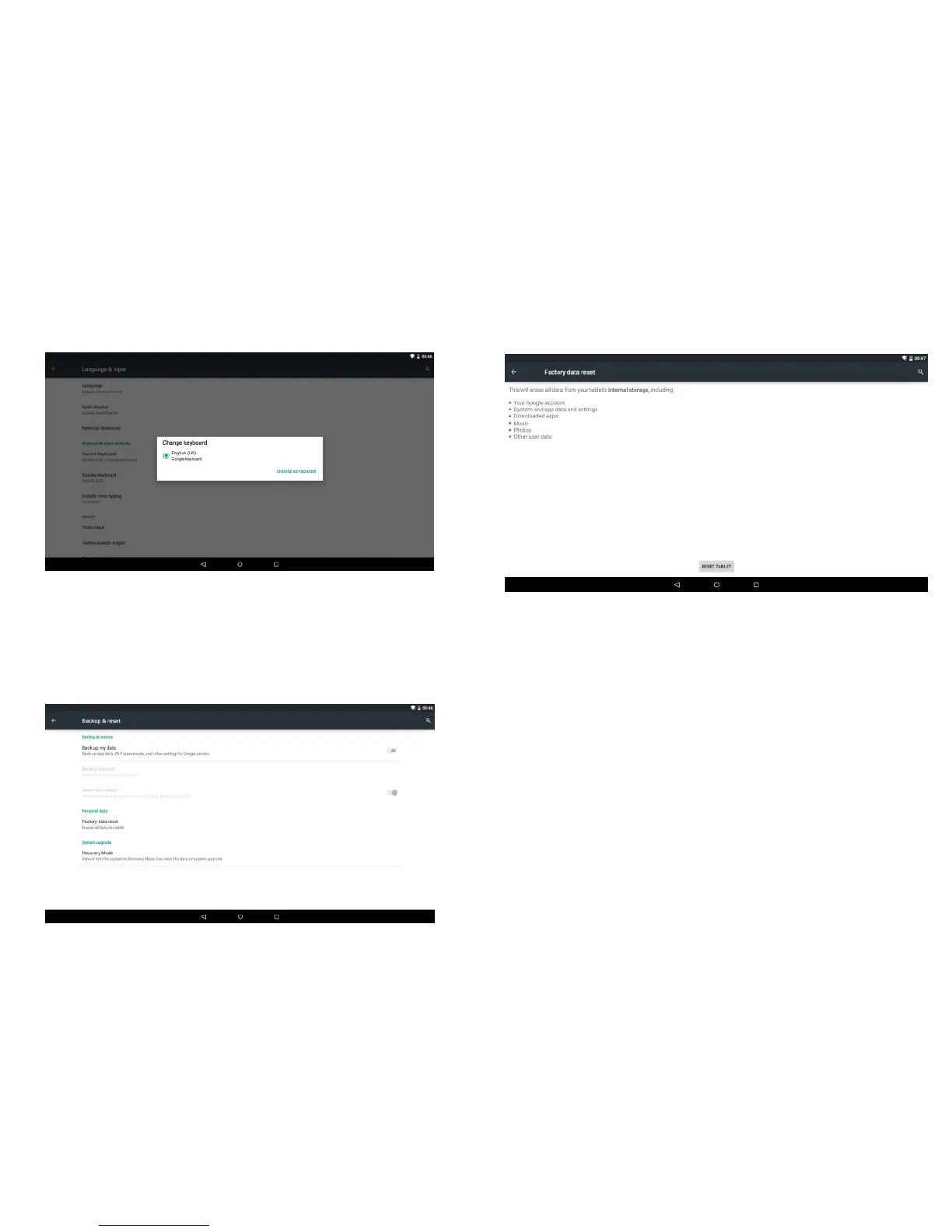
Keyboard & input method: Set the keyboard and input
methods as you need:
4.10 Backup & reset
Tick the box behind the "back up my data" to back up
application data, Wi-Fi passwords, and other settings to
Google servers.
Tick the box behind the "Automatic restore", the system will
restore backed up settings or other data if it reinstalls an
application.
Personal data:
Tap the "Factory data reset" to erases all data on the device.
NOTE: Please back up all your data of the internal memory
before reset the device, or you will lose all the data.
4.11 Date & time
A: Automatic: Use network-provided values
B: Select time zone
C: USE 24-hour format
D: Select date format
-27-
-28-



 To Next Page