b. If the LCD touch screen breaks, please carefully avoid
the liquid which can leak from the screen. If the liquid
mercury gets on you, please use water to clean it off or
consult with a doctor.
c. Please avoid anything with a sharp end to touch the
screen. Products with sharp ends will scratch the creen.
d. Please do not put heavy pressure on the screen. It may
break or damage the screen.
e. Please do not take apart or repair the tablet. This may
void the warranty. Bring the tablet to a service center if
necessary.
2. Getting started
2.1 Power on and off.
a. Power on
Press and hold the power button for 3 seconds, the tablet
will turn on.
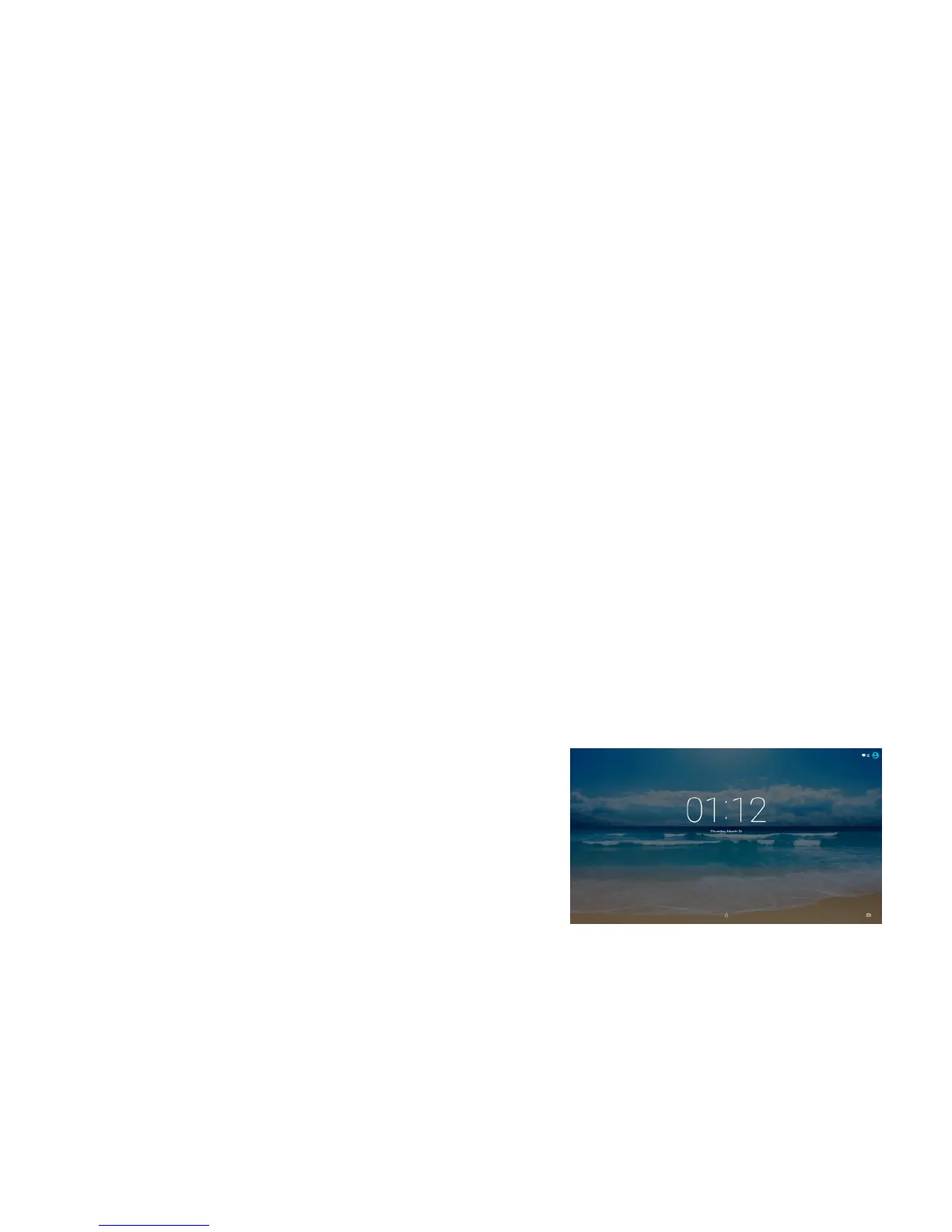
Then you will need to unlock the touch screen. The
factory setup the screen unlock by using slide mode.
Press the lock on the touch screen, slide up to unlock
the touch screen.
To setup a different unlock method by go to Settings >
Security > select the method to unlock your tablet.
1. Safety instruction
1.1 Right Place
a. This tablet is not waterproof and cannot be used
underwater.If you accidentally drop the tablet into water,
wipe off any water droplets with a dry cloth.
b. Do not leave the tablet in excessive heat such as in a car
or in direct sunlight. High temperature can cause the
tablet to malfunction.
c. Please keep the tablet clean. Dust could cause tablet to
malfunction.
d. Do not leave the tablet near anything having a strong
magnetic field or near anything emitting strong radio
waves.
1.2 Battery
a. Please only use the Azpen Charger to charge your Azpen
tablet.
b. Do not use tablet near a fire source. The fire could
cause a battery explosion.
1.3 Alternating Current
a. Do not use a damaged plug to charge your tablet. It may
cause electric shock.
b. Please do not touch the power plug with a wet hand. It
may cause electric shock.
c. Please use the tablet with proper voltage and current.
Improper voltage and current will damage the tablet.
1.4 Using Tablet
a. Please use proper computer cleaning materials to clean
the tablet. Make sure the tablet is dry before turning on
the power.
-3-
-4-


 To Next Page