b. Power off
When the tablet is on, press and hold the Power button
for 2 seconds, a shut down window will appear on the
screen.
Select “OK”, the tablet will power off. It is important to
save the battery when the tablet is not in use for a period
of time.
2.2 Using the touch screen
a. Swipe
To scroll a webpage, or move between pictures, use your
finger to touch the screen and slide up and down or right
and left.
b. Pinch
To zoom in and out of a picture, touch the screen with
two fingers pinch them together or apart.
c. Drag
To move something from one place to another, touch and
hold the item you want to move until the application
begins to shake, and then slide your finger to the position
where you want to put it.
2.3 Battery and charging
2.3.1 First time charging.
For the first time, charge the battery for 8-12 hours.
When battery is low, a low battery icon appears in the
top right of the screen.
2.3.2 How to charge battery
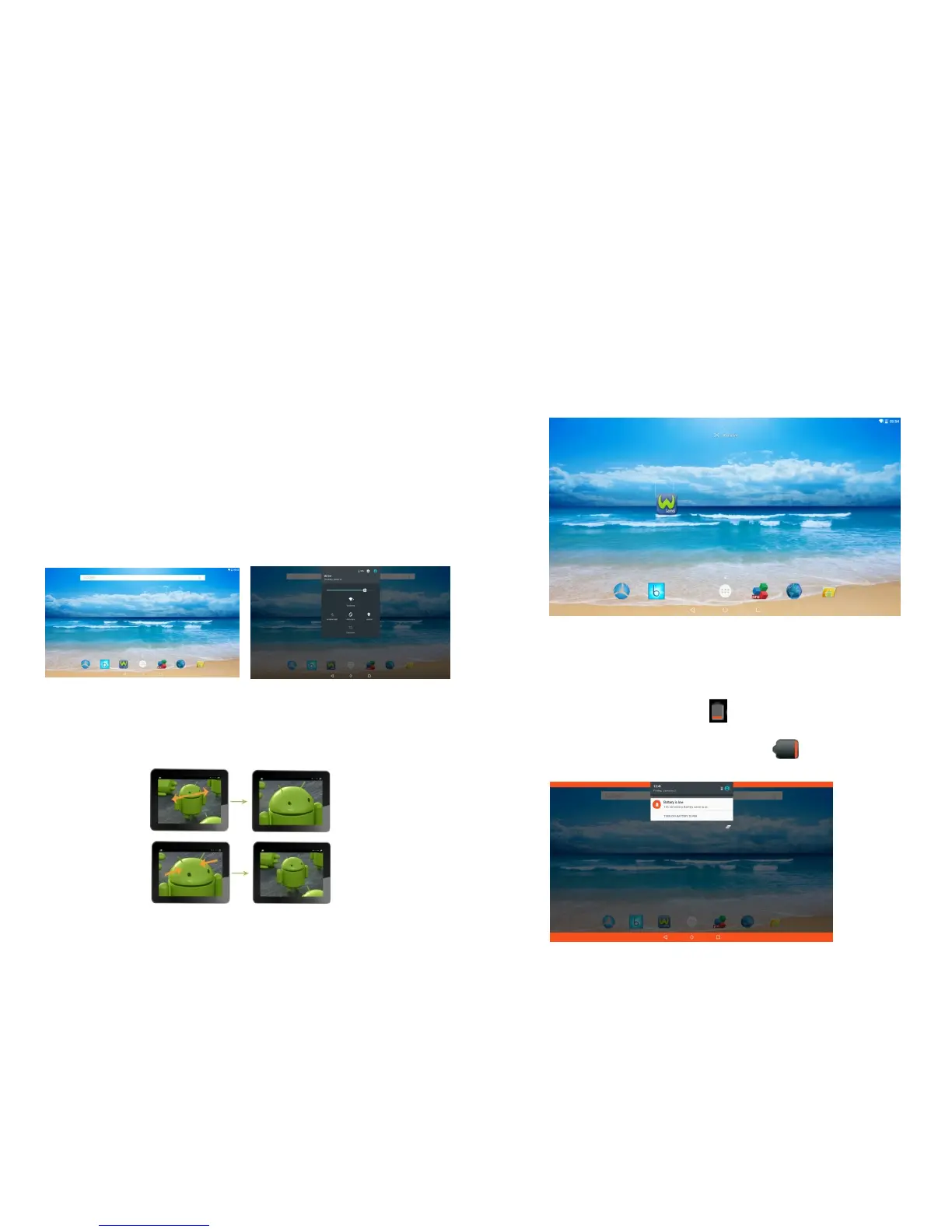
When the battery falls below 15%, the following
message appears on the screen.
-5-
-6-



 To Next Page