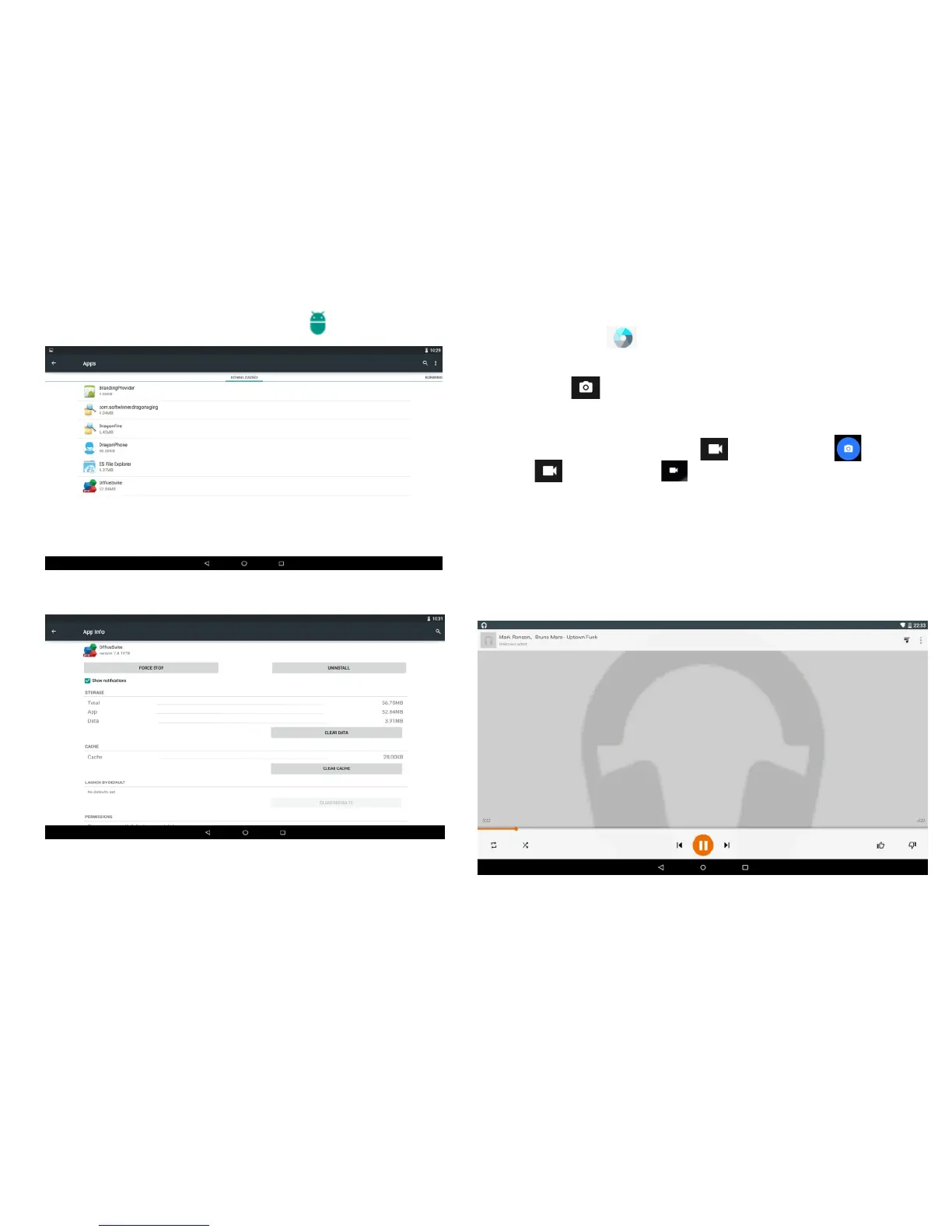
a. Click the application icon that you want to uninstall.
b. Click Uninstall button. The application is uninstalled.
Uninstall:Go to Settings, click Apps
3.2 Camera
Click the icon to start.
3.2.1Taking pictures.
Tap logo to take a quick picture. Click right side
menu will show more camera options.
3.2.2 Taking videos.
Slide from left to right , video /camrea appears ,
tap and then tap on the right side to record videos.
3.3 Music
Support most of the popular types of audio formats,
including MP3、WAV、WMA etc. Plug in your
headphones, use the built-in Stereo speakers, or hook
up your tablet to a home entertainment system
-13-
-14-


 To Next Page