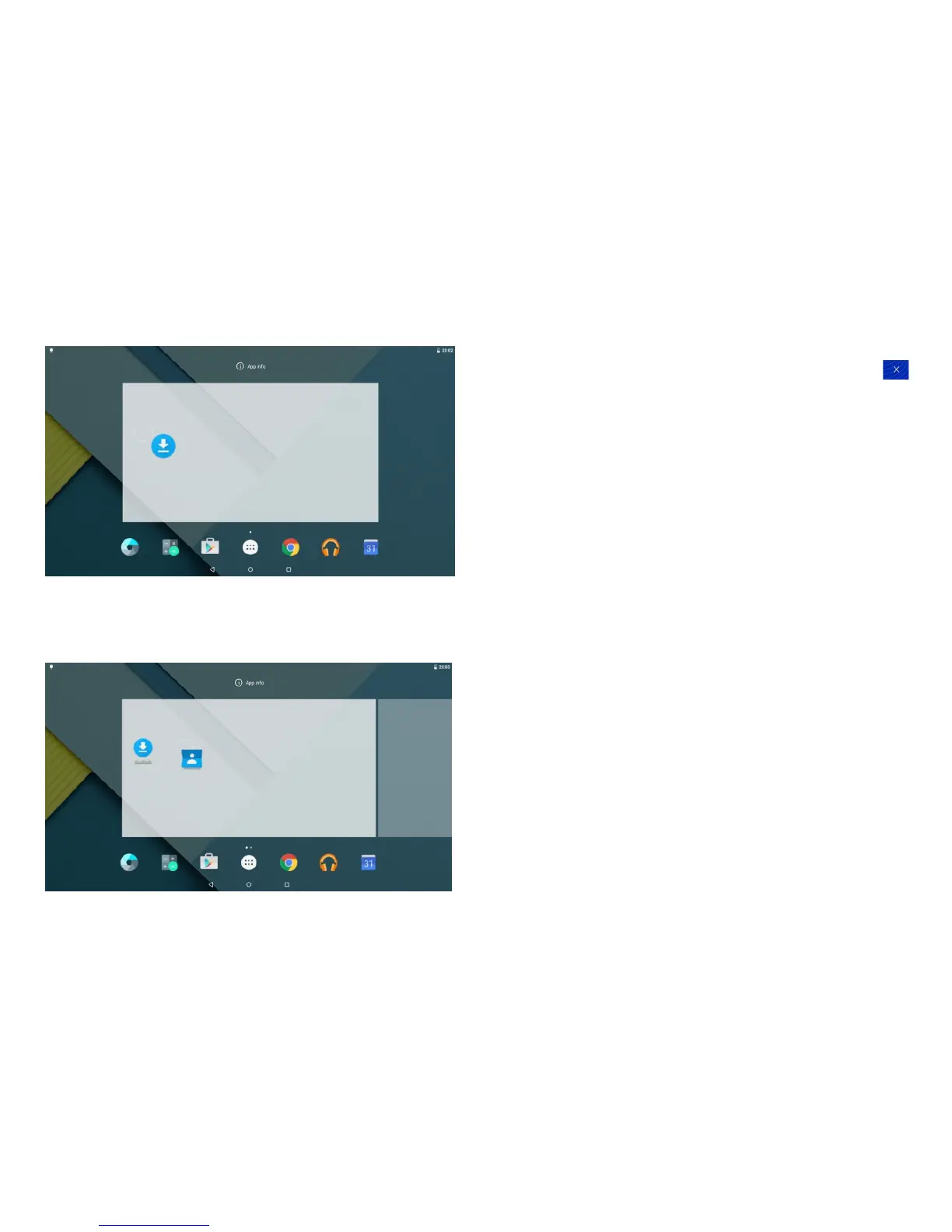
2.5.2 Delete shortcut icon from the homepage
Press and hold the shortcut icon for 2 seconds. On the
top of the home page appears a Recycle Bin logo ,
drag the icon to the Recycle Bin logo. Afer the icon
changes to a red color, release it. The icon will be deleted.
2.6 Lock screen
To protect personal information, you can adjust your
tablet's lock settings:
Step 1: Go to Settings.
Step 2: Scroll down and touch Security.
Step 3: Touch Screen lock.
Step 4: Touch the type of lock to use.
a.None
b.Swipe
d.Pattern
e.PIN
f.Password
2.7 Change the wallpaper
a. Touch & hold anywhere on a Home screen that's not
occupied. A list of options appears.
-9- -10-


 To Next Page