a. Connect Azpen to a power adapter.
b. When finished charging, the screen will display a full
battery picture.
c. When the battery falls below 15%, it will take 4-5 hours
to complete a full charge.
2.3.3 Maximize your battery life
Go Settings > Display
Select- Brightness, move the slide bar to left side can
decrease brightness.
- Sleep, select a shorter sleep time to extend
battery life.
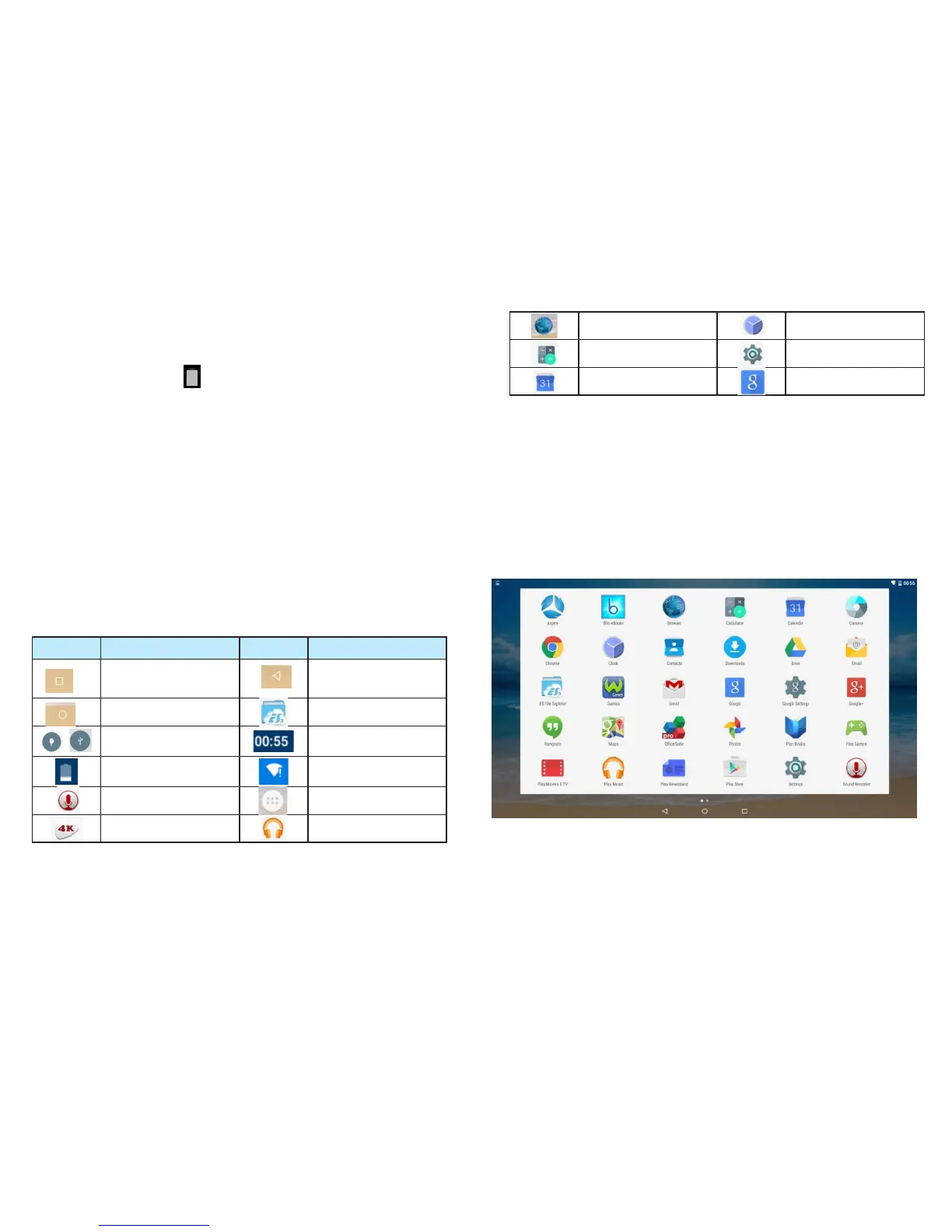
2.4 Status bar icons and indicators
2.5 Shortcut icon
2.5.1 Create shortcut icon on the home page
Go to the application page, press and hold the application
icon for 2 seconds.The icon will appear on the home
page,
-7-
-8-
Internet Browser
Calculator
Clock
Settings
Icon Functions Icon Functions
Opens a list of thumbnail
images of apps you've
worked recently.
Go back to home page
New external device
connect
Shows the battery level
or charging status.
Play Videos
File manager
Time
Wi-Fi Signal
Go to application page
Music player
Recorder
Opens the previous screen
you were working in, even
if it was in a different app.
Google search
Calendar



 To Next Page