EasyManua.ls Logo

B. Braun Vista basic - Page 53

B. Braun Vista basic
55 pages
Print Icon
To Next Page IconTo Next Page
To Previous Page IconTo Previous Page
Loading...
Unit
Elements
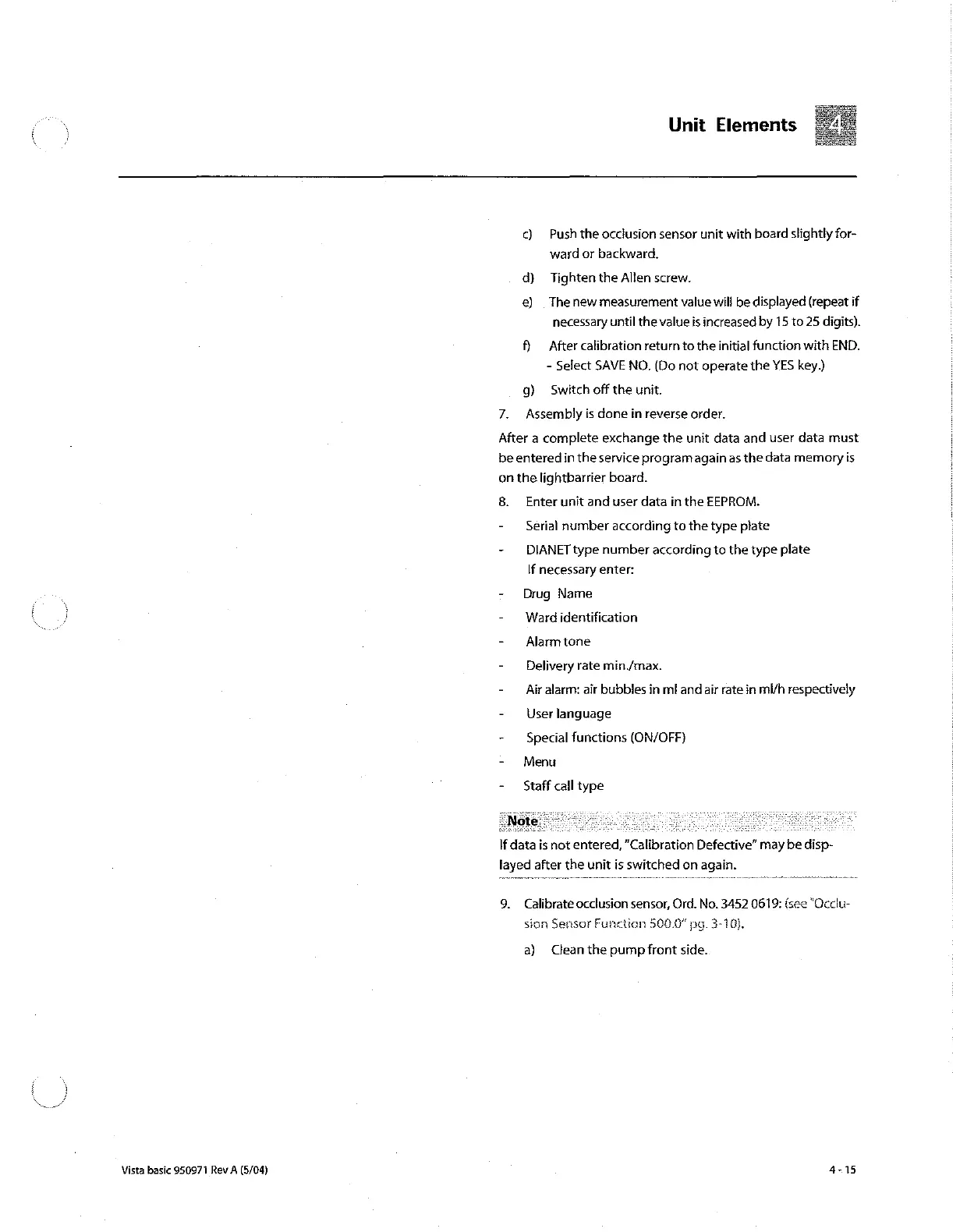
c)
Push
the
occlusion
sensor
unit
with
board
slightly
for-
ward
or
backward.
d)
Tighten
the
Allen
screw.
e)
.
The
new
measurement
value
will
be
displayed
(repeat
if
necessary
until
the
value
is
increased
by
15 to
25
digits).
В
After
calibration
return
to
the
initial
function
with
END.
-
Select
SAVE
NO.
(Do not
operate
the
YES
key.)
g)
Switch
off
the
unit.
7.
Assembly
is
done
in
reverse
order.
After
a
complete
exchange
the
unit
data
and
user
data
must
be
entered
in
the
service
programagain
as
the
data
memory
is
on
the
lightbarrier
board.
8.
Enter
unit
and
user
data
in
the
EEPROM.
-
Serial
number
according
to
the
type
plate
-
DIANET
type
number
according
to
the
type
plate
If
necessary
enter:
-
Drug
Name
-
Ward
identification
-
Alarmtone
-
Delivery
rate
min./max.
-
Air
alarm:
air
bubbles
in
ml
and
air
rate
in
ml/h
respectively
-
User
language
-
Special
functions
(ON/OFF)
-
Menu
-
Staff
call
type
If
data
is
not
entered,
“Calibration
Defective”
may
be
disp-
layed
after
the
unit
is
switched
on
again.
9.
Calibrate
occlusion
sensor,
Ord.
No.
3452
0619:
(see
“Occlu-
sion
Sensor
Function
500.0"
pg.
3-10).
a)
Clean
the
pump
front
side.
Vista basic
950971
Rev
A
(5/04)
4-15

Other manuals for B. Braun Vista basic

Related product manuals