4 Design and Construction
© b2electronic gmbh
DHV0053 b2 EN
Display Navigation
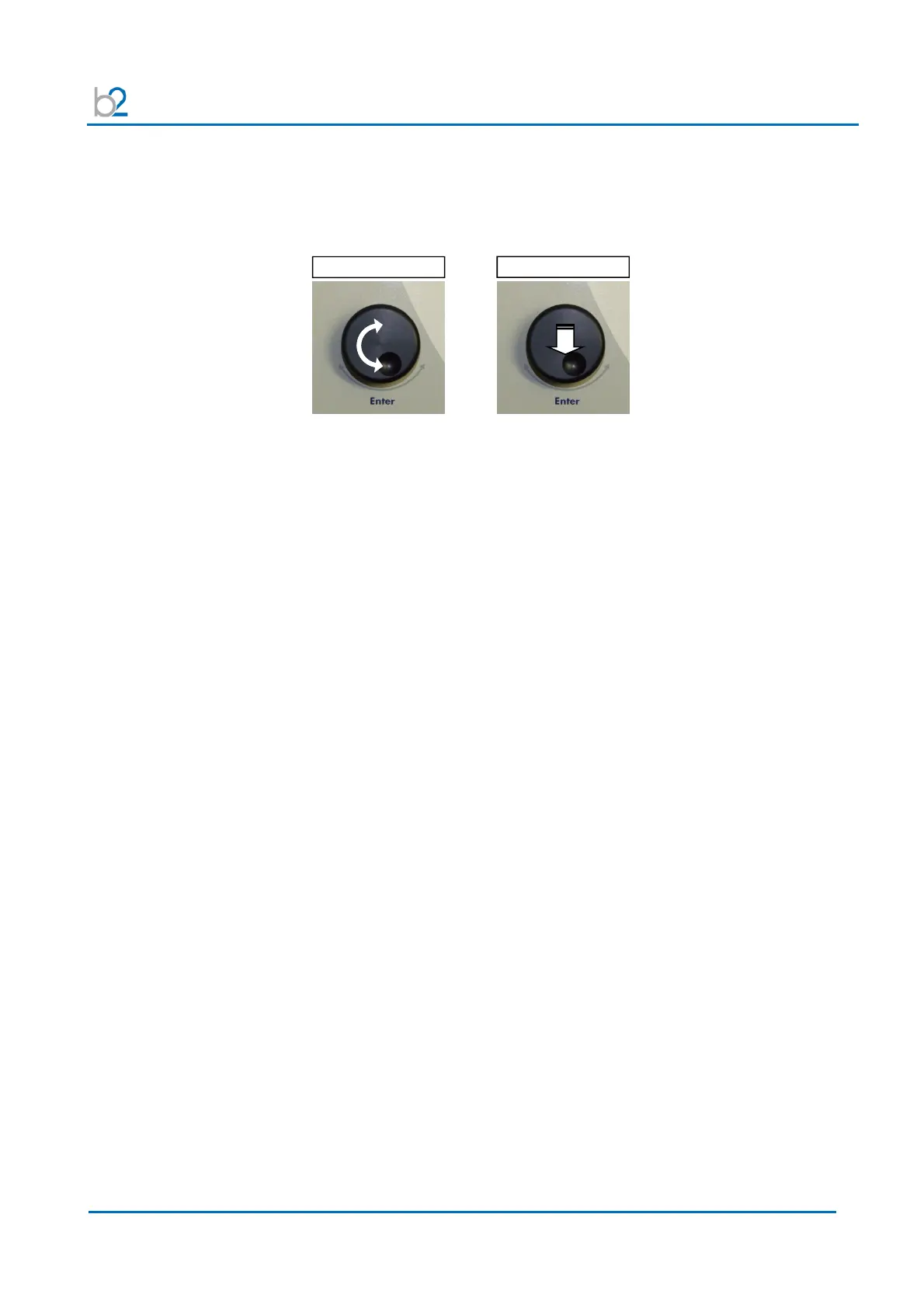
The navigation knob (5) enables the user to select or change options shown on
the HVA display screen (4).
• To move to another item in a menu list or to any other field possible on the
actual displayed screen Rotate the knob.
• To scroll through options or to change value displayed of an active field
Rotate the knob.
• To select marked option or to accept set value accept Push in / “click”
Rotate
Push in / „Click“



 To Next Page