5 Test Procedure
© b2electronic gmbh
DHV0053 b2 EN
5.3 Automatic Test Mode
This HVA28TD test mode facilitates testing in order to satisfy specific
requirements (e.g. IEEE, IEC standards). The test sequence can be configured,
modified and saved at any time before testing.
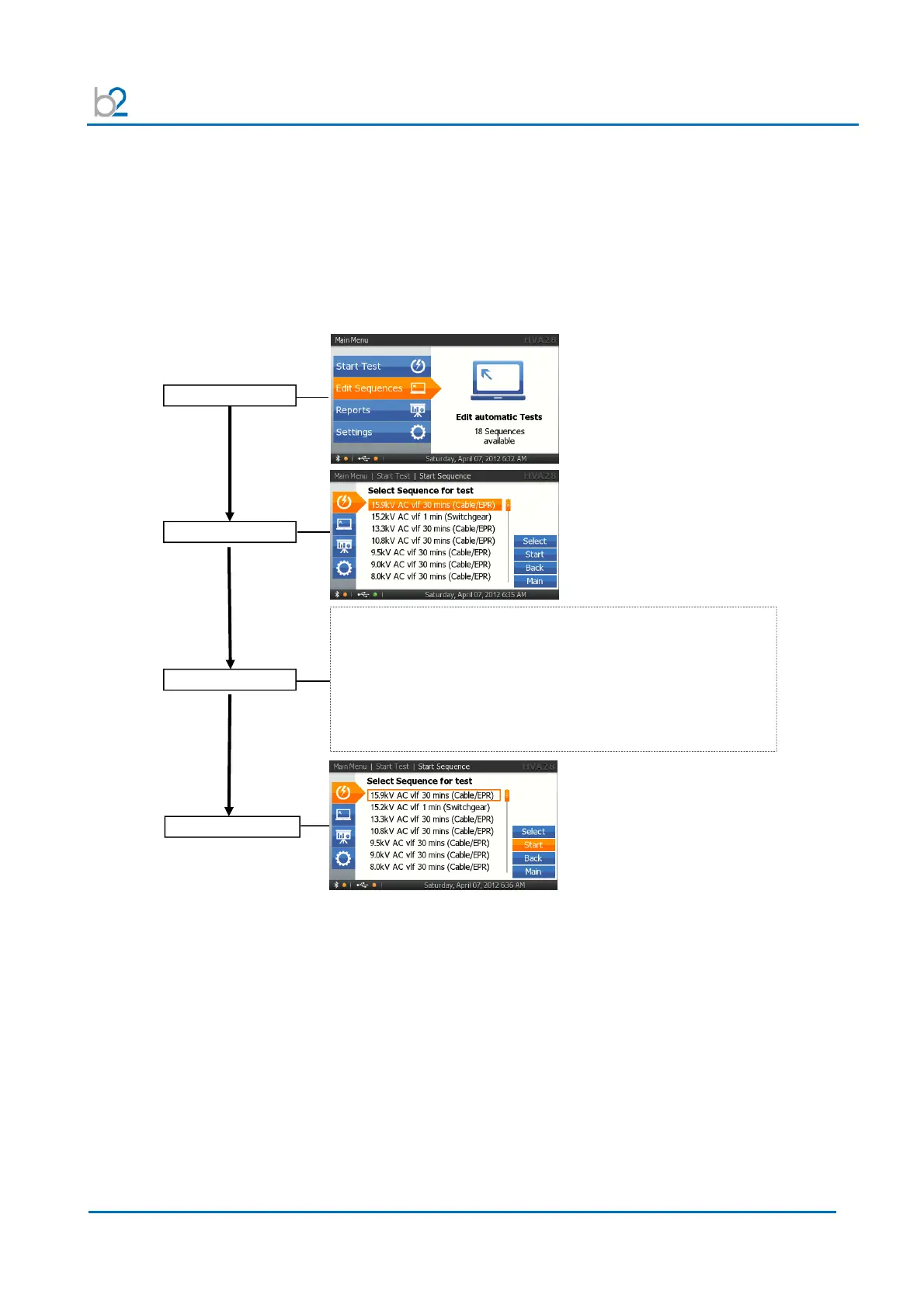
Configuring Auto Test. Sequence- Overview
Main Menu
Start Sequence
Edit Sequence
Edit or New?
•
Sequences can be edited or generated with the HVA Control
Center (PC Software).
• Save the new or prepared sequence under “HVA28.hss”
USB flash drive.
• Put the USB flash drive into the communication port (13)
• Make a USB update (-> see IS7)



 To Next Page