5 Test Procedure
28 DHV0053 b2 EN
© b2electronic gmbh
5.2 Manual Test Mode
This HVA28TD test mode facilitates rapid testing. If the default is the “Manual
Mode Screen”, a test with the same settings as the previous test can be started
directly after activating the system.
Setting Manual Test Parameters
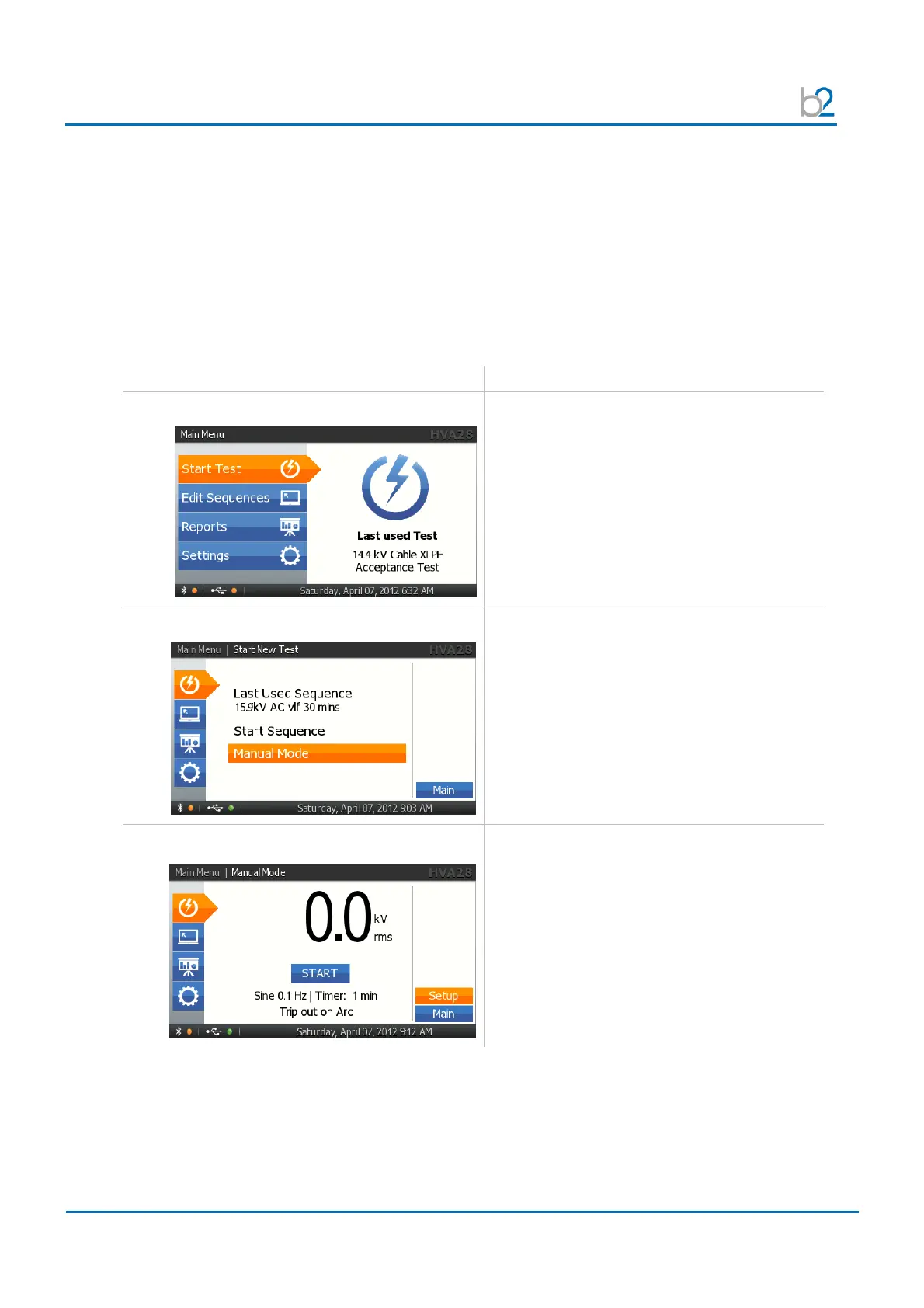
Steps MS1-MS11 describe how to set manual mode test parameters
.
Step Procedure
(Set Manual Test Parameters)
MS1: Start new Test
Select “Start Test”
MS2: Start Manual Mode
Select “Manual Mode”
MS3: SETUP
To set the waveform, frequency, or test
duration, select “SETUP” on bottom of
“Manual Test” screen



 To Next Page