5 Test Procedure
34 DHV0053 b2 EN
© b2electronic gmbh
Configuring Auto Test. Sequence- Detailed Steps
Steps AS1-AS3 describe how to configure a test sequence.
Step Procedure
(Configure Automatic Sequence)
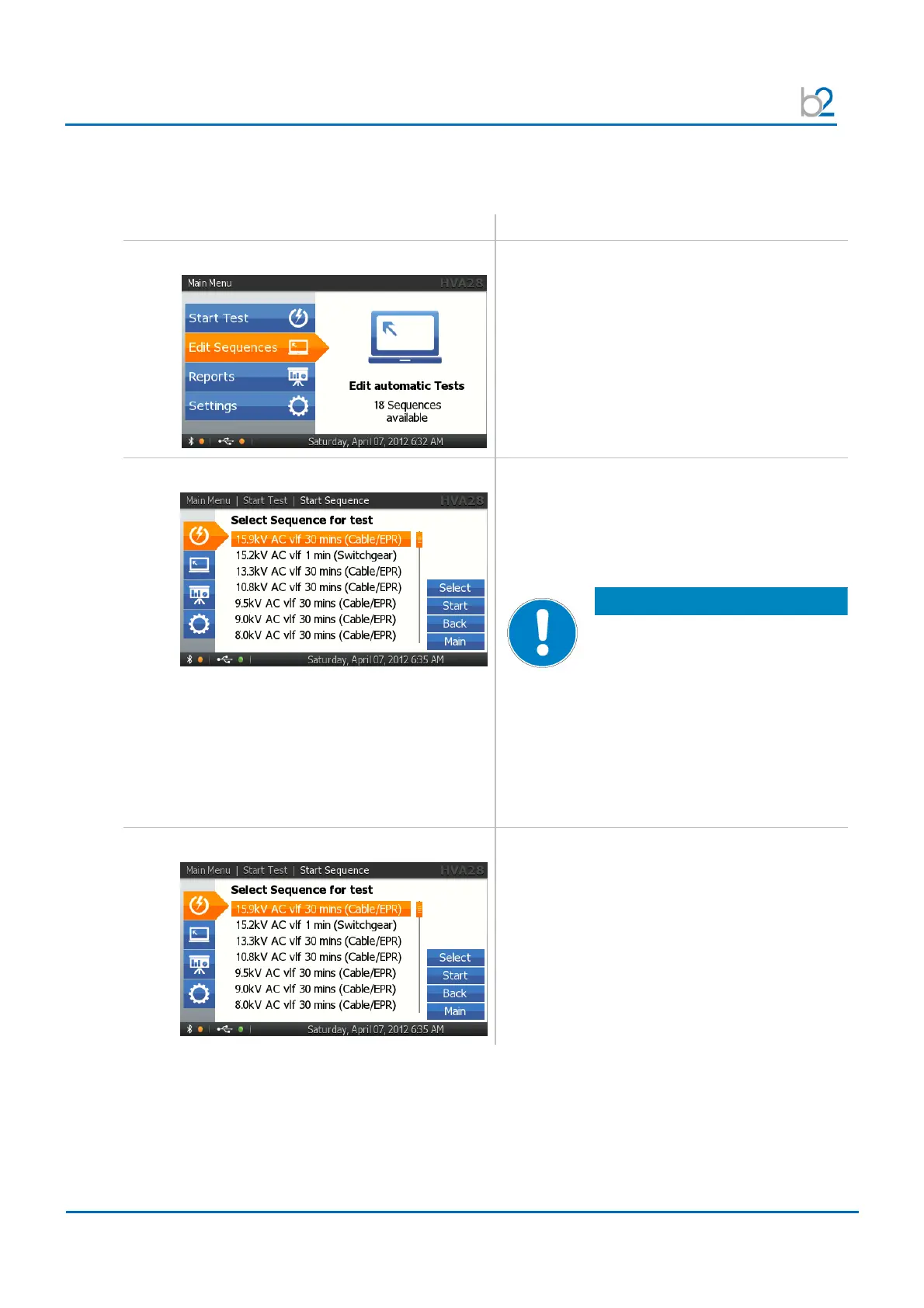
AS1: Edit Sequences
Select “Edit Sequences”
AS2: EDIT or NEW?
To edit or generate new test sequences change
to the HVA28 Control Center (PC Software)
• Edit or make a new test sequence on the
HVA28 Control Center
• Save the sequence on the USB flash drive
NOTICE
The file must be saved under
“HVA28.hss” on the USB flash
drive.
• Put the USB flash drive into the
communication port (13)
• Make a USB update (Settings -> see IS7)
The sequence is found in the “Edit Sequences”
Menu display
AS3: DUT
Select one of the Sequences which are already
stored in memory.



 To Next Page