4 Design and Construction
© b2electronic gmbh
DHV0053 b2 EN
Step Procedure
(Instrument Setup)
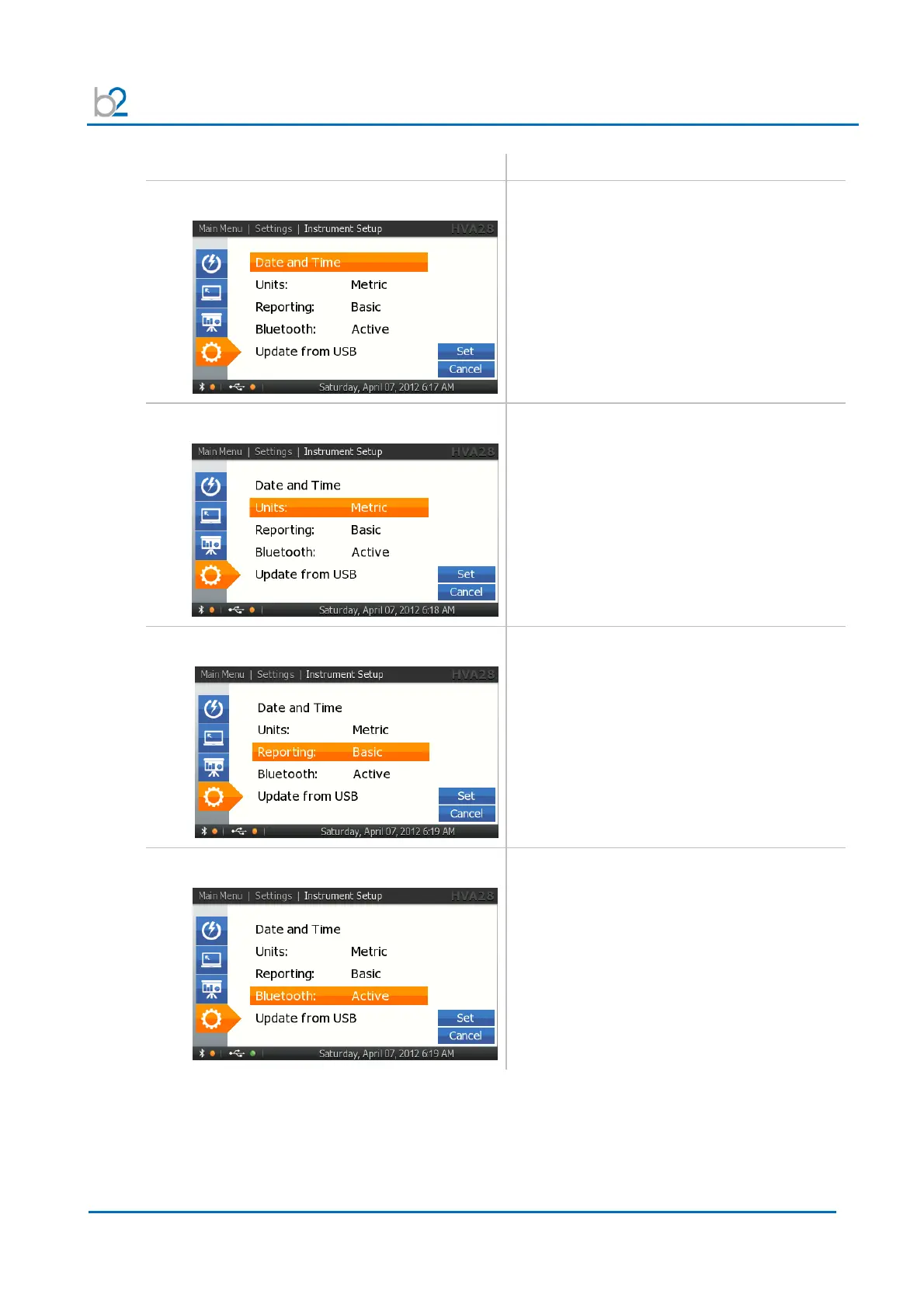
IS3: Set Date and Time
To set Date and Time, select “Date and Time”
on “Settings” screen
IS4: Units
Choose between Metric and Feet.
IS5: Reporting
Choose one of the reporting types:
• Basic
(detailed report information can be
entered)
• Extended
(only Report Title is entered)
IS6: Bluetooth
Activate or deactivate Bluetooth



 To Next Page