6 Tangens Delta
48 DHV0053 b2 EN
© b2electronic gmbh
Step 1 Installation of Bluetooth support on your computer
If your computer does not have a built in or existing Bluetooth Hardware you
can use the Bluetooth Dongle and CD which is shipped with your TD System.
This dongle has been tested to work with the TD unit and has a range of
approximately 50 feet / 15 meters.
DO NOT INSTALL THE BLUE TOOTH DONGLE BEFORE YOU INSTALLING
THE DRIVERS AS DESCRIBED BELOW.
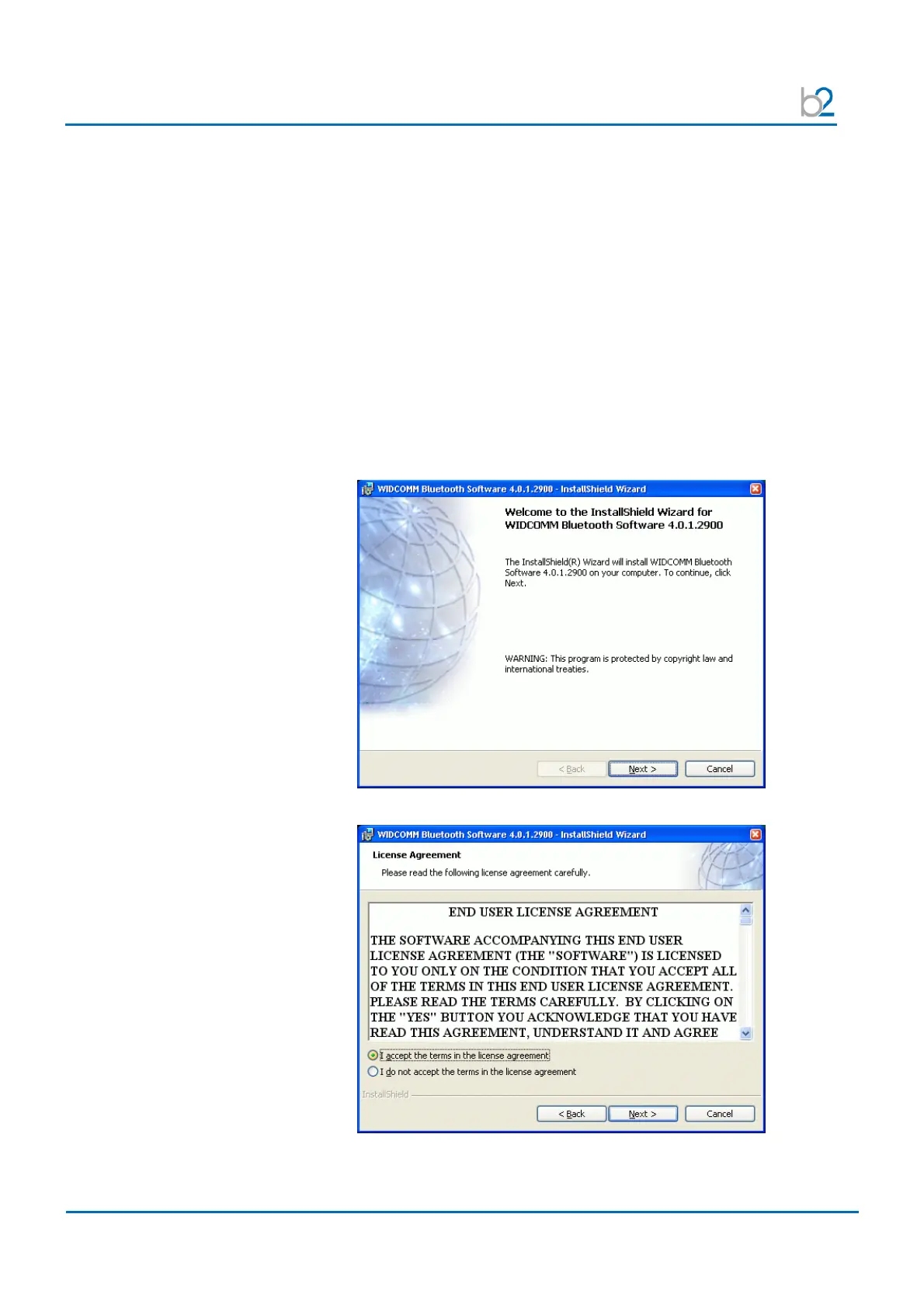
Start Installation
Start the installation process by inserting the driver CD supplied.
The Setup should start automatically, if not locate the CD/DVD drive on “My
Computer” and start Setup.exe in the driver folder.
Due to possible technologically changes in drivers and the Windows operating
system, certain messages shown below may vary slightly to what you may find
on your computer.
Driver Setup Start Screen
Accept License agreement



 To Next Page