4
4.2 User Interface
Display navigation
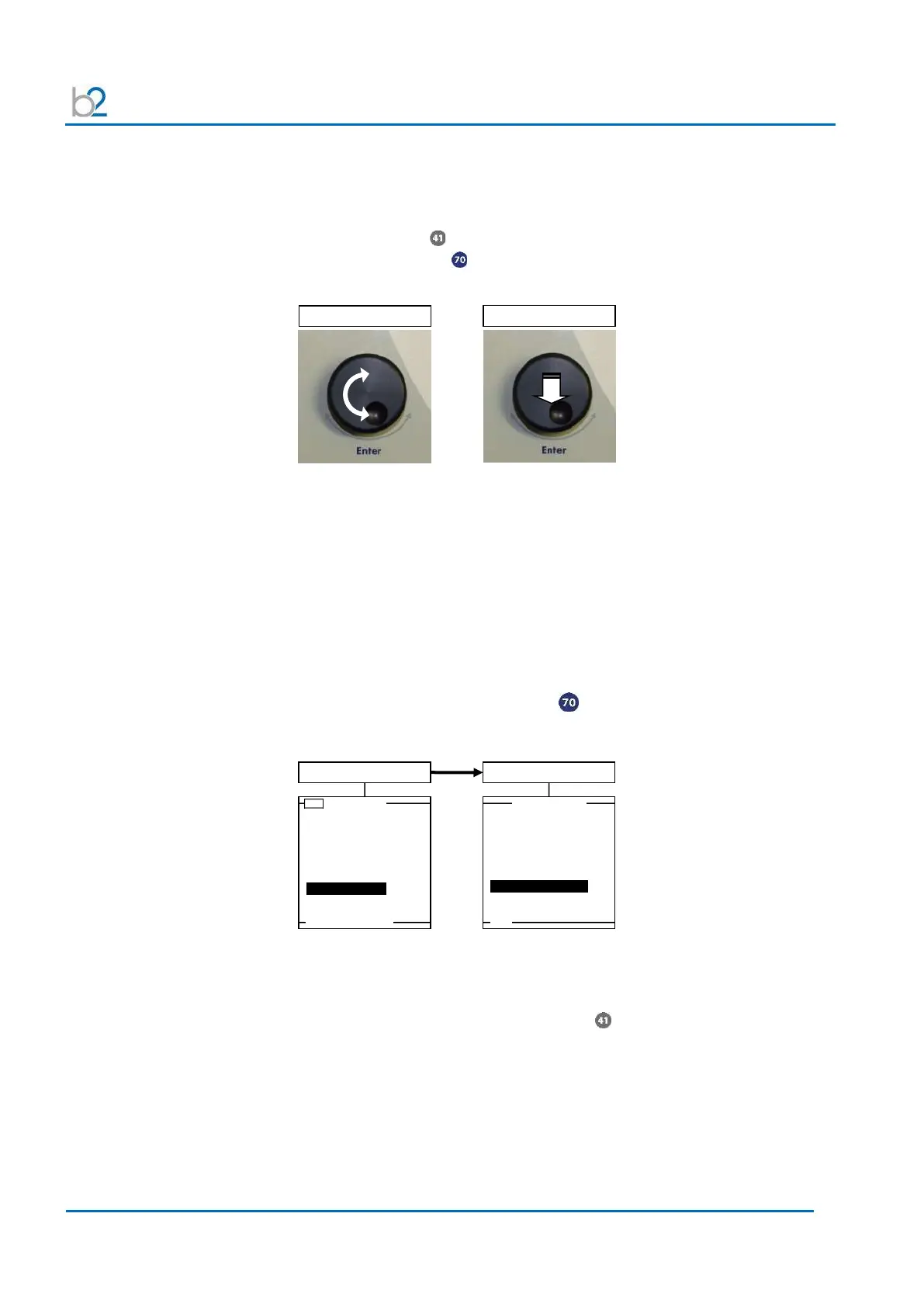
The navigation knob enables the user to select or change options shown on
the HVA display screen
• To move to another item in a menu or to any other field possible on the actual
displayed screen Rotate the knob.
• To scroll through options or to change value displayed of an active field
Rotate the knob.
• To select marked option or to accept set value accept Push in/“click”
Display contrast
The contrast of the HVA display screen can be adjusted. The “Display Contrast”
setting is found in the “Reports & Setup” menu.
• The lowest value is “1”, refers to the lightest background.
• The greatest value “10” refers to the darkest background.
To select, push in/“click” the navigation knob until “Display Contrast” is
highlighted. Rotate the knob to change the value. Push in/“click” to enter the
new value.
Use Last Test Seq.?
3.0kV Maint. C. HYBR (T)
Start a New Test
View Reports (50)
Store Rep.
to USB



 To Next Page