5
(configure automatic sequence)
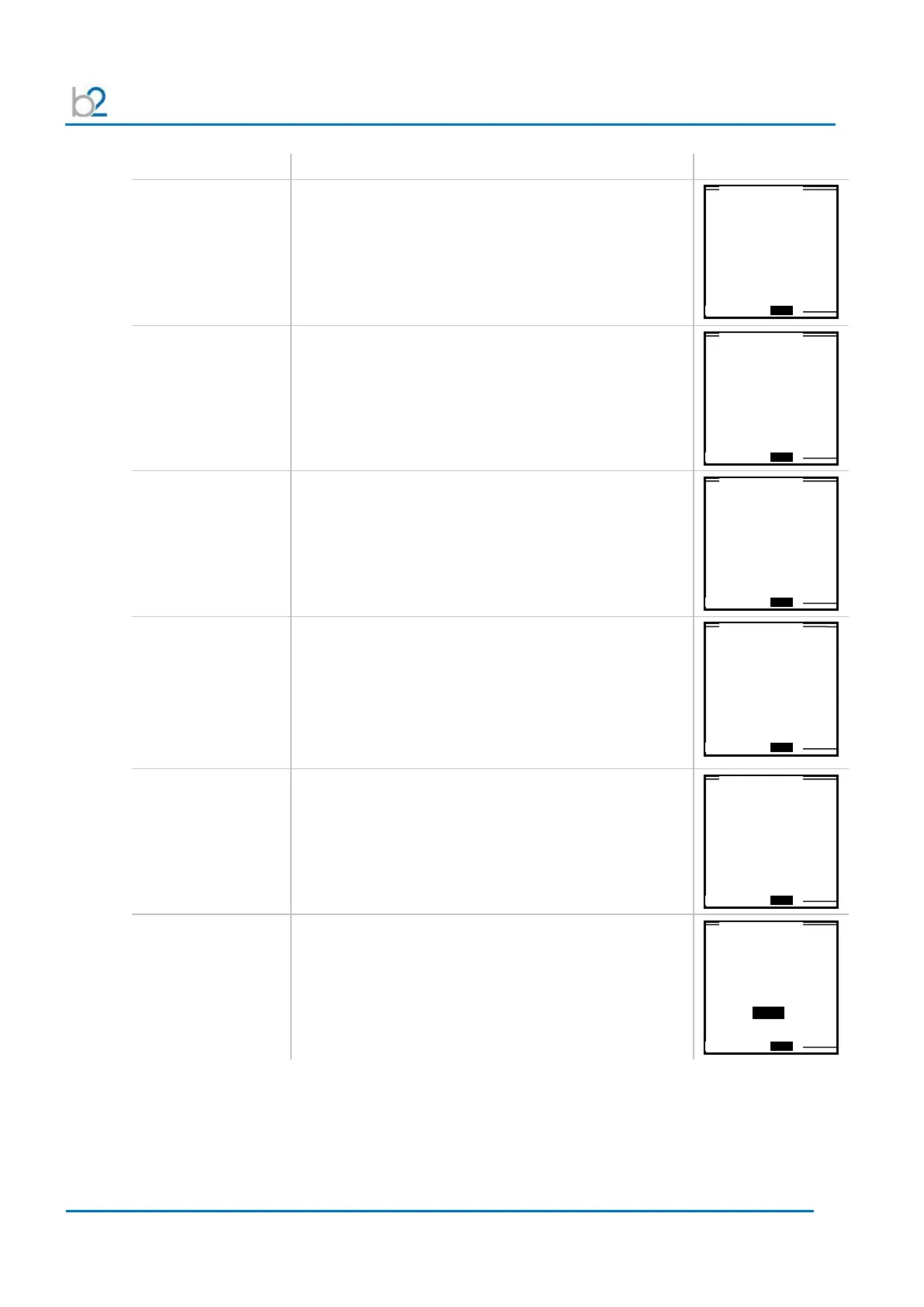
AS7:
Frequency
(sine wave or
square wave only)
Set the frequency to as close to 0.1 Hz as possible.
• 0.1 Hz/Auto: Recommended setting that
automatically maintains the frequency as close to
0.1 Hz as possible
• Permitted values: 0.02-0.1 Hz in 0.01 Hz
increments
AS8:
Voltage steps
Specify the number of voltage steps to be applied to
the DUT.
• Min. voltage levels: 1 step
• Max. voltage levels: 4 steps
AS9:
Test voltage
Specify test voltage for each step:
• Voltage limits see 3.1 – Technical Specifications
For multiple voltage steps:
HVA automatically advances to next step.
Values are displayed in a table.
AS10:
Duration
Specify test duration for each step:
• Min. test duration/step = 1 minute
• Max. test duration/step = 120 minutes
For multiple voltage steps:
HVA automatically advances to next step.
Values are displayed in a table.
AS11:
Arc management
mode
Select one of the following arc management modes:
• Trip out on arc
• Burn on arc
AS12
(Vacuum bottle
only)
Trip current
Set the test “Trip Current”:
• Min. = 200 µA,
• Max. = 1000 µA
1.0kV Cable XPLE
Maintenance / Sine
Frequency for Test?
0.1Hz/ Auto
0.1kV Cable XPLE
Maintenance/Sine0.1Hz
How many Steps?
1 Step
1.0 Cable XPLE
Maintenance/Sine0.1Hz
Step 1
Test Voltage
1.0kVrms
60.0 kV Cable XPLE
Maintenance/Sine0.1Hz
Step 1
Duration
15 min
1.0kV Cable XPLE
Maintenance/Sine0.1Hz
Current Limit?
Trip out on Arc
60.0kV Vacuum Bottle
Maintenance
Trip Current?
200µA



 To Next Page