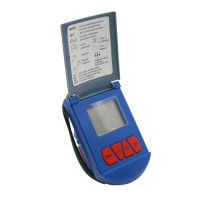
G75 IrrigationWindow Controller
11
screen (Str). Set this screen to 08:00. End screen then
appears. Set End to 18:00. The next screen is the ON
screen (Duration Time). Set this to 01 (minutes). The
OFF (Interval) screen should be set to 0:30. Each day of
the week should then be selected on the next screen.
The Controller is now programmed and will turn on the
system for one minute, every half-hour, between 8:00 in
the morning and 18:00 at night, until the Controller is
turned OFF, or the program is changed.


 To Next Page