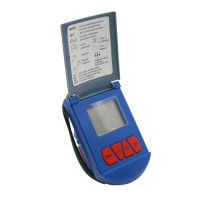
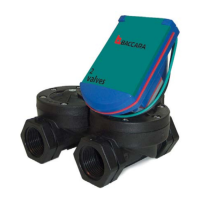
G75 Irrigation Window Controller
13
Battery Installation
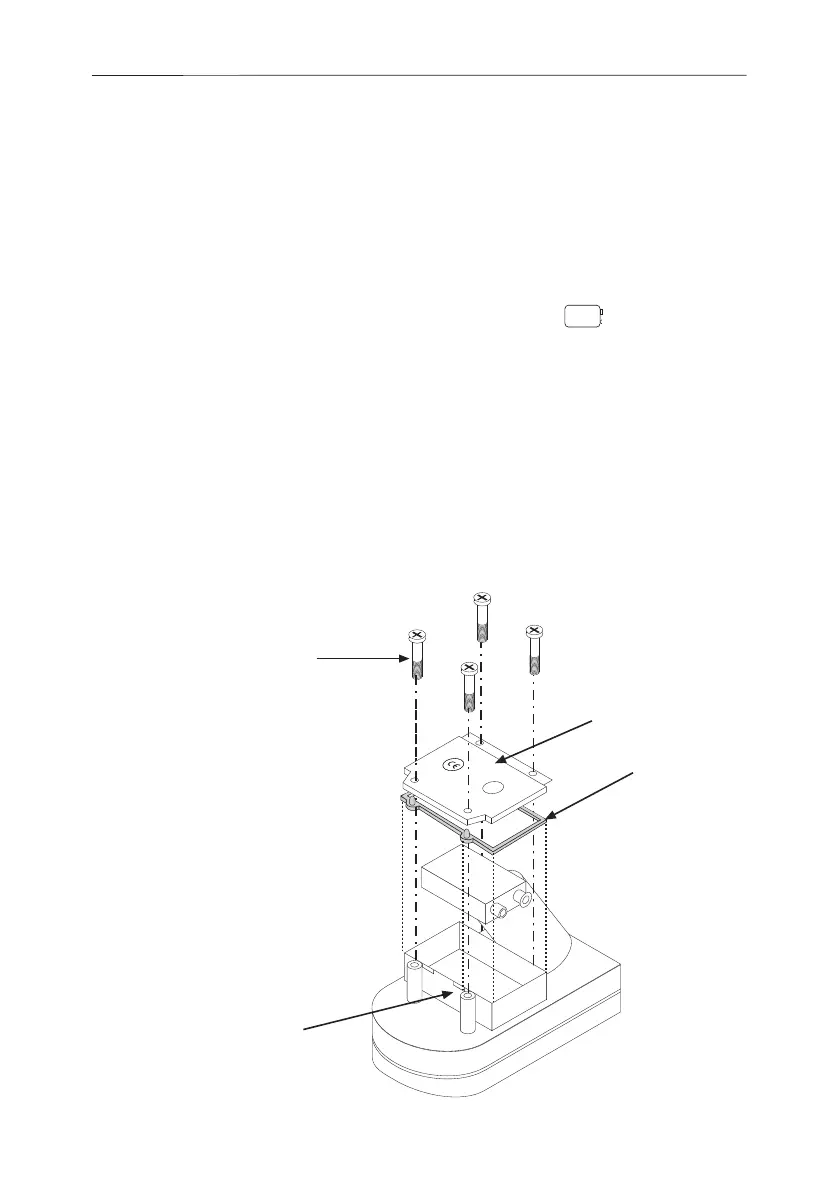
Replace the battery at the start of each irrigation
season and when the low battery symbol appears.
1. Using a Phillips screwdriver, remove the
four battery cover screws.
2. Remove the battery cover and seal.
3. Replace the battery.
4. After reattaching the seal, put the cover back,
and secure with the four screws.
Maintenance and
Troubleshooting
Seal
Battery cover
Screws
When replacing
seal, push seal tabs
into slots.


 To Next Page