Page 26
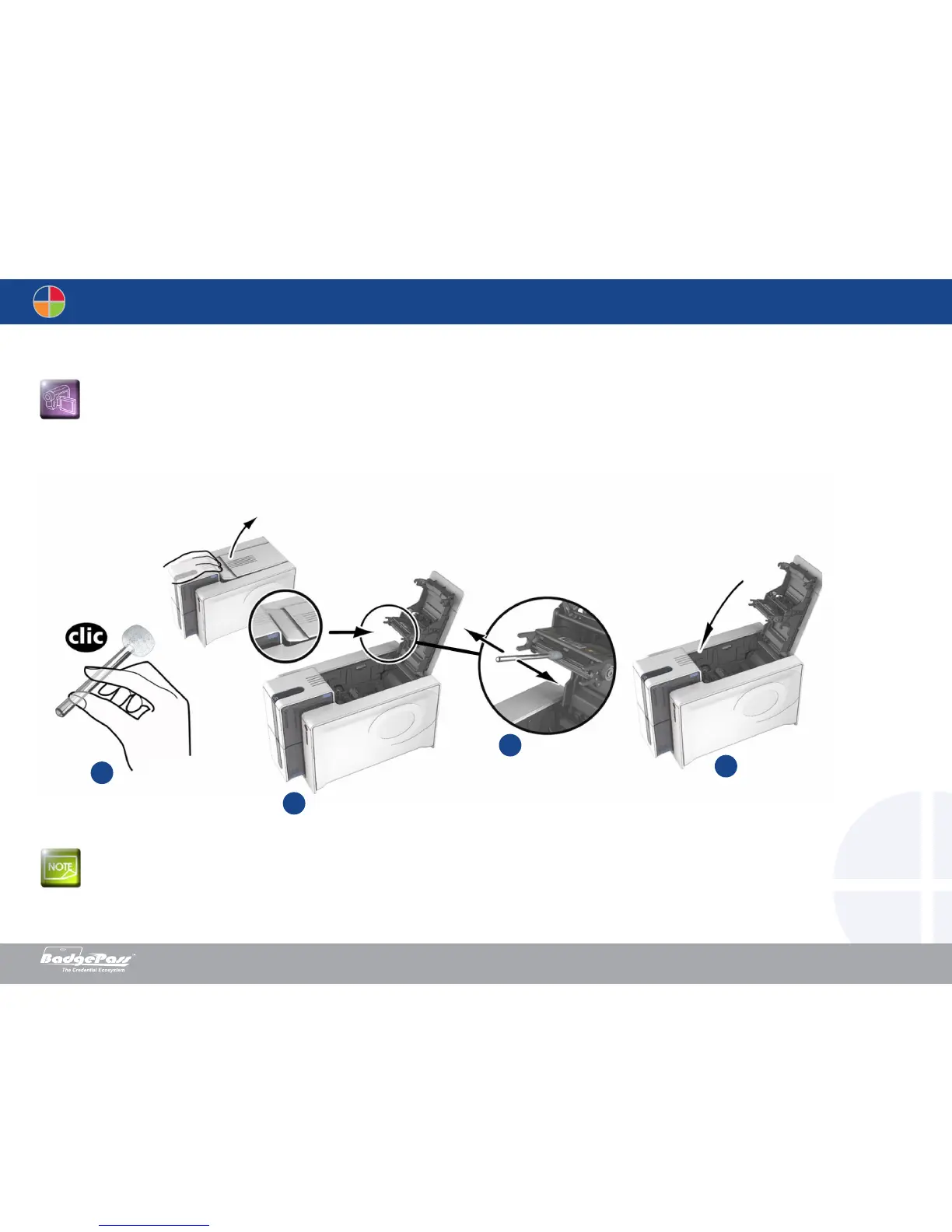
1. Open the printer cover.
2. Remove the ribbon as shown on the diagram.
3. Close the cover and check it has clicked shut.
4. Open the feeder of the printer.
Follow the procedure below:
Wait for 2 minutes after cleaning before using your printer.
2
1
4
3
Document History
BadgePass NXT5000 USER GUIDE



 To Next Page